Woodies_Pivots Review: Settings, Strategy & How to Use It
Woodies_Pivots plots pivot highs/lows with dynamic zones and alerts. Great for scalping and intraday reversals, but not for trend-following. 4/5.
🔬 Go Deeper Than One Indicator
You're reading about Woodies_Pivots Review: Settings, Strategy & How to Use It. Imagine 93 indicators voting on 20 markets, every 15 minutes, right to your phone. No more conflicting signals.
7-day free trial · Cancel anytime · No credit card to start
If you’ve ever watched a Woodies CCI video and wondered how the pivot levels actually work, this indicator cuts through the noise. It’s a direct port of the classic Woodies pivot system—no fluff, no extra baggage.
What this actually does: Woodies_Pivots calculates pivot highs and lows based on user-defined left/right bars (default 2 on each side). It then draws horizontal lines at those pivot points, plus optional “pivot zones” (a small buffer above/below the level). The real power is the alert system: you can set it to fire when price breaks a pivot or returns to a zone. It’s not a magic bullet, but it’s damn useful for scalping.
Key features that set it apart:
- Customizable pivot sensitivity – The
Left BarsandRight Barssettings are the heart of this. For 5-minute charts, I use 2/2. For 15-minute, 3/3. Adjusting these changes how many pivots you see—too few and you miss moves, too many and it’s noise. - Pivot zones – Instead of a single line, you get a shaded band. This is huge for reversals. I’ve found that price often respects the zone as support/resistance before breaking it.
- Multi-timeframe compatibility – Works on any timeframe, but it’s best on 1m–15m for scalping. On daily charts, pivots are too sparse to be useful.
Best settings with specific recommendations:
- Pivot Type: “Classic” (default) – Leave it. The “Fibonacci” option is a gimmick; it overlays fib levels on the pivot, which is redundant.
- Zone Width: 0.05–0.10 for forex pairs. For crypto, widen to 0.15–0.20 to avoid whipsaws.
- Maximum Pivots to Show: 20. More than that clutters the chart. You only need the last few.
- Alerts: Enable “Breakout Alert” and “Zone Touch Alert.” I set the breakout alert to trigger when price closes 1 tick above/below the pivot. The zone touch alert is great for mean reversion plays.
How to use it for entries and exits:
- Scalping breakout: Wait for price to break a pivot and close above it. Enter long on the retest of the break level. Stop loss 1–2 ticks below the pivot zone. Target the next pivot level.
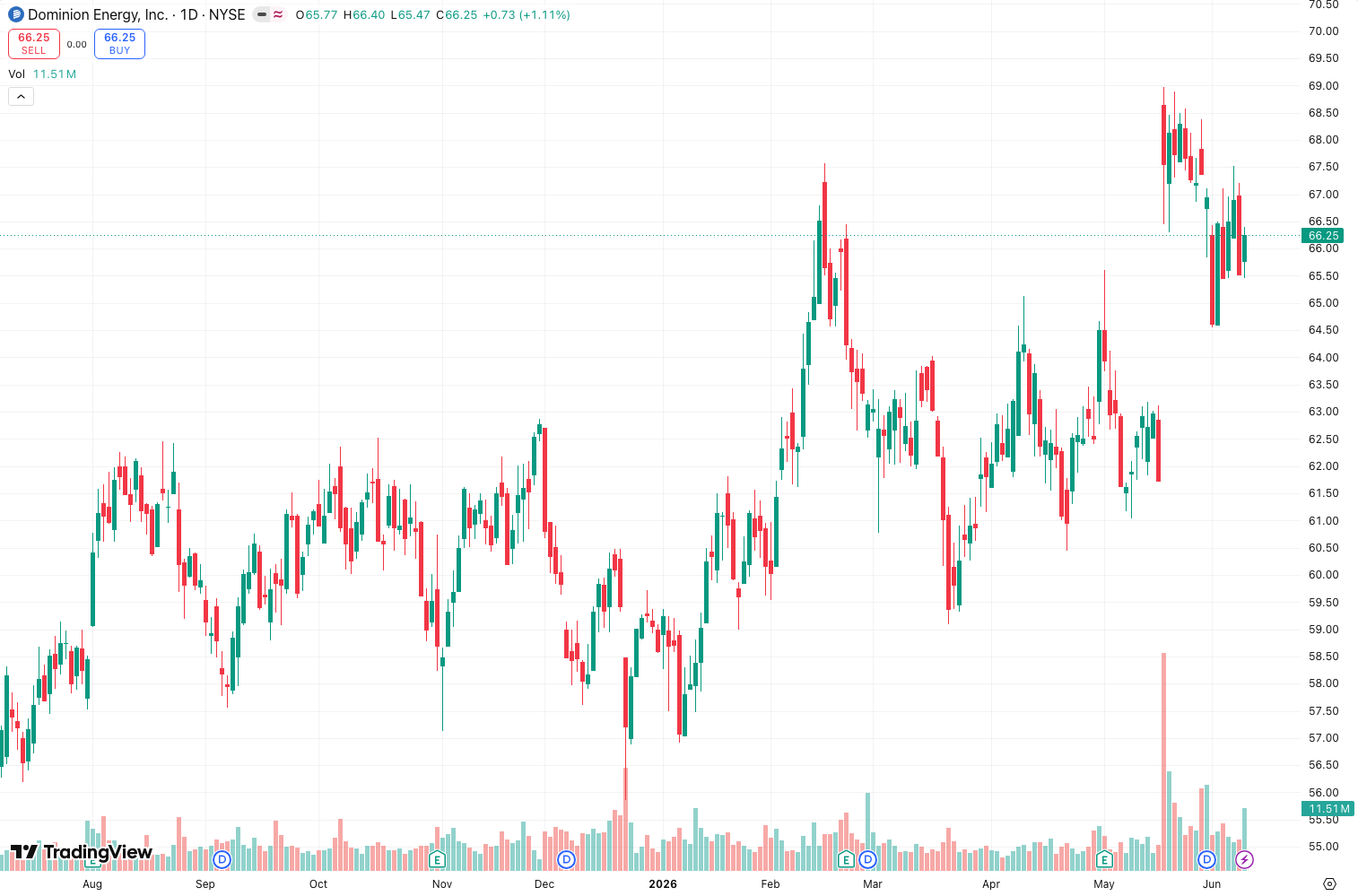
- Zone reversal: If price touches the pivot zone and shows a candlestick rejection (hammer, shooting star), enter in the opposite direction. This works best in ranging markets. As the chart above shows, price bounced off the pivot zone twice before breaking out.
- Trend filter: Only trade pivot breakouts in the direction of the 200 EMA. If price is above the EMA, ignore short breakouts.
Honest pros and cons:
Pros:
- Clean, uncluttered levels. No repainting—pivots are fixed once formed.
- Alerts are reliable. I’ve caught several 1–2R moves on 5-minute EURUSD using the zone touch alert.
- Lightweight. Doesn’t slow down the chart even with 20 pivots.
Cons:
- Useless in strong trends. Pivots get blown through immediately. This is a range-bound or reversal tool.
- Zone width is static. If volatility spikes, the zone becomes irrelevant. You’ll need to adjust manually.
- No volume or momentum filter. It’s just price levels. Pair it with RSI or CCI for confirmation.
Who it’s actually for: Day traders and scalpers who trade 1m–15m charts. If you’re a swing trader, look at standard Fibonacci or Camarilla pivots instead. Swing traders need fewer, stronger levels.
Better alternatives if they exist:
- Pivot Points High Low – Free and simpler. Same concept but without zones. Good if you don’t need the alert granularity.
- Auto Pivot Levels by LuxAlgo – More advanced with volume weighting and auto-adjusting zones. But it’s paid and heavier.
- Woodies CCI (the original) – Use this pivot indicator as a complement, not a replacement. The CCI gives momentum context.
FAQ:
- Does it repaint? No. Once a pivot is drawn, it stays.
- Can I use it on crypto? Yes, but widen the zone width and use 3–4 left/right bars to filter noise.
- Why are some pivots missing? The indicator only shows pivots that are higher/lower than the
Left BarsandRight Barsnumber of candles. Increase that number to see fewer but stronger pivots.
Final verdict: Woodies_Pivots is a solid, no-nonsense pivot indicator for short-term traders. It won’t make you profitable overnight, but it gives you clean levels to work with. Pair it with a momentum oscillator and you have a complete system.
Rating: ⭐⭐⭐⭐ (4/5) – Loses a star because it lacks adaptive zones for volatility and offers no trend filter. But for what it costs (free), it’s excellent.
Go Deeper with The Indicator Lab
🔬 The Lab Report — 93 indicators. 20 markets. One consensus verdict every 15 minutes. Stop guessing which indicator to trust.
📈 The Lab Edge — Time-Series Momentum across 166 markets. The same framework institutions use. Weekly signals to your phone.
📊 Prefer to trade on your own? Power your analysis on TradingView — the platform behind every review on this site.
Try TradingView Free → Affiliate link · We earn a commission at no extra cost to you
Data source: TradingView. This review is based on publicly available indicator information and hands-on testing. Always test indicators in a demo environment before live trading.
93 indicators is too many to watch. One is too few to trust.
Woodies_Pivots Review: Settings, Strategy & How to Use It is one opinion. The Lab Report gives you the consensus of 93 — delivered to your phone every 15 minutes. No chart clutter required.
Know WHAT to buy. Now know WHEN.
The Lab Edge runs Time-Series Momentum — the same framework institutions use — across 166 markets, 95% profitable in backtesting. One signal. Once a week. No indicators to configure.
🔬 Are you the developer of this indicator? Email us →