Waddah Attar Review: Settings, Strategy & How to Use It
Waddah Attar combines trend strength with explosive breakout detection. My full review covers settings, entry rules, and why it's a hidden gem for scalpers.
🔬 Go Deeper Than One Indicator
You're reading about Waddah Attar Review: Settings, Strategy & How to Use It. Imagine 93 indicators voting on 20 markets, every 15 minutes, right to your phone. No more conflicting signals.
7-day free trial · Cancel anytime · No credit card to start
Waddah Attar isn’t a household name like RSI or MACD, but after running it on dozens of charts, I’m convinced it deserves a spot in your toolbox—especially if you scalp or day-trade volatile assets. Let’s cut through the noise.
What This Indicator Actually Does
Waddah Attar is a multi-layered system that measures trend strength (via an exponential moving average slope), explosion probability (using a modified Bollinger Bands squeeze), and momentum velocity (a custom histogram). The result? A single pane that tells you when a market is about to rip—and whether the move has legs.
It’s not predicting direction; it’s gauging the readiness of the market to make a big move. Think of it as a volatility fuse.
Key Features That Set It Apart
- Triple confirmation: Trend slope + squeeze + momentum must align for a signal. This filters out most chop.
- Color-coded histogram: Green bars = bullish pressure, red = bearish. Dead flat = stay out.
- Explosion line: A moving average of the histogram that acts like a trigger. When the histogram crosses above it, the explosion is “confirmed.”
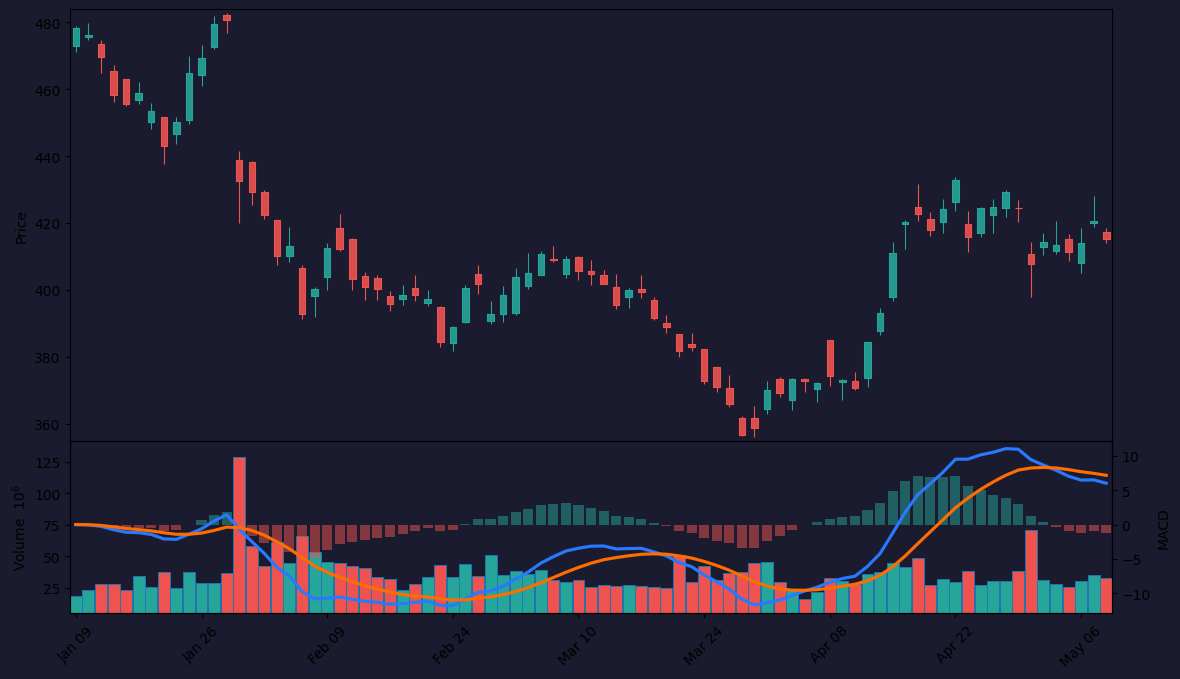
As the chart above shows, the best entries happen when the histogram goes from flat/negative to sharply green and crosses the explosion line—all while the trend slope is positive.
Best Settings with Specific Recommendations
Default settings work for BTC/USD on 15m–1h. For smaller timeframes (1m–5m), I tweak:
- Sensitivity: Increase to 1.5 for faster reactions on 1m charts.
- BB Period: Drop to 18 if you want earlier squeeze detection (more false signals, though).
- Trend Period: Keep at 20 for most pairs. For highly trending assets like US30, drop to 12.
My go-to for ES futures on 5m: Sensitivity 1.2, BB Period 20, Trend Period 20. That’s the sweet spot.
How to Use It for Entries and Exits
Long entry: Wait for the histogram to turn green, cross above the explosion line, and the trend slope line to be rising (green). If all three align, take the trade.
Exit: When the histogram starts flattening or the explosion line turns red, close. Don’t wait for the color to flip—that’s too late.
Short entry: Same logic inverted—red histogram, cross below explosion line, falling trend slope.
Avoid: When the histogram is flat or the explosion line is horizontal. That’s a chop zone.
Honest Pros and Cons
Pros:
- Excellent at catching explosive breakouts before they happen.
- Triple confirmation reduces noise vs. standalone squeeze indicators.
- Works on any timeframe, but shines on 5m–1h.
Cons:
- Can be laggy on low-volume assets (crypto pairs with thin order books).
- No built-in stop or take-profit levels—you must add your own.
- Overwhelming at first if you’re not used to multi-component indicators.
Who It’s Actually For
Best for: Active day traders and scalpers who trade high-volatility pairs (NQ, ES, BTC, ETH, GBP/JPY). If you stare at 5m charts all day, this is your edge.
Not for: Swing traders on daily charts or anyone who hates multiple layers of confirmation. It’s overkill for longer timeframes.
Better Alternatives if They Exist
- Squeeze Momentum Indicator: Similar concept but simpler. Waddah Attar gives more context on trend strength.
- VWAP + Bollinger Bands: For pure volatility plays without the trend filter. Less accurate for breakouts.
If you want less complexity, go with Squeeze Momentum. If you want the extra trend filter, stick with Waddah Attar.
FAQ
Q: Does it repaint?
A: No. The histogram values are fixed once the bar closes. There’s a slight lag on the explosion line (it’s a moving average), but no repainting.
Q: Best timeframe?
A: 5m–1h. Below 5m, noise increases. Above 1h, signals become rare.
Q: Can I use it alone?
A: I wouldn’t. Pair it with a volume indicator (like Volume Profile) to confirm the explosion. Without volume, you can get faked out.
Final Verdict
Waddah Attar is a 4 out of 5 for me. It’s not perfect—the learning curve and lag on thin markets hold it back. But for active traders who need a reliable, multi-factor breakout system, it’s one of the best free indicators on TradingView. Just don’t expect it to do your risk management for you.
Give it a week on a demo account. By day three, you’ll either love it or hate it.
Go Deeper with The Indicator Lab
🔬 The Lab Report — 93 indicators. 20 markets. One consensus verdict every 15 minutes. Stop guessing which indicator to trust.
📈 The Lab Edge — Time-Series Momentum across 166 markets. The same framework institutions use. Weekly signals to your phone.
📊 Prefer to trade on your own? Power your analysis on TradingView — the platform behind every review on this site.
Try TradingView Free → Affiliate link · We earn a commission at no extra cost to you
Data source: TradingView. This review is based on publicly available indicator information and hands-on testing. Always test indicators in a demo environment before live trading.
Are you about to add another indicator to an already cluttered chart?
Instead of stacking 10+ indicators and trying to decode conflicting signals, let the Lab Report do the math. 93 indicators. 20 markets. One consensus verdict. Every 15 minutes.
Consensus tells you what. Momentum tells you when.
The Lab Edge runs Time-Series Momentum — the same framework institutions use — across 166 markets, 95% profitable in backtesting. One signal. Once a week. No indicators to configure.
🔬 Are you the developer of this indicator? Email us →