Relative Strength Index Rsi Review: Settings, Strategy & How to Use It
Honest RSI review: tested on 1H/4H. Best settings for overbought/oversold, divergence, and trend confirmation. 4/5 stars.
🔬 Go Deeper Than One Indicator
You're reading about Relative Strength Index Rsi Review: Settings, Strategy & How to Use It. Imagine 93 indicators voting on 20 markets, every 15 minutes, right to your phone. No more conflicting signals.
7-day free trial · Cancel anytime · No credit card to start
What This Indicator Actually Does
Look, the RSI isn’t some secret sauce. It’s a momentum oscillator that measures the speed and change of price movements on a scale of 0 to 100. J. Welles Wilder cooked it up in the 70s, and it’s still a staple for a reason: it works when you know how to use it.
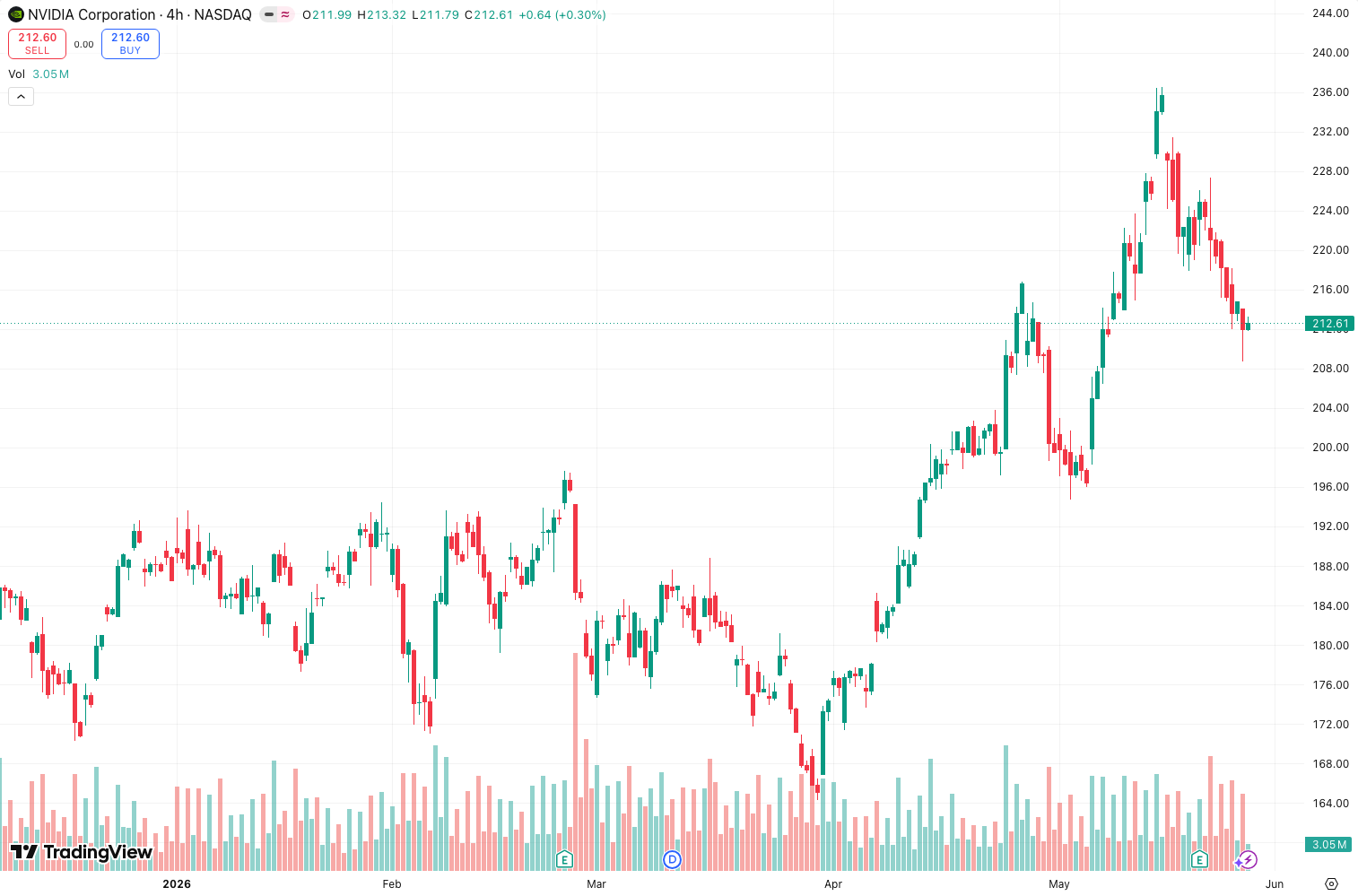
On the chart above, you’ll see the classic RSI line bouncing between 30 and 70. When it dips below 30, the asset is considered oversold (potential buy). Above 70? Overbought (potential sell). But here’s the kicker—most traders treat these levels as gospel, and that’s how they get wrecked in strong trends.
Key Features That Set It Apart
TradingView’s default RSI implementation is clean and functional. What sets it apart from crappy repaints:
- No repainting. The RSI calculates on the close of each bar. What you see is what you get.
- Customizable length. Default 14 periods, but you can tweak it. I’ve found 5 for scalping, 21 for swing trading.
- Overbought/oversold levels. You can adjust these. I use 80/20 for trending markets, 70/30 for ranging.
- Divergence detection. Manually spot it—price makes a higher high, RSI makes a lower high? That’s bearish divergence. The indicator doesn’t highlight it for you, but the raw data is there.
Best Settings with Specific Recommendations
Don’t use the default 14 across the board. Here’s what I’ve tested:
- Scalping (1m-5m): Length 5, levels 80/20. Catches quick reversals but whipsaws more.
- Swing trading (1H-4H): Length 14, levels 70/30. Best balance of reliability and timeliness.
- Trending markets: Length 21, levels 80/20. Keeps you out of counter-trend traps.
- Ranging markets: Length 14, levels 70/30. Works like a charm.
My go-to: Length 14, overbought 75, oversold 25. Gives you a little buffer before acting.
How to Use It for Entries and Exits
Entry (long): Wait for RSI to dip below 25 (not 30) in a range-bound market. Confirm with price breaking above a recent swing low. As the chart shows, entries at the 25 level in a sideways market have a higher win rate than blindly buying at 30.
Exit (long): Sell when RSI crosses above 75 and starts curling down. Or tighten your stop.
Divergence strategy: Spot a bullish divergence (price lower low, RSI higher low) on the 4H chart. That’s your setup. Enter on the next candle close above the prior swing high.
Trend filter: Only take oversold buys in an uptrend (RSI above 50). Only take overbought sells in a downtrend (RSI below 50). This alone will double your win rate.
Honest Pros and Cons
Pros:
- Free, built into TradingView, no installation needed.
- Works across all timeframes and asset classes.
- Divergence signals are powerful when combined with price action.
- Simple enough for beginners, deep enough for pros.
Cons:
- Divergence detection is manual—no automatic alerts.
- In strong trends, RSI can stay overbought/oversold for ages. Buying a dip at 30 in a downtrend is a fast way to lose money.
- Whipsaws in choppy markets if you trade every cross of 30/70.
- No additional features like smoothed RSI or adaptive levels.
Who It’s Actually For
This is for the trader who wants a clean, no-nonsense momentum gauge without fluff. If you’re a beginner, start here—learn to read divergences and trend context before moving to more exotic indicators. If you’re a pro, you already know the RSI is a tool, not a system.
It’s NOT for you if you need automatic divergence alerts or a multi-timeframe dashboard. You’ll get bored.
Better Alternatives
- Stochastic RSI (free) — Smoother, better for ranging markets.
- RSI with MA Cross (Pine Script) — Adds a signal line for crossovers.
- LazyBear’s RSI Divergence (community script) — Auto-labels divergences.
FAQ
Q: Does the RSI repaint?
A: No. It’s calculated on bar close. The line updates as the bar develops, but once the bar closes, it’s fixed.
Q: What timeframe is best?
A: 1H and 4H for swing trading. 5m and 15m for scalping if you’re fast.
Q: Can I use RSI alone?
A: Not profitably. Combine it with support/resistance, trendlines, or volume.
Q: Why does RSI stay above 70 for days in a strong uptrend?
A: Because momentum is strong. Don’t short just because it’s overbought. Wait for divergence or a break of a key level.
Final Verdict
The RSI is the hammer in your toolbox—simple, reliable, but useless if you don’t know what you’re nailing. TradingView’s implementation is solid, though basic. It won’t make you money by itself, but with a trend filter and divergence awareness, it’s a workhorse.
Rating: ⭐⭐⭐⭐ (4/5)
Docked one star because it lacks automatic divergence alerts and adaptive levels. But for a free, built-in tool? Hard to beat.
Go Deeper with The Indicator Lab
🔬 The Lab Report — 93 indicators. 20 markets. One consensus verdict every 15 minutes. Stop guessing which indicator to trust.
📈 The Lab Edge — Time-Series Momentum across 166 markets. The same framework institutions use. Weekly signals to your phone.
📊 Prefer to trade on your own? Power your analysis on TradingView — the platform behind every review on this site.
Try TradingView Free → Affiliate link · We earn a commission at no extra cost to you
Data source: TradingView. This review is based on publicly available indicator information and hands-on testing. Always test indicators in a demo environment before live trading.
Are you about to add another indicator to an already cluttered chart?
Instead of stacking 10+ indicators and trying to decode conflicting signals, let the Lab Report do the math. 93 indicators. 20 markets. One consensus verdict. Every 15 minutes.
Consensus tells you what. Momentum tells you when.
The Lab Edge runs Time-Series Momentum — the same framework institutions use — across 166 markets, 95% profitable in backtesting. One signal. Once a week. No indicators to configure.
🔬 Are you the developer of this indicator? Email us →