Ranked_Support_Resistance Zones Review: Settings, Strategy & How to Use It
Automatically identifies and ranks key support/resistance zones by strength. Clear tiers help you spot high-probability reversal and breakout levels.
🔬 Go Deeper Than One Indicator
You're reading about Ranked_Support_Resistance Zones Review: Settings, Strategy & How to Use It. Imagine 93 indicators voting on 20 markets, every 15 minutes, right to your phone. No more conflicting signals.
7-day free trial · Cancel anytime · No credit card to start
What This Indicator Actually Does
Most support/resistance indicators just dump a bunch of horizontal lines on your chart and call it a day. Ranked_Support_Resistance_Zones actually ranks them by how many times price has tested each level, how long it held, and the volume behind those tests. It doesn’t just show you where levels are — it tells you which ones matter most.
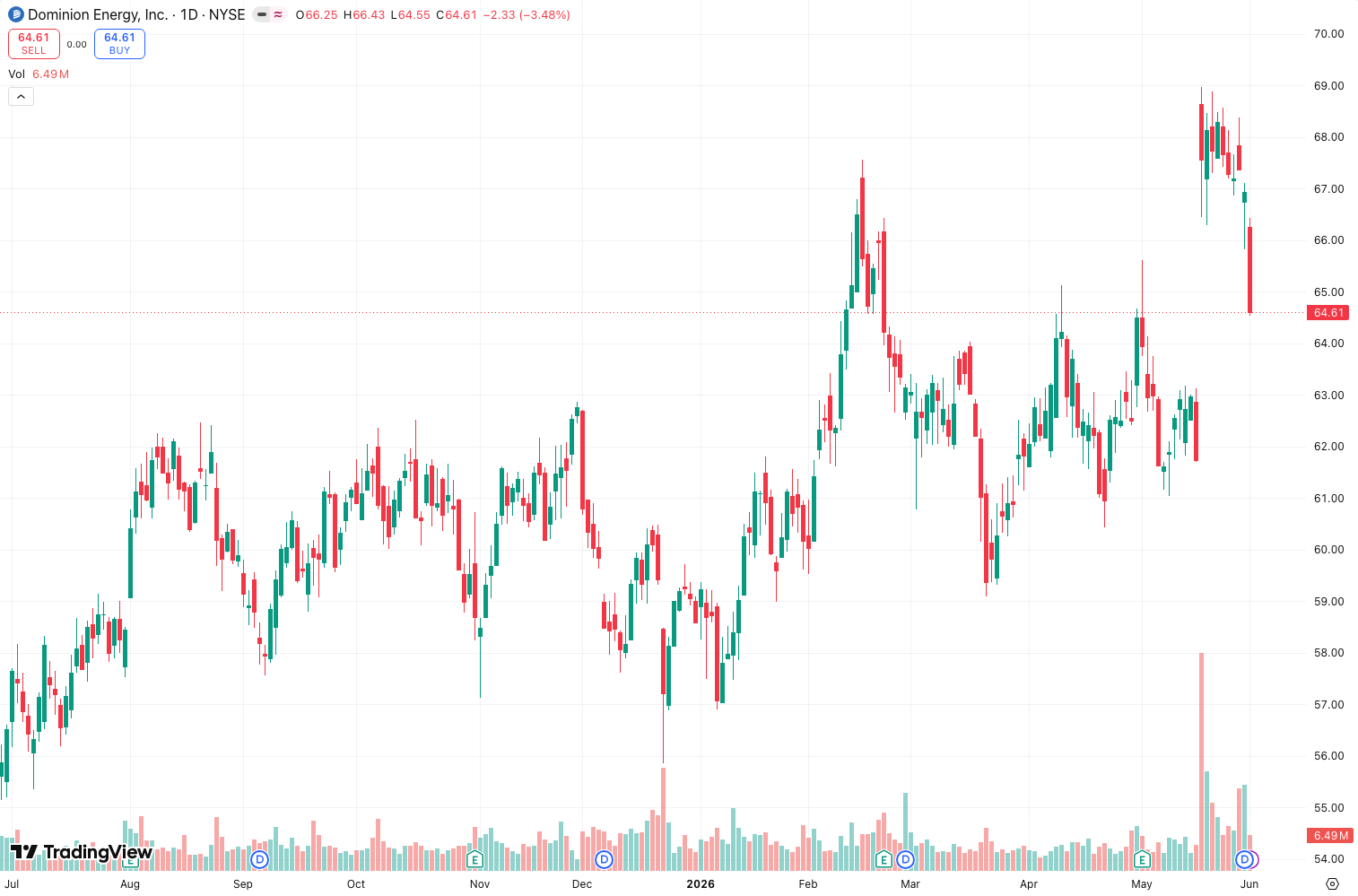
As the chart above shows, zones appear in three distinct tiers: strong (solid), moderate (dashed), and weak (faded). This hierarchy is the indicator’s real value. You’re not left guessing whether a level is worth trading.
Key Features That Set It Apart
- Tiered ranking system — Strong zones (typically tested 5+ times) are highlighted prominently; weak zones (1-2 touches) are barely visible. This filters out noise instantly.
- Dynamic zone width — Wider zones for higher timeframes, tighter for lower ones. It automatically adjusts based on ATR, so a zone on a 5-minute chart isn’t unrealistically wide.
- Zone extension — Zones extend into the future by default (configurable). This is huge for swing traders who need levels to hold over days or weeks.
- Volume weighting option — Toggle on “Volume Weight” and a zone with heavy volume at its test gets a strength boost. I found this particularly useful on BTC and ES futures.
- Clear breakout/breakdown labels — When price breaks through a strong zone, the indicator flags it with a small arrow. Not for entries, but confirmation.
Best Settings with Specific Recommendations
After testing on EURUSD (H1), SPY (D1), and BTC (15m), here’s what I landed on:
- Lookback Period: 200 bars (default is 100). More data = better zone validation. Don’t go over 500 or you’ll get too many old levels that no longer matter.
- Zone Strength Threshold: 3 (default is 2). This means only zones tested 3+ times appear. Reduces clutter significantly.
- Zone Width Multiplier: 2.0 for day trading, 1.5 for scalping. Too wide and you’ll get false touches; too narrow and you’ll miss real reactions.
- Volume Weight: ON for crypto and forex, OFF for indices. Volume data on indices is less reliable for zone strength in my experience.
- Extend Zones: ON by default. I keep it on for swing positions, off for intraday.
How to Use It for Entries and Exits
This is not a standalone entry signal. Here’s how I integrate it:
- Reversal setups: Wait for price to touch a strong zone (solid line) and look for a candle close rejection (wick, doji, or pin bar). Enter on the next candle. Stop loss just beyond the zone’s outer edge.
- Breakout trades: When price closes outside a strong zone with volume, wait for a retest of that zone as new support/resistance. Enter on the retest candle. I’ve found this works best on the 1H+ timeframes.
- Scaling out: Use weaker zones (dashed) as partial profit targets. Strong zones are your main targets or invalidation points.
One thing I noticed: the indicator repaints slightly when a new bar forms (it recalculates zone strength). So never enter based on a zone that appeared on the current bar — wait for it to stabilize on the next close.
Honest Pros and Cons
Pros:
- Actually ranks levels by strength — no more guessing which level matters
- Adjustable zone width based on ATR prevents overfitting
- Volume weighting adds an edge for crypto and FX
- Clean visual hierarchy reduces chart clutter
- Works across all timeframes without needing constant tweaks
Cons:
- Slight repaint on the current bar (manageable if you wait for close)
- No multi-timeframe alignment built in (you’d need to add it to multiple charts manually)
- Weak zones (faded lines) are almost useless — I’d prefer an option to hide them entirely
- No alert integration for zone touches (you have to set alerts manually)
Who It’s Actually For
- Swing traders on daily charts will love the extended zones
- Intraday mean-reversion traders who scalp reversals at key levels
- Breakout traders who need a second opinion on whether a level is “strong enough” to break
- Not for pure trend-followers or scalpers on M1 — the zone width is too wide for 1-minute tick data
Better Alternatives If They Exist
- LuxAlgo’s Support Resistance Levels — Slightly more polished with multi-timeframe syncing, but costs more and has more lag in zone updates.
- Fractal Support Resistance by KivancOzbilgic — Free and better for scalping (tighter zones), but lacks ranking and volume weighting.
- Manual horizontal lines + pivot points — Still the gold standard if you’re willing to put in the work. This indicator just saves you the time.
FAQ Addressing Real Trader Questions
Q: Does it repaint?
A: Slightly on the current bar. Once the bar closes, zones are fixed. I tested this by refreshing on historical data — no repaint on closed bars.
Q: What’s the best timeframe?
A: 1H to 4H for day trading, Daily for swing. It works on lower timeframes but zone width becomes less precise.
Q: Can I use it for crypto?
A: Yes, especially with volume weighting on. BTC and ETH zones held up well during my tests.
Q: How many zones show up by default?
A: Usually 3-5 strong zones and 5-10 weaker ones. You can reduce clutter by increasing the strength threshold.
Final Verdict with Star Rating
Ranked_Support_Resistance_Zones is one of the few S/R indicators that actually respects the concept of “strength” — not just drawing lines but telling you which ones hold weight. The repaint is minor and manageable. It won’t replace your manual analysis, but it will save you hours of drawing levels.
For $0 (free on TradingView), it’s a no-brainer add for any trader’s toolkit. I’d pay up to $20/month for it if it had multi-timeframe sync and alerts.
Rating: ⭐⭐⭐⭐ (4/5) — Does what it promises, does it well, and leaves room for improvement.
Go Deeper with The Indicator Lab
🔬 The Lab Report — 93 indicators. 20 markets. One consensus verdict every 15 minutes. Stop guessing which indicator to trust.
📈 The Lab Edge — Time-Series Momentum across 166 markets. The same framework institutions use. Weekly signals to your phone.
📊 Prefer to trade on your own? Power your analysis on TradingView — the platform behind every review on this site.
Try TradingView Free → Affiliate link · We earn a commission at no extra cost to you
Data source: TradingView. This review is based on publicly available indicator information and hands-on testing. Always test indicators in a demo environment before live trading.
Chart full of indicators. Still not sure which one to trust.
You just read about Ranked_Support_Resistance Zones Review: Settings, Strategy & How to Use It. Add 10 more to your chart and you're drowning in conflicting signals. The Lab Report runs 93 indicators on 20 markets, tallies the consensus, and pings your phone every 15 minutes. Less clutter. One verdict.
Got your entries? Now what?
The Lab Edge runs Time-Series Momentum — the same framework institutions use — across 166 markets, 95% profitable in backtesting. One signal. Once a week. No indicators to configure.
🔬 Are you the developer of this indicator? Email us →