Pivot Points Standard Review: Settings, Strategy & How to Use It
A solid, no-frills pivot point calculator. Works as advertised, but nothing you can't draw yourself. Decent for quick S/R levels on daily charts.
🔬 Go Deeper Than One Indicator
You're reading about Pivot Points Standard Review: Settings, Strategy & How to Use It. Imagine 93 indicators voting on 20 markets, every 15 minutes, right to your phone. No more conflicting signals.
7-day free trial · Cancel anytime · No credit card to start
Pivot Points Standard is one of those indicators you install, glance at, and realize you’ve seen it a hundred times. It calculates the classic floor pivot levels — Pivot, R1–R3, S1–S3 — based on the previous period’s high, low, and close. No AI, no adaptive lines, no fancy volatility bands. Just raw math.
If you’re new to TradingView and want pivot points without the clutter, this does the job. But if you’ve been around the block, you’ll likely find it… basic.
What this indicator actually does
It plots horizontal lines at predefined levels. That’s it. The pivot is the average of high, low, and close from the prior period. Resistance (R1, R2, R3) and Support (S1, S2, S3) are calculated using the standard formulas:
- R3 = High + 2*(Pivot – Low)
- S3 = Low – 2*(High – Pivot)
You can switch between daily, weekly, or monthly timeframes. The lines are color-coded and you can adjust their thickness and transparency. Nothing groundbreaking — but it’s clean and fast.
Key features that set it apart
Honestly? Not much. But there are two things worth mentioning:
- Multi-timeframe support – You can set the calculation to daily, weekly, or monthly while viewing a lower timeframe chart. That’s useful for intraday traders who want weekly levels on a 15-minute chart.
- Clean labeling – The levels are labeled clearly (R1, Pivot, S1, etc.) and you can toggle visibility per level. It’s simple, but some pivot indicators clutter the chart with extra lines or annotations.
That’s the list. It doesn’t auto-detect breakouts, calculate sentiment, or give you entry signals. It’s a ruler, not a compass.
Best settings with specific recommendations
In the settings, you have three main options:
- Calculation timeframe: Set to
Dailyfor intraday use,Weeklyfor swing trades, orMonthlyfor long-term support/resistance zones. - Line style & color: I keep R1–R3 in red tones (dashed for R2, solid for R3) and S1–S3 in green. Pivot gets a thicker yellow line. This prevents visual overload.
- Show only pivot: If you only want the central pivot line, uncheck all support/resistance levels. Useful if you’re combining it with other indicators.
My go-to: Daily calculation, show all levels, R2 and S2 as dashed lines, S3 and R3 hidden (they rarely get hit in normal conditions). This keeps the chart readable.
How to use it for entries and exits
Pivot points are reactive, not predictive. Here’s the most reliable way I’ve used them:
- Bounce off Pivot: If price pulls back to the daily pivot and shows a bullish candlestick pattern (hammer, engulfing) with volume, I take a long. Stop loss below the pivot. Target R1.
- Break of R1 with retest: If price breaks above R1 and then retests it as support, that’s a continuation entry. Target R2.
- S1 as floor: In a downtrend, if price hits S1 and forms a bullish divergence on RSI, I look for a scalp back to the pivot.
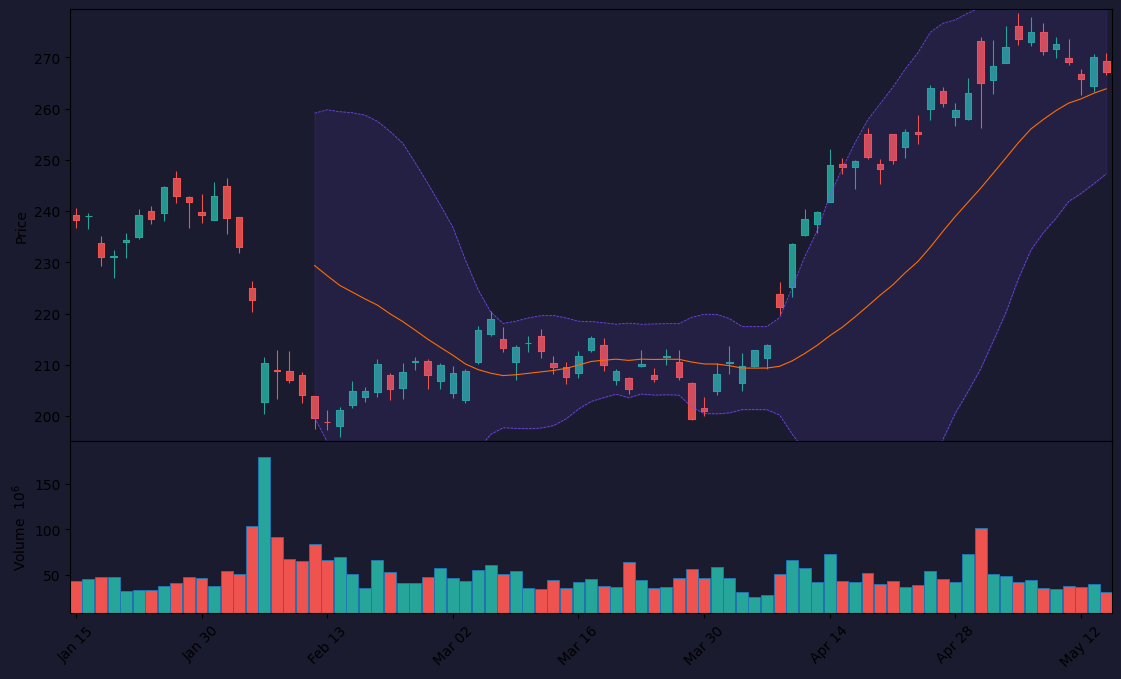
Don’t use them as hard stop-loss levels. They’re zones, not exact lines. On the chart above, you can see price often wicks through S1 before reversing — wait for confirmation.
Honest pros and cons
Pros:
- Zero learning curve. Install, set timeframe, done.
- Lightweight — doesn’t slow down your chart even on 100+ symbols.
- Multi-timeframe calculation is genuinely useful for day traders.
- Free. No premium version nonsense.
Cons:
- Static and basic. You could calculate these levels in your head or on a spreadsheet.
- No auto-update for extended trading hours. If you trade crypto or forex 24/5, the daily high/low reset time matters — this indicator doesn’t handle that gracefully.
- No volume-weighted pivots, no Fibonacci extensions. Nothing modern.
- Can be misleading in ranging markets. Levels get hit multiple times, losing their significance fast.
Who it’s actually for
- Beginners learning about support/resistance and pivot calculations.
- Day traders who want a quick visual reference for daily levels without thinking.
- Swing traders using weekly pivots to frame their trades.
It’s not for:
- Traders who need adaptive or volatility-adjusted levels.
- Anyone using 5-minute charts for scalping — the levels become noise.
- Traders who already know how to draw horizontal lines manually.
Better alternatives if they exist
- Pivot Points High Low (by LuxAlgo) – Same concept but with volume-weighted calculations and auto-drawn extensions. More accurate on 24/5 markets.
- VWAP + Pivot Zones – Combines volume profile with pivot levels. Better for intraday.
- Standard Pivot Points (by QuantNomad) – Similar to this, but allows custom formulas and multi-timeframe display with more styling options.
If you want the same thing but with modern features, go with LuxAlgo’s version. If you just want plain pivots, this one is fine.
FAQ
Q: Can I use this for crypto?
A: Yes, but be careful. Crypto trades 24/7, so the daily high/low might not reset at midnight UTC. You’ll get different levels depending on your exchange’s session time. This indicator uses TradingView’s session, which may not align.
Q: Does it repaint?
A: No. Once a period closes, the levels are fixed. No repainting.
Q: Can I export the pivot levels?
A: Not directly. You’d need to use the Pine Script console or manually note them.
Q: Is it better than drawing my own horizontal lines?
A: It’s faster, but not better. If you’re disciplined, manual lines give you more control over which levels matter.
Final verdict with star rating
Rating: ⭐⭐⭐ (3/5)
Pivot Points Standard is a utility knife. It does one thing — calculate standard pivot levels — and does it without bugs or surprises. But in a world where indicators can adapt, learn, and filter noise, this one feels like a relic. Install it if you want a clean default pivot plot. Uninstall it if you want anything more.
It’s not bad. It’s just… standard.
Go Deeper with The Indicator Lab
🔬 The Lab Report — 93 indicators. 20 markets. One consensus verdict every 15 minutes. Stop guessing which indicator to trust.
📈 The Lab Edge — Time-Series Momentum across 166 markets. The same framework institutions use. Weekly signals to your phone.
📊 Prefer to trade on your own? Power your analysis on TradingView — the platform behind every review on this site.
Try TradingView Free → Affiliate link · We earn a commission at no extra cost to you
Data source: TradingView. This review is based on publicly available indicator information and hands-on testing. Always test indicators in a demo environment before live trading.
Are you about to add another indicator to an already cluttered chart?
Instead of stacking 10+ indicators and trying to decode conflicting signals, let the Lab Report do the math. 93 indicators. 20 markets. One consensus verdict. Every 15 minutes.
Consensus tells you what. Momentum tells you when.
The Lab Edge runs Time-Series Momentum — the same framework institutions use — across 166 markets, 95% profitable in backtesting. One signal. Once a week. No indicators to configure.
🔬 Are you the developer of this indicator? Email us →