Pivot Points Death Cross Review: Settings, Strategy & How to Use It
Pivot Points Death Cross combines standard pivot levels with a moving average cross system. Honest review: settings, pros/cons, and why it’s a 3/5.
🔬 Go Deeper Than One Indicator
You're reading about Pivot Points Death Cross Review: Settings, Strategy & How to Use It. Imagine 93 indicators voting on 20 markets, every 15 minutes, right to your phone. No more conflicting signals.
7-day free trial · Cancel anytime · No credit card to start
What This Indicator Actually Does
Pivot Points Death Cross is a hybrid tool that slaps two ideas together: classic pivot point levels (R1, R2, S1, S2, etc.) and a moving average crossover trigger. It draws horizontal support/resistance lines based on the previous day’s high, low, and close, then overlays a fast and slow MA. When the fast MA crosses below the slow MA, it plots a “Death Cross” label on the chart. When it crosses above, you get a “Golden Cross.” That’s it.
No magic. No AI. Just pivot levels with a basic momentum filter.
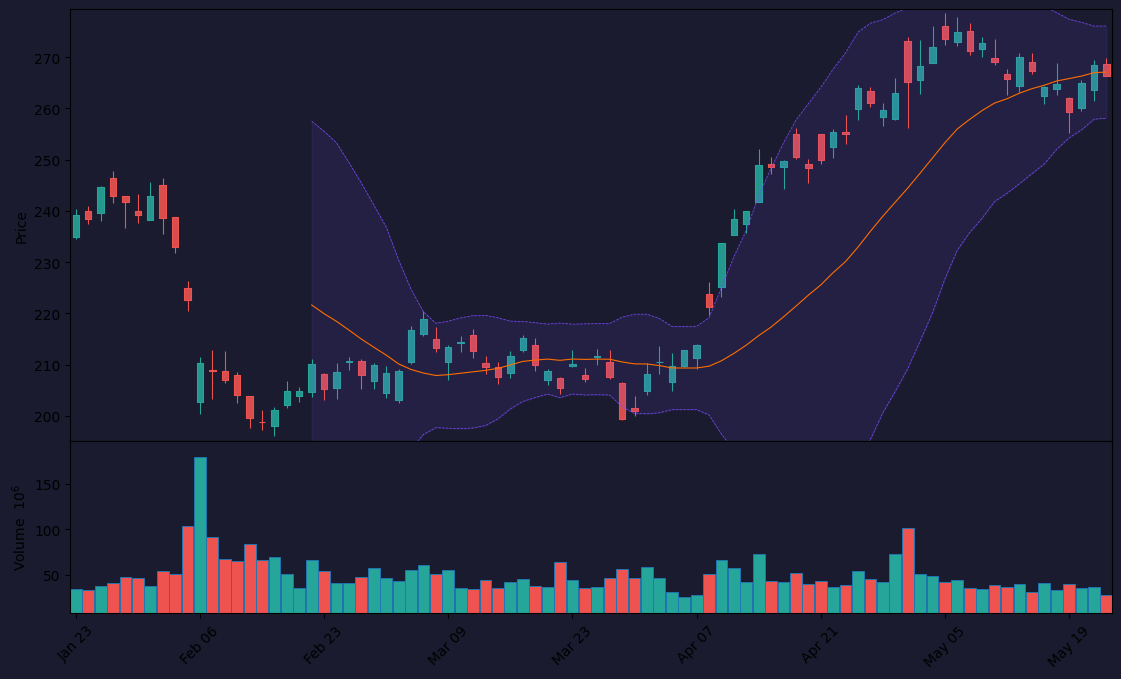
As the chart above shows, the indicator works best on daily or lower timeframes where pivot points actually hold weight. On 1-minute or 5-minute charts, the pivot lines become noise and the cross signals fire constantly—mostly false.
Key Features That Set It Apart
- Dual-layer analysis: Pivot levels for price structure + MA cross for trend direction. It’s not revolutionary, but it’s convenient to have both on one pane.
- Customizable MAs: You can set the fast and slow MA periods. Default is 9 and 21, but I’d recommend 20/50 for daily charts.
- Label alerts: The cross labels are plotted directly on the bar. No separate alert pop-ups unless you set them manually.
- Clean visuals: The pivot lines are thin and don’t clutter the chart too much. You can toggle them on/off.
Best Settings with Specific Recommendations
Start here:
- Timeframe: Daily (1D) or 4-hour (240). Anything lower and the pivots lose meaning.
- Fast MA period: 20
- Slow MA period: 50
- Pivot mode: Standard (uses H/L/C of previous day)
- Show pivot points: Yes, but only R1, R2, S1, S2. R3 and S3 are noise.
If you scalp, try 5-minute but only on high-volatility pairs like ES or NQ. Still, expect 50% false signals.
How to Use It for Entries and Exits
Entry logic:
Wait for a Golden Cross (fast MA above slow MA) AND price to be trading above the daily pivot point (PP). That’s your bias. Enter long on a pullback to PP or S1, with a stop below S2.
For shorts, wait for a Death Cross AND price below PP. Short on a bounce off R1 or R2.
Exit logic:
Take profit at the next pivot level. If long, exit at R1 or R2. If short, exit at S1 or S2.
The cross itself is slow—especially with 20/50 MAs—so don’t chase. Use it as a trend filter, not a trigger.
Honest Pros and Cons
Pros:
- Combines two useful concepts in one indicator
- Easy to set up and read
- Works well on daily swings
- No repaint (pivot levels fixed once printed)
Cons:
- The MA cross is laggy. You’ll miss the first 2–3 bars of a move.
- On lower timeframes, it’s a mess of false signals
- No built-in alerts for the cross (you have to add them manually)
- Pivot levels don’t adapt to market regime (static levels can get run over in trending markets)
Who It’s Actually For
This is for swing traders who trade daily charts and want a quick visual of both structure and trend. If you’re a day trader or scalper, skip it. You’ll get better results from VWAP and an EMA ribbon.
Also good for beginners learning how pivot points and MAs interact. It’s not a standalone system, but a decent confirmation tool.
Better Alternatives If They Exist
- Pivot Points Multi-Timeframe: Shows pivots from multiple timeframes on one chart. More useful for intraday.
- VWAP + EMA Cross: More responsive for day trading, especially on equities.
- Market Profile (Volume Profile): If you want real support/resistance, this beats static pivots.
- Custom MA cross with ATR stop: More flexible than a fixed pivot level.
FAQ
Q: Does the indicator repaint?
A: No. Pivot levels are fixed once printed. The MA cross is based on historical data—no repaint.
Q: Can I use this on crypto?
A: Yes, but pivot levels work best on markets with defined sessions (forex, futures). Crypto never sleeps, so pivots are less reliable.
Q: How do I set alerts for the cross?
A: You have to use TradingView’s alert system. Set an alert on the indicator output for “Cross” or “Golden Cross/Death Cross” label.
Q: Should I trade every cross signal?
A: No. Only take signals that align with the higher timeframe trend. If daily is bearish, ignore Golden Crosses.
Final Verdict
Pivot Points Death Cross is a solid 3/5—nothing more, nothing less. It’s a useful combo for swing traders who want a quick glance at levels and trend direction, but it’s not a game-changer. The MA cross is too slow for entries, and the pivot levels are static. You’ll need additional tools (price action, volume) to filter trades.
Rating: ⭐⭐⭐ (3/5)
Best for: Daily swing traders.
Skip if: You scalp or trade lower timeframes.
If you’re looking for a one-click solution, this isn’t it. But if you want a clean visual helper, it’s worth adding to your toolkit—just don’t rely on it alone.
Go Deeper with The Indicator Lab
🔬 The Lab Report — 93 indicators. 20 markets. One consensus verdict every 15 minutes. Stop guessing which indicator to trust.
📈 The Lab Edge — Time-Series Momentum across 166 markets. The same framework institutions use. Weekly signals to your phone.
📊 Prefer to trade on your own? Power your analysis on TradingView — the platform behind every review on this site.
Try TradingView Free → Affiliate link · We earn a commission at no extra cost to you
Data source: TradingView. This review is based on publicly available indicator information and hands-on testing. Always test indicators in a demo environment before live trading.
Are you about to add another indicator to an already cluttered chart?
Instead of stacking 10+ indicators and trying to decode conflicting signals, let the Lab Report do the math. 93 indicators. 20 markets. One consensus verdict. Every 15 minutes.
Consensus tells you what. Momentum tells you when.
The Lab Edge runs Time-Series Momentum — the same framework institutions use — across 166 markets, 95% profitable in backtesting. One signal. Once a week. No indicators to configure.
🔬 Are you the developer of this indicator? Email us →