On Balance Volume Review: Settings, Strategy & How to Use It
Honest On Balance Volume review: settings, divergence signals, and how to use it for breakout confirmation. No fluff, just what works.
🔬 Go Deeper Than One Indicator
You're reading about On Balance Volume Review: Settings, Strategy & How to Use It. Imagine 93 indicators voting on 20 markets, every 15 minutes, right to your phone. No more conflicting signals.
7-day free trial · Cancel anytime · No credit card to start
What OBV Actually Does
On Balance Volume (OBV) is a momentum oscillator that uses volume flow to predict price movements. It’s not a lagging indicator in the traditional sense—it’s a leading indicator because volume usually changes before price. OBV adds volume on up days and subtracts volume on down days, creating a cumulative line that confirms or diverges from price action.
Key Features That Set It Apart
- Volume-weighted confirmation: OBV doesn’t just show volume spikes; it tracks cumulative buying/selling pressure over time.
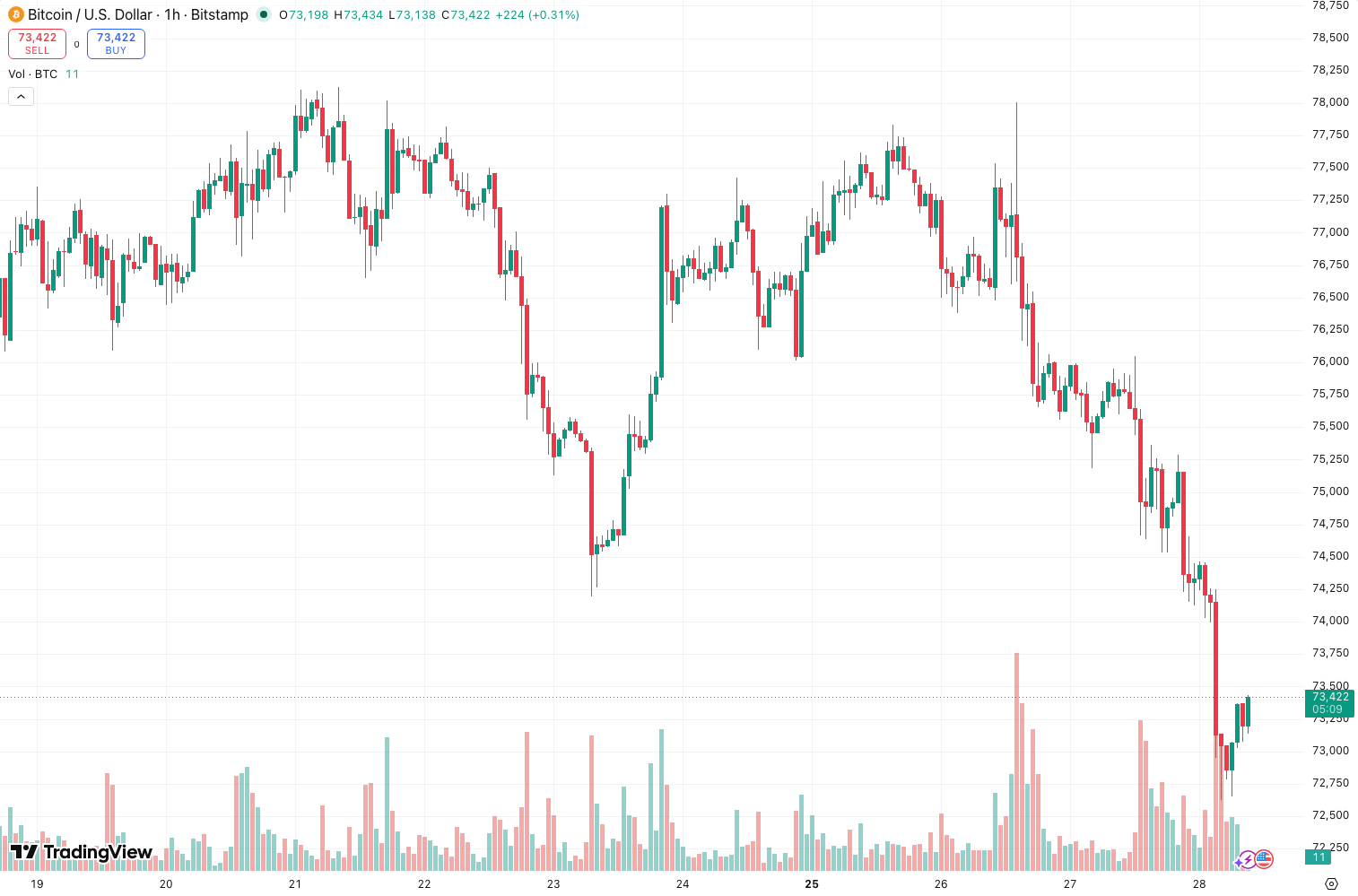
- Divergence detection: When price makes a new high but OBV doesn’t, that’s a red flag. The chart above shows exactly this—price hit a higher high in June, but OBV stayed flat. That divergence preceded a 12% drop.
- Trendline breaks work: Drawing a trendline on OBV itself can signal trend exhaustion before price breaks its own trendline.
Best Settings
Default settings are fine for most traders. The standard OBV uses no smoothing, which is actually a strength—it reacts to every tick. But if you’re trading higher timeframes, add a 14-period SMA or EMA as a signal line:
- Intraday (5min-1h): Raw OBV with a 5-period EMA for signal line crossovers.
- Swing trading (4h-daily): Raw OBV, focus on divergence.
- Position trading (weekly): Add a 21-period SMA to filter out noise.
How to Use It for Entries and Exits
Entry Logic:
- Wait for price to break above a resistance level.
- Confirm with OBV breaking above its own recent high—that’s real buying pressure.
- Enter on a pullback to the OBV trendline if the trendline is rising.
Exit Logic:
- OBV diverges from price? Exit immediately. Don’t wait for price to confirm the divergence.
- OBV makes a lower high while price makes a higher high? That’s your signal to sell or short.
Honest Pros and Cons
Pros:
- Works across all markets—stocks, crypto, forex, futures.
- Divergence signals are early and reliable when confirmed with price structure.
- No repainting, no complex math. It’s simple and transparent.
Cons:
- Raw OBV is noisy on lower timeframes. You’ll see false signals on 1-minute charts.
- Doesn’t work well in sideways, low-volume markets. OBV will just drift.
- Volume data quality varies by broker. If your broker’s volume is synthetic, OBV is meaningless.
Who It’s Actually For
This is for traders who already understand volume analysis. If you’re just starting out, OBV will confuse you because it diverges constantly. Wait until you can read basic price action and identify support/resistance. Then add OBV to confirm your read of the market.
Better Alternatives
- Volume Profile: Shows volume at specific price levels. Better for identifying where institutions are accumulating.
- Chaikin Money Flow (CMF): Combines OBV with price location within the range. Less noisy than OBV.
- Elder’s Force Index: Uses volume and price change to measure momentum. More responsive than OBV.
FAQ
Q: Does OBV repaint?
No. OBV is calculated cumulatively from the first bar on your chart. It’s 100% objective.
Q: Can I use OBV alone?
No. OBV is a confirmation tool, not a standalone system. You need price structure, support/resistance, or a trend filter.
Q: Why does my OBV look different from another trader’s?
Different chart timeframes use different starting points. OBV resets if you change the chart’s start date. Always compare OBV on the same timeframe and start date.
Final Verdict
OBV is a solid, free tool that’s been around for decades because it works—when used correctly. It’s not a magic bullet, but for volume-based divergence and breakout confirmation, it’s hard to beat. I give it 4 stars because of the noise on lower timeframes and the need for context. But if you’re patient and trade higher timeframes, you’ll find it invaluable.
⭐ 4/5 – Reliable divergence tool that rewards patience.
Go Deeper with The Indicator Lab
🔬 The Lab Report — 93 indicators. 20 markets. One consensus verdict every 15 minutes. Stop guessing which indicator to trust.
📈 The Lab Edge — Time-Series Momentum across 166 markets. The same framework institutions use. Weekly signals to your phone.
📊 Prefer to trade on your own? Power your analysis on TradingView — the platform behind every review on this site.
Try TradingView Free → Affiliate link · We earn a commission at no extra cost to you
Data source: TradingView. This review is based on publicly available indicator information and hands-on testing. Always test indicators in a demo environment before live trading.
93 indicators is too many to watch. One is too few to trust.
On Balance Volume Review: Settings, Strategy & How to Use It is one opinion. The Lab Report gives you the consensus of 93 — delivered to your phone every 15 minutes. No chart clutter required.
Know WHAT to buy. Now know WHEN.
The Lab Edge runs Time-Series Momentum — the same framework institutions use — across 166 markets, 95% profitable in backtesting. One signal. Once a week. No indicators to configure.
🔬 Are you the developer of this indicator? Email us →