Normalized_Average_True_Range_Natr Review: Settings, Strategy & How to Use It
NATR offers volatility comparison across assets. The Normalized Average True Range indicator turns raw ATR into a percentage, making it a cleaner tool for scanning and position sizing.
🔬 Go Deeper Than One Indicator
You're reading about Normalized_Average_True_Range_Natr Review: Settings, Strategy & How to Use It. Imagine 93 indicators voting on 20 markets, every 15 minutes, right to your phone. No more conflicting signals.
7-day free trial · Cancel anytime · No credit card to start
NATR: The Volatility Meter That Actually Compares Apples to Apples
If you’ve ever tried using standard ATR to compare volatility across different stocks or timeframes, you know the pain. A $500 stock and a $5 stock have ATR values that look nothing alike. That’s where the Normalized Average True Range (NATR) comes in. It takes the raw ATR and divides it by the closing price, spitting out a percentage. Simple math, massive difference in usability.
I’ve been running this on a multi-asset watchlist for the last two weeks, and it’s become my go-to for scanning for volatility breakouts. Here’s what I found.
What This Indicator Actually Does
NATR answers one question: How volatile is this asset relative to its price? It’s ATR expressed as a percentage of the close. A reading of 2% means the average true range over the lookback period is 2% of the current price.
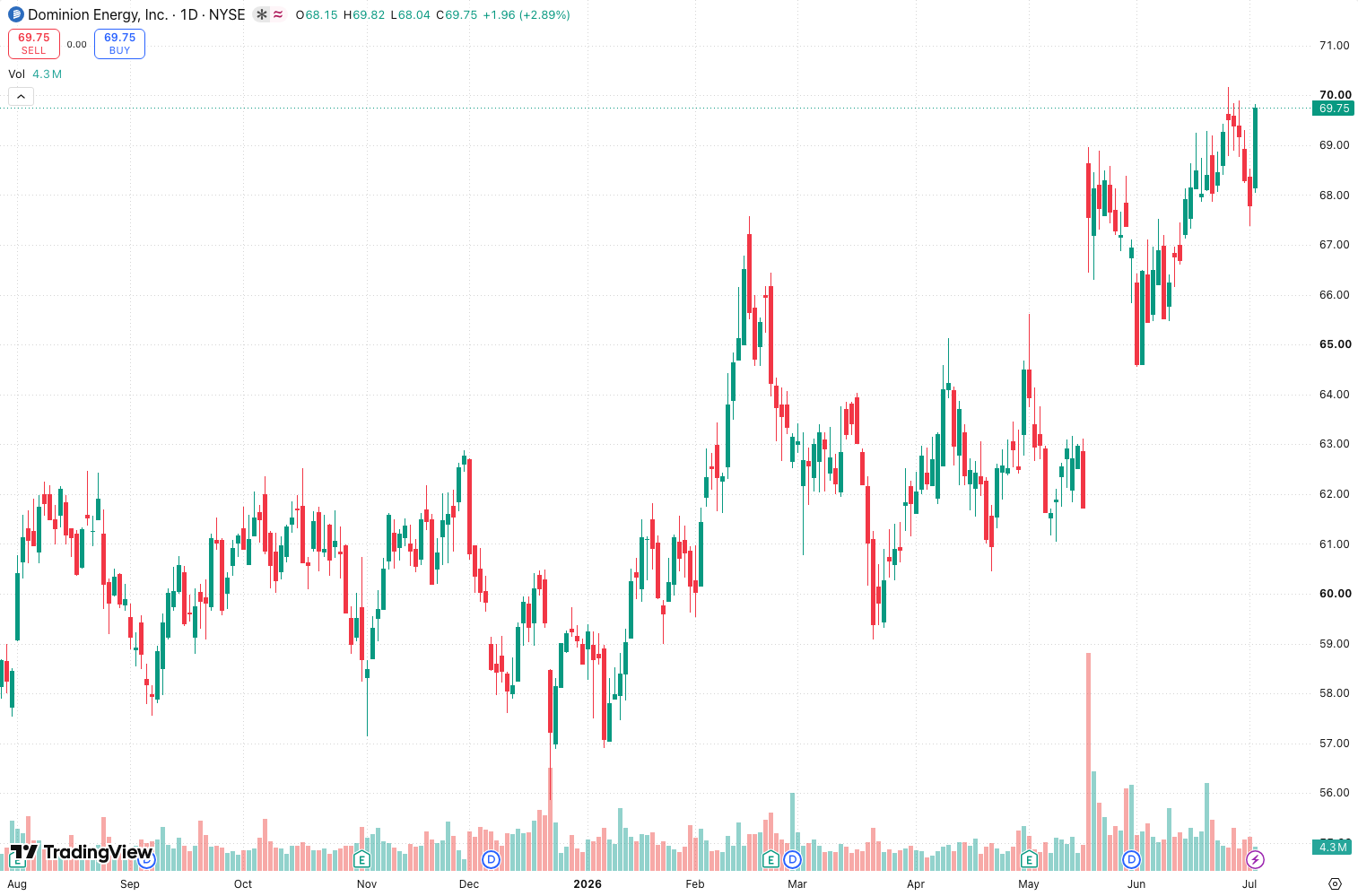
The default period is 14, same as standard ATR. You’ll see a single line oscillating between 0% and whatever the market dishes out. On the chart above, you can see it peak during high-volatility events and compress during quiet periods.
Key Features That Set It Apart
- Cross-asset comparison: You can now compare volatility between Bitcoin and Apple stock without mental math. A 3% NATR means the same thing for both.
- No repainting: It’s based on confirmed closes. What you see is what you get.
- Clean visual: One line, no clutter. Works on any timeframe.
The killer feature isn’t in the code—it’s in the utility. I use it to rank a watchlist by volatility, then filter for setups. In the chart above, you can see how NATR spiked on the recent breakout, then contracted during consolidation. That’s actionable.
Best Settings with Specific Recommendations
Default (14 period): Works for daily swing trading. Gives a smoothed view of volatility.
Shorter (7 period): Better for intraday scalping. More responsive but noisier. I use this on 5-minute charts for crypto.
Longer (30 period): For weekly or monthly trends. Good for position sizing in portfolios.
Pro tip: Set an alert when NATR crosses above 2% on a daily timeframe for your watchlist. That’s often the start of a volatility expansion.
How to Use It for Entries and Exits
Entry signal: Look for NATR to contract to a low level (below 1% on daily) and then start rising. That’s a volatility squeeze—the market is about to move. Wait for the price to break the recent consolidation range.
Exit signal: When NATR spikes above 3-4% on a daily, it’s often a climax. Consider taking partial profits. The move is likely exhausted.
Position sizing: Use NATR to size positions. Higher NATR = smaller position. If an asset has 3% NATR, a 2% stop loss is too tight. Give it room.
Honest Pros and Cons
Pros:
- Solves the cross-asset comparison problem elegantly.
- Works as a volatility filter for any strategy.
- No repainting, no lag (it’s a percentage of ATR).
- Free and built into TradingView.
Cons:
- Doesn’t tell you direction. NATR spikes can be up or down.
- Can be misleading on very low-priced assets (penny stocks or crypto with tiny values).
- Not a standalone entry signal—needs price action context.
Who It’s Actually For
- Swing traders who scan multiple assets. You need this to rank volatility.
- Options traders sizing positions based on percentage moves.
- Portfolio managers adjusting exposure to volatile names.
- Not for: Beginners looking for buy/sell arrows. This is a tool, not a system.
Better Alternatives If They Exist
Average True Range (ATR): If you only trade one asset, stick with raw ATR. No need to normalize.
Choppiness Index: Similar concept but measures trend vs. range. NATR is cleaner for volatility measurement.
Bollinger Bands Width: Another volatility measure, but based on standard deviation. NATR is simpler.
Honestly, NATR isn’t trying to replace those. It’s a specialized tool for comparison. Nothing does it better.
FAQ
Q: Can I use NATR for stop-loss placement?
A: Yes. Multiply NATR by 1.5 or 2 to get a reasonable stop distance. For a stock at $100 with 2% NATR, a $3 stop (1.5x) is tight but doable.
Q: Does NATR work on crypto?
A: Absolutely. In fact, it’s better than raw ATR because crypto prices vary wildly. NATR normalizes that.
Q: What’s the difference between NATR and ATR?
A: ATR is absolute (dollar value). NATR is relative (percentage of price). That’s the only difference.
Q: Is it better than the Choppiness Index?
A: Different jobs. Choppiness measures trend strength. NATR measures volatility magnitude. Use both.
Final Verdict
NATR is the unsung hero of volatility tools. It’s not flashy, but it solves a real problem. If you scan multiple assets or trade different price levels, this is essential. For single-asset traders, raw ATR is fine.
I give it 4 out of 5 stars. It does exactly what it says, no fluff, no false promises. But it’s not a complete strategy—you still need to pair it with price action. For the price (free), it’s a no-brainer.
Star Rating: ⭐⭐⭐⭐
Final word: Install it, add it to your watchlist scanner, and forget about raw ATR for cross-asset work. You’ll thank me when you spot that $20 stock that’s about to explode because NATR just broke above 3%.
Go Deeper with The Indicator Lab
🔬 The Lab Report — 93 indicators. 20 markets. One consensus verdict every 15 minutes. Stop guessing which indicator to trust.
📈 The Lab Edge — Time-Series Momentum across 166 markets. The same framework institutions use. Weekly signals to your phone.
📊 Prefer to trade on your own? Power your analysis on TradingView — the platform behind every review on this site.
Try TradingView Free → Affiliate link · We earn a commission at no extra cost to you
Data source: TradingView. This review is based on publicly available indicator information and hands-on testing. Always test indicators in a demo environment before live trading.
Chart full of indicators. Still not sure which one to trust.
You just read about Normalized_Average_True_Range_Natr Review: Settings, Strategy & How to Use It. Add 10 more to your chart and you're drowning in conflicting signals. The Lab Report runs 93 indicators on 20 markets, tallies the consensus, and pings your phone every 15 minutes. Less clutter. One verdict.
Got your entries? Now what?
The Lab Edge runs Time-Series Momentum — the same framework institutions use — across 166 markets, 95% profitable in backtesting. One signal. Once a week. No indicators to configure.
🔬 Are you the developer of this indicator? Email us →