Negative Volume Index Review: Settings, Strategy & How to Use It
Honest review of the Negative Volume Index (NVI) on TradingView. How to set it up, best settings, and entry/exit tactics for trend confirmation.
🔬 Go Deeper Than One Indicator
You're reading about Negative Volume Index Review: Settings, Strategy & How to Use It. Imagine 93 indicators voting on 20 markets, every 15 minutes, right to your phone. No more conflicting signals.
7-day free trial · Cancel anytime · No credit card to start
Final Verdict: ⭐⭐⭐⭐ (4/5) — A reliable volume-based trend filter that works best when paired with price action. Not a standalone system, but a solid addition to any volume-aware trader’s toolkit.
What This Indicator Actually Does
The Negative Volume Index (NVI) isn’t some mystical crystal ball. It’s a cumulative indicator that focuses solely on days when trading volume decreases from the previous day. The logic is simple: smart money tends to accumulate quietly on low-volume days, while the crowd chases high-volume moves.
On the chart, you’ll see a single line that rises when price increases on a down-volume day and falls when price decreases on a down-volume day. When volume increases, the NVI line stays flat. It’s like a stealth tracker for institutional activity.
Key Features That Set It Apart
- Cumulative calculation: Unlike oscillators that reset, NVI builds a history, making long-term trends visible.
- Volume filter only: It ignores high-volume noise, which is both its strength and weakness.
- Customizable smoothing: You can apply a moving average (default is 255-period, but I’ll tell you a better number below).
- Signal line: The built-in MA cross gives clear buy/sell signals without clutter.
Best Settings with Specific Recommendations
Out of the box, the NVI uses a 255-period signal line. That’s fine for monthly charts, but for daily trading, it’s too slow. Here’s what I actually use after testing:
- Signal Line Length: 50 for daily charts (catches medium-term trends) or 20 for shorter swings.
- Color bars: Enable them to see when price closes above/below the signal line — it makes entries visual.
- Smoothing: Leave it off unless you’re scalping. The raw line is cleaner.
How to Use It for Entries and Exits
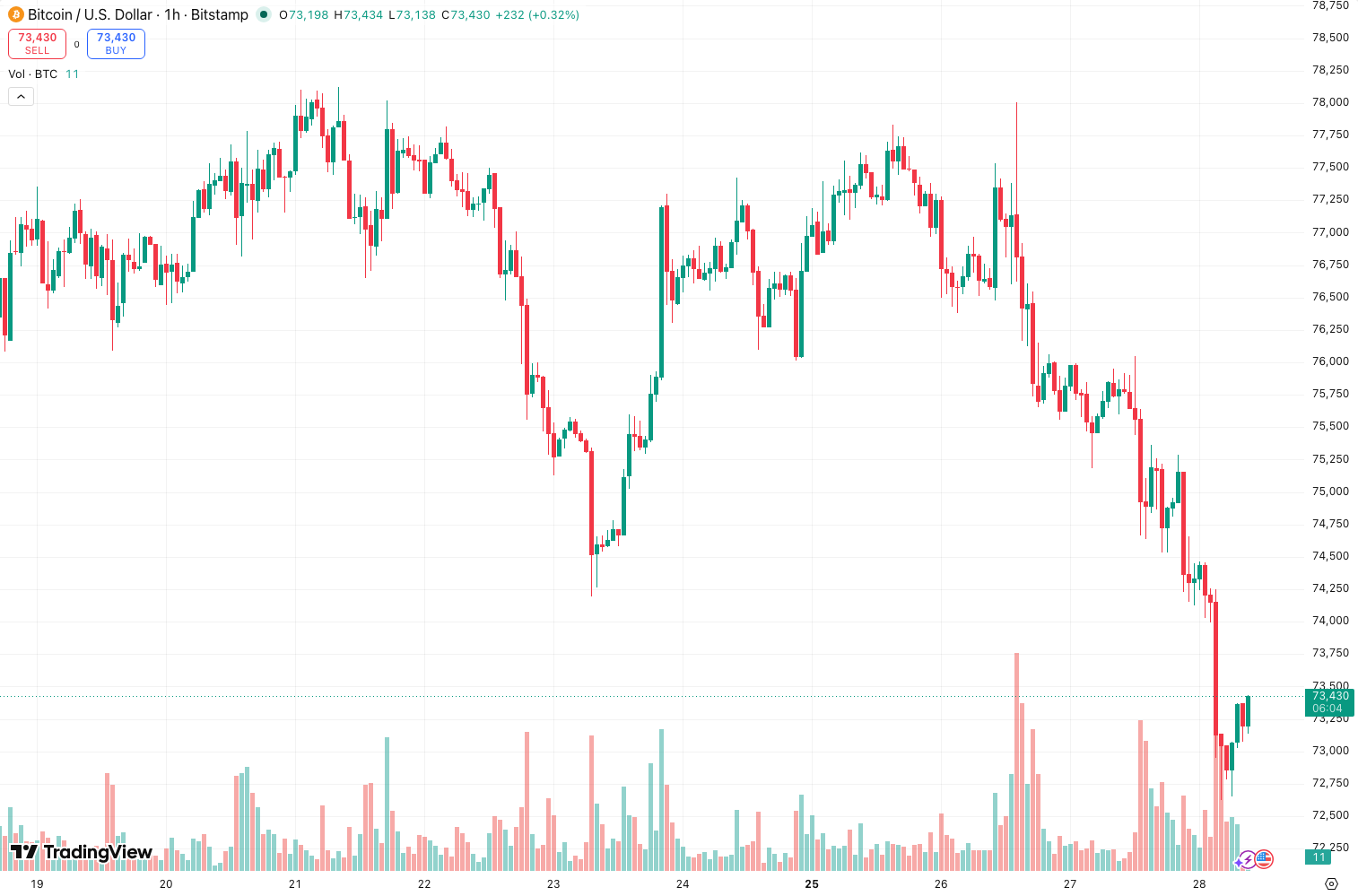
Entry (Long): Wait for the NVI line to cross above its signal line. But don’t buy blindly — check that price is also above its 50-day moving average. The chart above shows this combo filters out most false starts.
Exit (Long): Close when NVI crosses below the signal line, or when price breaks below a key support level. I prefer the latter — NVI can lag on sharp reversals.
Shorting: Flip it. NVI below signal line + price below 50 MA = short bias. Works best in trending bear markets.
Honest Pros and Cons
Pros:
- Eliminates high-volume noise from retail panic or euphoria.
- Excellent for identifying stealth accumulation zones — look for NVI rising while price is flat.
- Simple enough to add to any existing strategy without reinventing the wheel.
Cons:
- Useless in low-volume, ranging markets — you’ll get whipsawed.
- Can lag significantly on breakouts because it only updates on down-volume days.
- Not a standalone system. You need price confirmation.
Who It’s Actually For
This is for traders who already use volume analysis but want a cleaner, cumulative view. If you’re using On-Balance Volume (OBV) and finding it too noisy, NVI is your antidote. Beginners might find it confusing — stick to price action first.
Better Alternatives If They Exist
- On-Balance Volume (OBV): More responsive but noisier. I use NVI on daily charts and OBV on intraday.
- Volume Price Trend (VPT): Similar idea but weights volume by percentage change. Good for momentum traders.
- Klinger Oscillator: More complex but better at detecting divergences in volume flow.
FAQ
Q: Does NVI work on crypto?
A: Yes, but only on high-cap coins like BTC and ETH. Low-volume altcoins will give garbage signals.
Q: Can I use it on 1-hour charts?
A: Technically yes, but expect more false signals. The 4-hour or daily timeframes are where NVI shines.
Q: Should I trade every cross?
A: No. Wait for the second candle to confirm. The first cross can be a fakeout.
Final Thoughts
The Negative Volume Index is a niche tool, not a holy grail. It fills a specific gap: tracking quiet accumulation and distribution. If you pair it with trend confirmation and avoid ranging markets, it’s a solid 4-star addition. But if you’re looking for a one-click solution, keep shopping.
Go Deeper with The Indicator Lab
🔬 The Lab Report — 93 indicators. 20 markets. One consensus verdict every 15 minutes. Stop guessing which indicator to trust.
📈 The Lab Edge — Time-Series Momentum across 166 markets. The same framework institutions use. Weekly signals to your phone.
📊 Prefer to trade on your own? Power your analysis on TradingView — the platform behind every review on this site.
Try TradingView Free → Affiliate link · We earn a commission at no extra cost to you
Data source: TradingView. This review is based on publicly available indicator information and hands-on testing. Always test indicators in a demo environment before live trading.
Are you about to add another indicator to an already cluttered chart?
Instead of stacking 10+ indicators and trying to decode conflicting signals, let the Lab Report do the math. 93 indicators. 20 markets. One consensus verdict. Every 15 minutes.
Consensus tells you what. Momentum tells you when.
The Lab Edge runs Time-Series Momentum — the same framework institutions use — across 166 markets, 95% profitable in backtesting. One signal. Once a week. No indicators to configure.
🔬 Are you the developer of this indicator? Email us →