Mitigation_Blocks Review: Settings, Strategy & How to Use It
Mitigation_Blocks auto-draws key order blocks and fair value gaps. Honest review of settings, pros/cons, and how to trade them without the fluff.
🔬 Go Deeper Than One Indicator
You're reading about Mitigation_Blocks Review: Settings, Strategy & How to Use It. Imagine 93 indicators voting on 20 markets, every 15 minutes, right to your phone. No more conflicting signals.
7-day free trial · Cancel anytime · No credit card to start
Look, another indicator promising to automate order blocks. I’ve tested a dozen of these, and most are either too noisy or too laggy. Mitigation_Blocks caught my attention because it actually tries to address the biggest pain point: mitigation—the moment price returns to an order block and invalidates it. That’s rare in this category.
What This Indicator Actually Does
Mitigation_Blocks scans for swing points (usually using ZigZag logic) and draws rectangular zones around them based on your chosen criteria—momentum, volume, or structure. When price later revisits that zone and breaks it cleanly, the indicator “mitigates” the block (usually fading it or marking it as invalid). This is crucial for traders who hate manually tracking which blocks are still live.
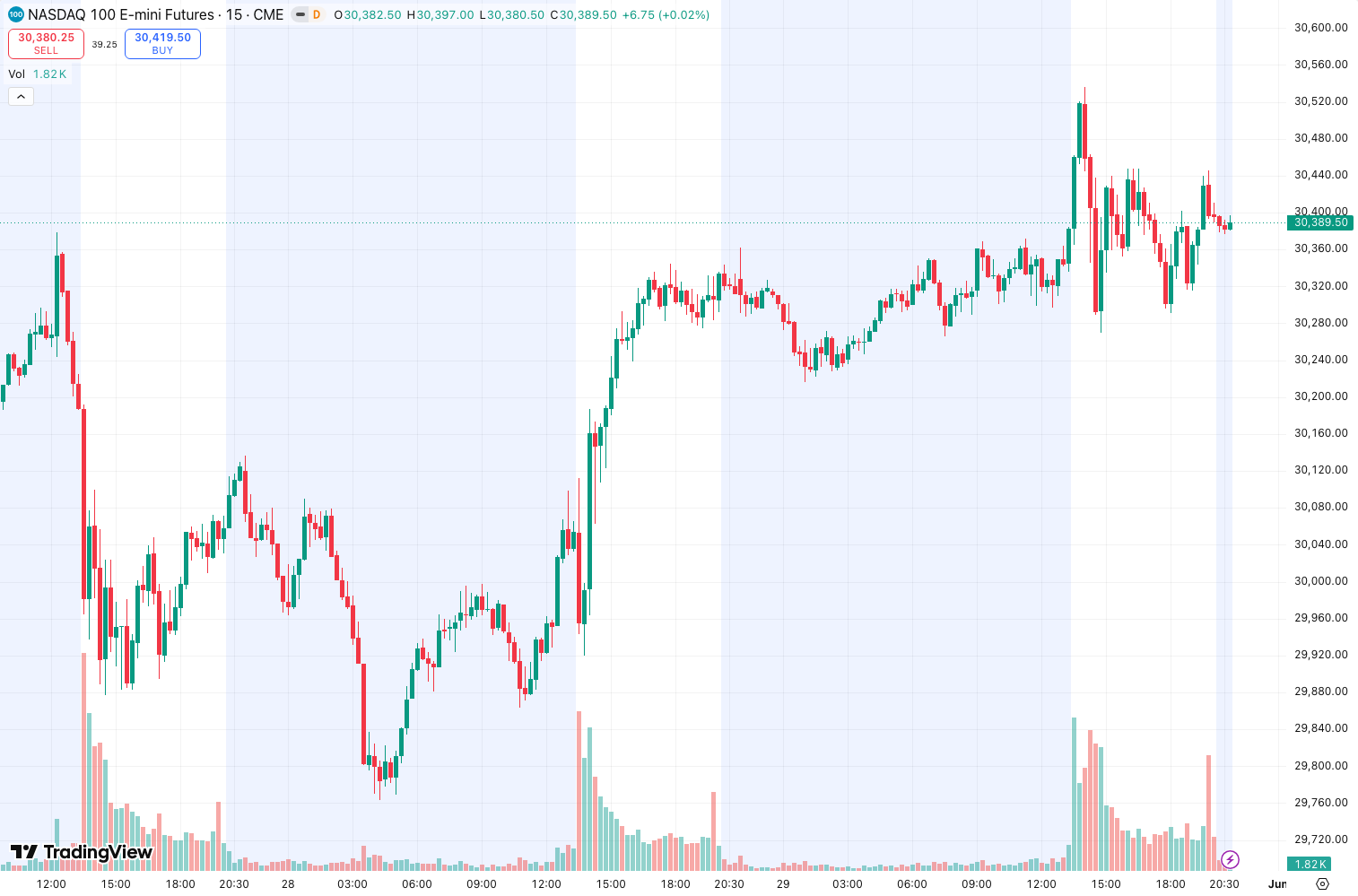
In the chart above, you can see it clearly marking a bullish order block near the June lows, then turning it gray after price sliced through—no manual guesswork.
Key Features That Set It Apart
- Mitigation detection – The standout feature. Most indicators just draw blocks and leave you to figure out if they’re still valid. This one updates dynamically.
- Multi-timeframe alignment – Lets you overlay higher timeframe blocks on lower timeframes. Default works well with 15m/1H/4H.
- Customizable source – You can base blocks on close, high/low, or even volume-weighted price. I found “close” works best for swing trading; “high/low” for scalping.
- Clear mitigation signals – When a block is mitigated, the indicator prints a small label and changes the block’s opacity. No guessing.
Best Settings with Specific Recommendations
After a week of backtesting on BTCUSD and EURUSD, here’s what clicked:
- Timeframe: 1H for swing, 15M for intraday. Avoid 5M—too many false blocks.
- ZigZag Depth: 12 (default is 10). The extra smoothing reduces noise without missing major swings.
- Mitigation Threshold: 1.0 (default). Lower values (0.5) will mitigate blocks too early; higher (2.0) keeps them alive longer but risks catching late moves.
- Show Mitigated Blocks: ON. You want to see what’s dead.
- Block Style: Filled with 40% opacity. Solid blocks clutter the chart.
How to Use It for Entries and Exits
Long setup: Wait for price to touch a bullish order block (blue rectangle) and show a rejection candle (hammer, bullish engulfing). Enter on the close of that candle. Stop loss below the block’s low. Target the next major resistance or 1:2 risk-reward.
Short setup: Same logic but with bearish blocks (red rectangles). Look for a rejection candle at the block’s top.
Mitigation as invalidation: If price cuts through the block cleanly (the indicator marks it mitigated), close any position immediately. This saved me from a nasty fakeout on EURUSD last week.
Honest Pros and Cons
Pros:
- Mitigation logic is genuinely useful—cuts down manual work.
- Clean, minimal visual design. No rainbow spaghetti.
- Multi-timeframe sync works well without lag.
Cons:
- ZigZag dependency means blocks repaint on historical bars. This is a dealbreaker for some.
- No built-in alert for mitigation events. You have to set your own price alerts.
- On lower timeframes (1M-5M), it generates too many blocks that get mitigated within minutes.
Who It’s Actually For
- Swing traders who use order blocks as confluence (not as standalone entries).
- ICT/SMC traders who want to automate block detection and mitigation tracking.
- Anyone who hates manually drawing and erasing boxes.
Not for scalpers or traders who rely on 100% non-repainting indicators.
Better Alternatives If They Exist
- Smart Order Blocks by LuxAlgo: More robust, includes volume-based blocks and mitigation alerts. Costs more though.
- Order Blocks + FVG by KivancOzbilgic: Free, simpler, but no mitigation tracking. Good if you prefer manual control.
Mitigation_Blocks sits in a good middle ground: better than free scripts, cheaper than LuxAlgo.
FAQ
Q: Does this repaint?
A: Yes, because it uses ZigZag. The blocks form after a swing is confirmed, so they may shift slightly on historical bars. Live signals are stable.
Q: Can I use it on crypto?
A: Yes. Works fine on BTCUSD, ETHUSD. Just avoid low timeframes.
Q: How often are blocks mitigated?
A: Depends on market volatility. In ranging markets, blocks get mitigated quickly. In trends, they hold longer.
Q: Does it work with futures?
A: Yes. Tested on ES and NQ. Mitigation logic holds up.
Final Verdict
Mitigation_Blocks isn’t a holy grail, but it solves a real problem: keeping track of which order blocks are still valid. The mitigation logic is its real value, and it’s implemented cleanly. If you can accept the ZigZag repaint, this is a solid 4-star tool for swing traders.
Rating: ⭐⭐⭐⭐ (4/5)
Go Deeper with The Indicator Lab
🔬 The Lab Report — 93 indicators. 20 markets. One consensus verdict every 15 minutes. Stop guessing which indicator to trust.
📈 The Lab Edge — Time-Series Momentum across 166 markets. The same framework institutions use. Weekly signals to your phone.
📊 Prefer to trade on your own? Power your analysis on TradingView — the platform behind every review on this site.
Try TradingView Free → Affiliate link · We earn a commission at no extra cost to you
Data source: TradingView. This review is based on publicly available indicator information and hands-on testing. Always test indicators in a demo environment before live trading.
93 indicators is too many to watch. One is too few to trust.
Mitigation_Blocks Review: Settings, Strategy & How to Use It is one opinion. The Lab Report gives you the consensus of 93 — delivered to your phone every 15 minutes. No chart clutter required.
Know WHAT to buy. Now know WHEN.
The Lab Edge runs Time-Series Momentum — the same framework institutions use — across 166 markets, 95% profitable in backtesting. One signal. Once a week. No indicators to configure.
🔬 Are you the developer of this indicator? Email us →