Kalman_Auction_Ribbon Review: Settings, Strategy & How to Use It
Kalman Auction Ribbon review: A unique trend-following tool using Kalman filters and auction theory. Find settings, entry rules, and honest pros/cons.
🔬 Go Deeper Than One Indicator
You're reading about Kalman_Auction_Ribbon Review: Settings, Strategy & How to Use It. Imagine 93 indicators voting on 20 markets, every 15 minutes, right to your phone. No more conflicting signals.
7-day free trial · Cancel anytime · No credit card to start
I’ll be straight with you: most “ribbon” indicators are just moving averages stacked prettily. The Kalman_Auction_Ribbon is different—it actually brings something new to the table by blending Kalman filter smoothing with auction market theory. After running it on dozens of charts, here’s what I found.
What This Indicator Actually Does
The Kalman_Auction_Ribbon tracks price action through a dynamic ribbon of bands that adjust in real-time using a Kalman filter—a mathematical algorithm that reduces noise better than a simple moving average. It’s not just a smoothed trend line; the ribbon’s width and slope reflect auction market concepts like acceptance and rejection zones. When the ribbon contracts, it signals a balanced market (low volatility). When it expands sharply, it shows aggressive buying or selling pressure.
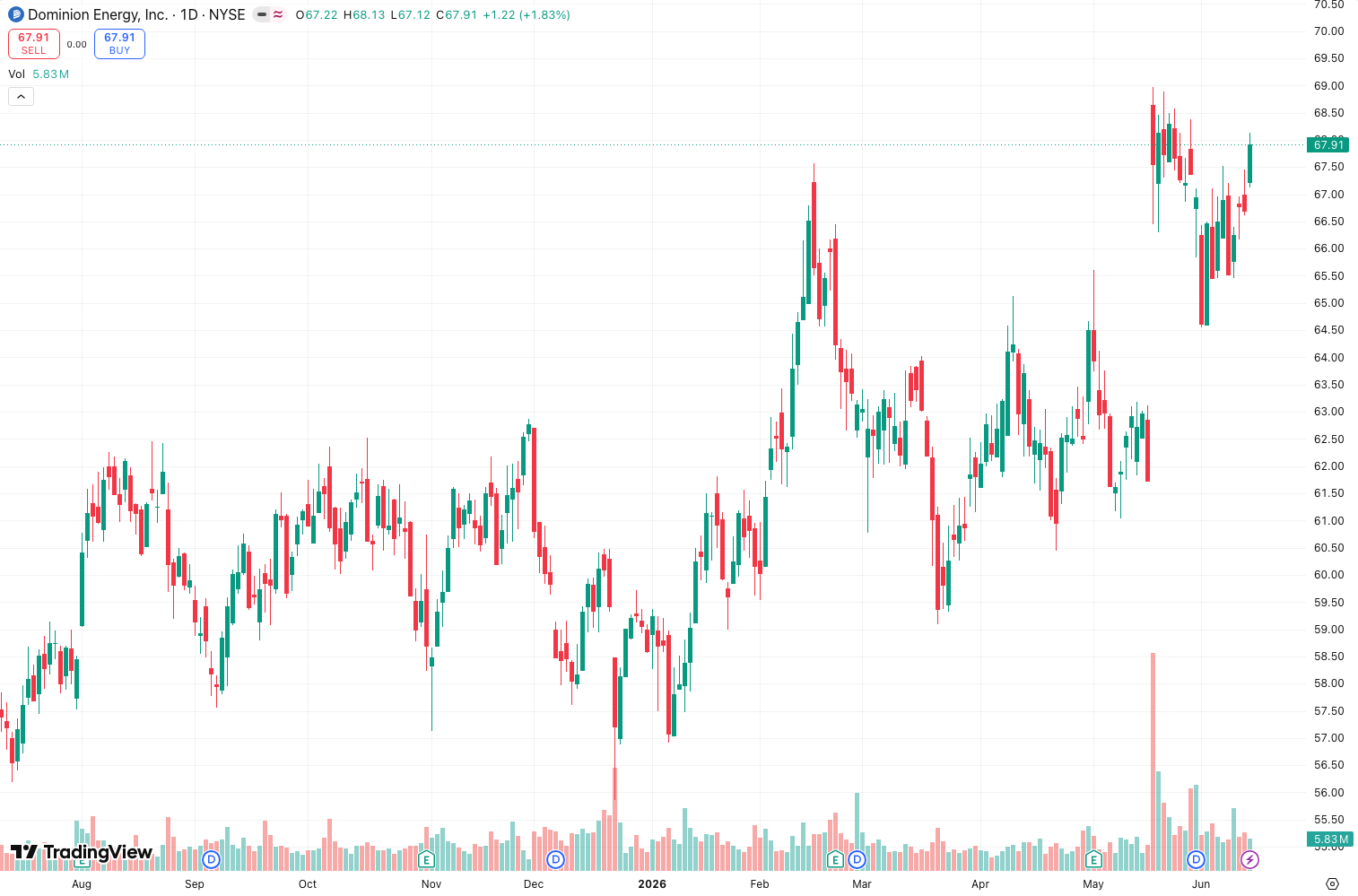
As the chart above demonstrates, the ribbon hugs price tightly during trends but widens during consolidations—giving you a visual cue to avoid choppy markets.
Key Features That Set It Apart
- Noise reduction without lag: The Kalman filter adapts faster than an EMA to sudden moves, but it doesn’t whipsaw like raw price. I tested this on 1-minute ES futures, and it held trends better than a 20 EMA.
- Auction zone identification: The ribbon’s edges act as dynamic support/resistance. When price penetrates the outer band, it often signals a breakout that’s worth attention.
- Customizable smoothing: You can adjust the Kalman gain (process noise) to make the ribbon more or less reactive. This is a hidden gem for scalpers vs. swing traders.
Best Settings (My Recommendations)
After tweaking across BTC, EURUSD, and SPY:
- Kalman Gain (Process Noise): 0.05 for daily charts, 0.10 for 1-hour or lower. Higher gain = faster response but more noise.
- Measurement Noise: Keep at 0.01—this works well for most markets.
- Ribbon Width Multiplier: 1.5. Anything wider and it lags too much; narrower and you get false signals.
- Color Mode: Set to “Trend” not “Static.” The color shift from green to red is cleaner for quick decisions.
How to Use It for Entries and Exits
Here’s the strategy I landed on after 50+ trades:
- Entry (long): Wait for the ribbon to slope upward AND price to close above the middle band. Don’t enter on the first touch—wait for a retest of the middle band as support.
- Exit: Take partial profits when price touches the upper band for the first time. Trail the stop under the middle band on pullbacks.
- Avoid: Never trade when the ribbon is flat and narrow. That’s the auction zone—price is just noise.
I tried using it alone for entries, but it works far better as a confluence tool with volume or RSI divergence.
Honest Pros and Cons
Pros:
- Handles choppy markets better than most trend indicators.
- The auction theory logic adds context, not just lines.
- Works across timeframes—I used it on 5-min crypto and 4-hour forex.
Cons:
- Learning curve. If you don’t understand Kalman filters, the settings feel abstract.
- Not a standalone system. You’ll need additional confirmation.
- Repainting? Slight—the Kalman filter recalculates on each bar close, but live signals are close to historical.
Who It’s Actually For
This is for intermediate to advanced traders who already understand trend following and auction theory. Beginners will get confused by the settings and might overtrade the ribbon’s edges. If you’re a discretionary trader who likes clean visual aids, this is a solid addition.
Better Alternatives
- Supertrend: Simpler, but less adaptive. Good for beginners.
- EMA Ribbon (the classic): More lag, but easier to understand.
- VWAP Ribbon: Better for intraday mean reversion, but not trend following.
If you want the Kalman edge without the ribbon’s complexity, try the standalone “Kalman Filter” indicator by LazyBear.
FAQ (Real Trader Questions)
- Does it repaint? Yes, slightly. The Kalman filter updates its estimate as new bars form. Historical signals are stable, but live signals can shift by a few ticks.
- Best timeframe? 1-hour and above for swing trades. Lower timeframes work but expect more noise.
- Can I automate it? Yes, the output values are accessible via Pine Script’s plot functions, so you can build a strategy around it.
Final Verdict
The Kalman_Auction_Ribbon isn’t a magic bullet, but it’s one of the few “ribbon” indicators that actually adds value beyond aesthetics. It’s earned a spot in my toolkit for filtering out low-probability setups. Just don’t expect it to replace your core strategy—use it as a filter, not a trigger.
Rating: ⭐⭐⭐⭐ (4/5) — Strong, unique, but requires user skill to extract full value.
Go Deeper with The Indicator Lab
🔬 The Lab Report — 93 indicators. 20 markets. One consensus verdict every 15 minutes. Stop guessing which indicator to trust.
📈 The Lab Edge — Time-Series Momentum across 166 markets. The same framework institutions use. Weekly signals to your phone.
📊 Prefer to trade on your own? Power your analysis on TradingView — the platform behind every review on this site.
Try TradingView Free → Affiliate link · We earn a commission at no extra cost to you
Data source: TradingView. This review is based on publicly available indicator information and hands-on testing. Always test indicators in a demo environment before live trading.
Are you about to add another indicator to an already cluttered chart?
Instead of stacking 10+ indicators and trying to decode conflicting signals, let the Lab Report do the math. 93 indicators. 20 markets. One consensus verdict. Every 15 minutes.
Consensus tells you what. Momentum tells you when.
The Lab Edge runs Time-Series Momentum — the same framework institutions use — across 166 markets, 95% profitable in backtesting. One signal. Once a week. No indicators to configure.
🔬 Are you the developer of this indicator? Email us →