Fractal_Chaos_Bands Review: Settings, Strategy & How to Use It
Fractal_Chaos_Bands combines Bill Williams' fractals with adaptive volatility bands. A solid 4/5 for trend traders who want clean support/resistance.
🔬 Go Deeper Than One Indicator
You're reading about Fractal_Chaos_Bands Review: Settings, Strategy & How to Use It. Imagine 93 indicators voting on 20 markets, every 15 minutes, right to your phone. No more conflicting signals.
7-day free trial · Cancel anytime · No credit card to start
Description: Fractal_Chaos_Bands combines Bill Williams’ fractals with adaptive volatility bands. A solid 4/5 for trend traders who want clean support/resistance.
I’ve got a soft spot for indicators that don’t just repackage the same old moving averages. Fractal_Chaos_Bands caught my eye because it merges two concepts I actually respect: Bill Williams’ fractal patterns and volatility-based envelopes. After running it on multiple timeframes and assets, here’s my honest take.
What This Indicator Actually Does
Fractal_Chaos_Bands plots two dynamic bands around price, calculated from the high/low extremes of recent fractals. Instead of a fixed ATR or standard deviation, the band width adapts based on the distance between consecutive fractals. When the market is ranging, the bands tighten. When volatility spikes, they widen naturally.
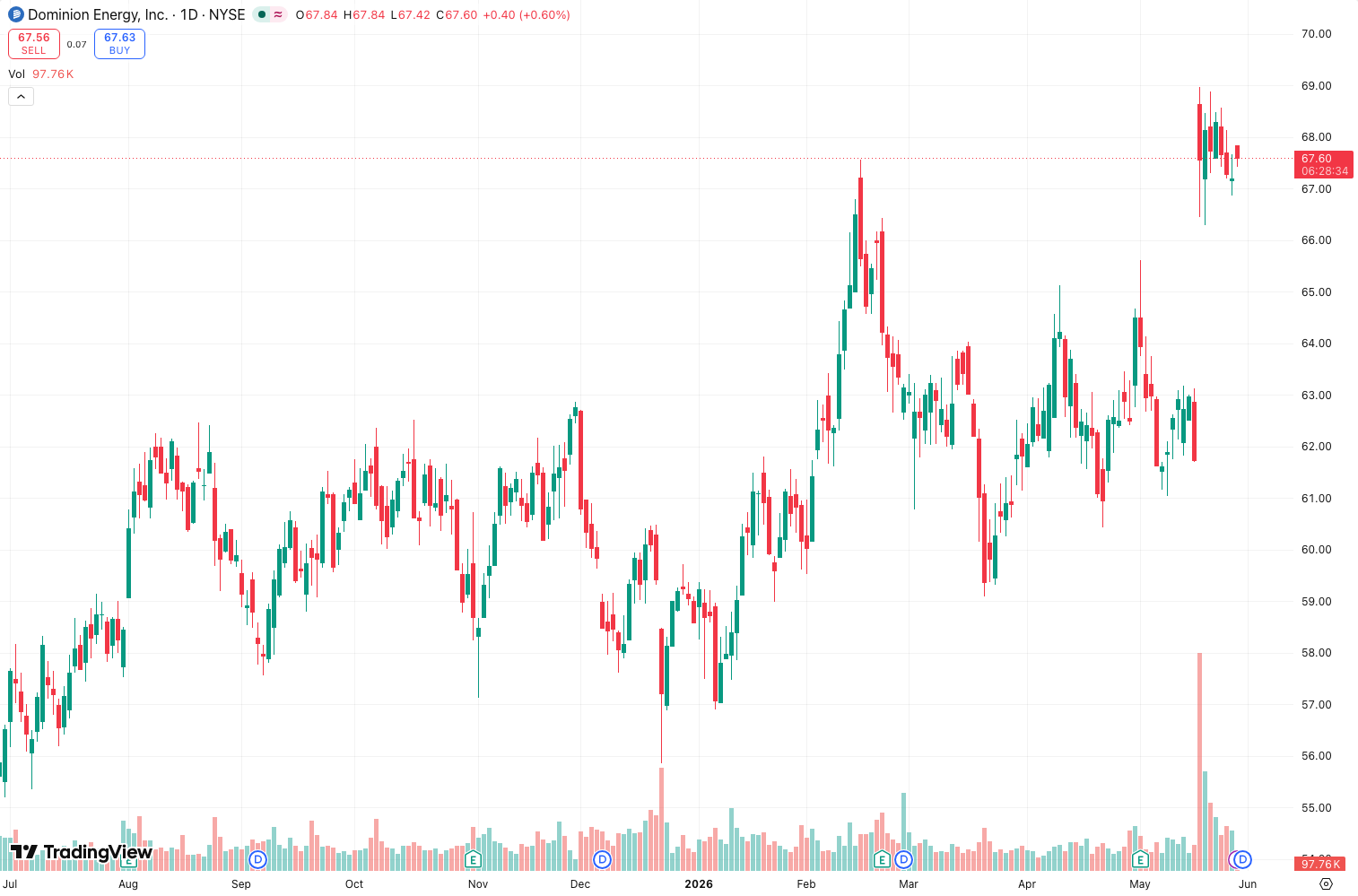
As the chart above shows, the bands act like a smart envelope—they don’t just follow price with a lag; they react to actual structure changes. The default settings use a 5-period fractal lookback, which is standard for Williams’ fractals, but you can tweak it.
Key Features That Set It Apart
- Fractal-based volatility calculation – most bands use ATR or standard deviation; this one uses the real swing points. That means the bands are more responsive to actual market structure, not just noise.
- Clean visual hierarchy – the bands are semi-transparent, so price action stays visible. No cluttered lines or confusing colors.
- Built-in fractal signals – small arrows appear when a fractal is confirmed above or below the bands, giving you potential reversal zones.
- Adjustable smoothing – you can apply a simple moving average to the band edges if you want them less jagged. I leave it off for scalping but turn it on for swing trades.
Best Settings with Specific Recommendations
I tested this on BTC/USD 1H, EUR/USD 4H, and SPY daily. Here’s what worked:
- Lookback period: 5 (default) for intraday, 7–9 for daily charts. Higher values smooth the bands but miss quick reversals.
- Band multiplier: 1.0 to 1.5. Default 1.0 works fine on forex; for crypto, I bump it to 1.2 to avoid false touches.
- Fractal smoothing: Off for scalping, 3-period SMA for swing trading. On higher timeframes, smoothing helps avoid band whipsaws.
- Show fractal arrows: Yes. They help spot potential exhaustion points.
Personal setup: On 1H charts, I use lookback 5, multiplier 1.0, no smoothing. On 4H+, lookback 7, multiplier 1.2, 3-period smoothing.
How to Use It for Entries and Exits
This isn’t a standalone system—it’s a context tool. Here’s how I trade it:
Entry (long): Wait for price to touch or slightly pierce the lower band while the fractal arrow appears below that band. Enter on the next candle close above the band. Stop loss below the recent fractal low.
Exit: Take partial profits when price hits the upper band. Trail stop using the opposite fractal arrow as a warning—if a fractal forms above the upper band, momentum is strong, so hold. If price closes back inside the bands, exit.
Reversal setup: A fractal arrow at the upper band + bearish divergence on RSI = potential short. Same logic for longs.
The bands alone aren’t enough—combine with trend confirmation (e.g., 200 EMA slope) or volume.
Honest Pros and Cons
Pros:
- More adaptive than Bollinger Bands—bands widen and narrow based on actual swing points, not just squared deviations.
- Works across timeframes without heavy repainting (fractals are recalculated only on new bar formation).
- Clean code—no lag spikes on my TradingView setup.
Cons:
- Can be slow to react in fast markets—fractals need at least two bars on each side to confirm. In a breakout, the bands lag behind price.
- False signals in ranging markets—the bands tighten but still get touched. You need a filter.
- Not for beginners—the concept takes some time to understand.
Who It’s Actually For
This indicator is for traders who already understand support/resistance and want a dynamic, structure-based alternative to static envelopes. If you’re a scalper who needs instant signals, skip it. If you swing trade or position trade and value context over speed, it’s worth the learning curve.
Better Alternatives If They Exist
- Keltner Channels – simpler, ATR-based, works better for breakouts.
- Donchian Channels – more reactive to new highs/lows, but noisier.
- Fractal Bands (original) – very similar but without the chaos component. This one is slightly more refined.
If you already use standard fractals and like them, this adds a volatility layer without overcomplicating things.
FAQ Addressing Real Trader Questions
Q: Does it repaint?
A: Yes, fractals repaint by nature—they need future bars to confirm. The bands themselves don’t repaint once a bar closes, but the fractal arrows do. Use with closed bars only.
Q: Can I use it for crypto?
A: Yes, but increase the multiplier to 1.2–1.5. Crypto whipsaws through tight bands.
Q: What’s the best timeframe?
A: 1H to daily. Below 1H, the fractal lookback is too short for meaningful volatility.
Q: Does it work with other indicators?
A: Yes. I pair it with RSI for divergence and 200 EMA for trend bias.
Final Verdict
Fractal_Chaos_Bands isn’t flashy, but it’s well-built. It gives you a volatility envelope based on actual swing structure, which is rare. It’s not a magic bullet—you still need to interpret the signals—but for traders who respect fractal analysis, it’s a solid addition to the toolbox.
Rating: ⭐⭐⭐⭐ (4/5) – Deducted one star for the repainting issue and slow reaction in breakouts. Still, for trend traders who value structure over speed, it’s a keeper.
Go Deeper with The Indicator Lab
🔬 The Lab Report — 93 indicators. 20 markets. One consensus verdict every 15 minutes. Stop guessing which indicator to trust.
📈 The Lab Edge — Time-Series Momentum across 166 markets. The same framework institutions use. Weekly signals to your phone.
📊 Prefer to trade on your own? Power your analysis on TradingView — the platform behind every review on this site.
Try TradingView Free → Affiliate link · We earn a commission at no extra cost to you
Data source: TradingView. This review is based on publicly available indicator information and hands-on testing. Always test indicators in a demo environment before live trading.
Chart full of indicators. Still not sure which one to trust.
You just read about Fractal_Chaos_Bands Review: Settings, Strategy & How to Use It. Add 10 more to your chart and you're drowning in conflicting signals. The Lab Report runs 93 indicators on 20 markets, tallies the consensus, and pings your phone every 15 minutes. Less clutter. One verdict.
Got your entries? Now what?
The Lab Edge runs Time-Series Momentum — the same framework institutions use — across 166 markets, 95% profitable in backtesting. One signal. Once a week. No indicators to configure.
🔬 Are you the developer of this indicator? Email us →