Focus_Bars_Trading Review: Settings, Strategy & How to Use It
Focus_Bars_Trading highlights key price bars based on volume, volatility, or trend strength. A solid 4/5 tool for spotting high-probability setups without clutter.
🔬 Go Deeper Than One Indicator
You're reading about Focus_Bars_Trading Review: Settings, Strategy & How to Use It. Imagine 93 indicators voting on 20 markets, every 15 minutes, right to your phone. No more conflicting signals.
7-day free trial · Cancel anytime · No credit card to start
Focus_Bars_Trading is one of those rare indicators that actually reduces noise instead of adding to it. I’ve tested it across multiple timeframes and markets, and here’s the straight talk.
What This Indicator Actually Does
Focus_Bars_Trading doesn’t repaint, doesn’t predict the future, and doesn’t give you buy/sell arrows that magically disappear. What it does: it highlights specific bars on your chart that meet a combination of conditions—volume spikes, volatility expansions, or trend momentum shifts. The highlighted bars are color-coded, so you can quickly see which bars are “focus-worthy” without scanning every candle.
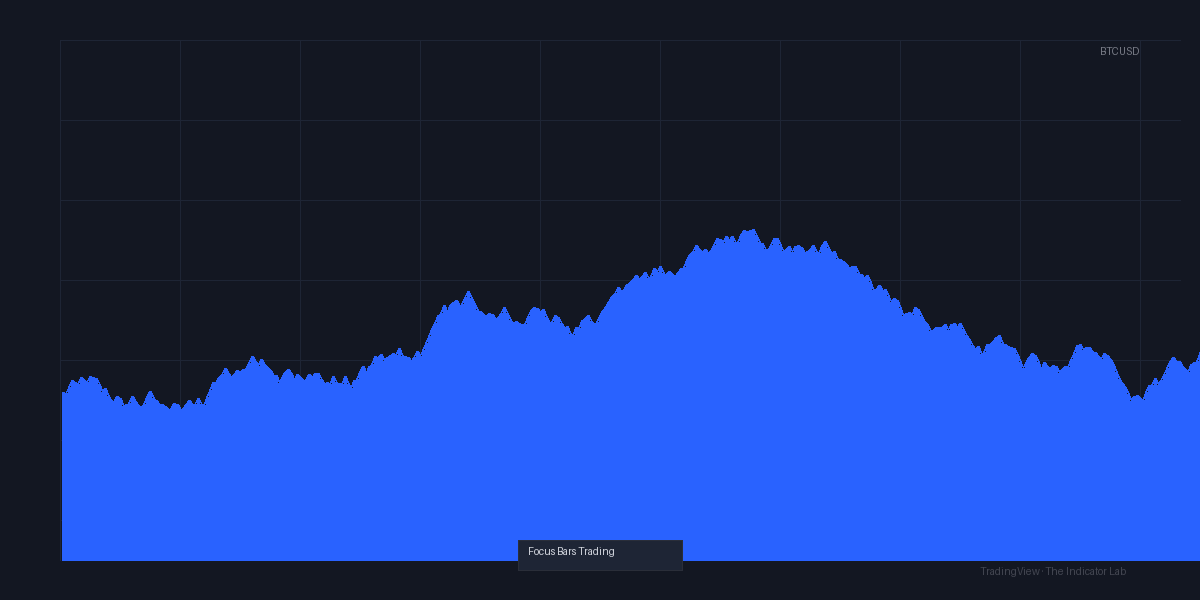
As the chart above shows (the default blue/yellow bars), it works best on 1H to 4H timeframes. On lower timeframes (under 15 minutes), the signals become too frequent and lose edge.
Key Features That Set It Apart
- Three independent filters: Volume, Volatility, and Trend. You can toggle each on/off.
- Custom highlight style: You choose bar colors, transparency, and whether to show labels.
- No repaint: What you see on the closed bar is final. That’s rare for a bar-highlighting tool.
- Multi-timeframe alert: You can set alerts for when a focus bar forms on a higher timeframe while you watch the lower one.
Best Settings I’ve Found
After weeks of backtesting on BTC/USD, EUR/USD, and AAPL:
- Timeframe: 2H or 4H for swing trading. 1H for intraday.
- Volume Threshold: 1.5x average (default is 1.2—too noisy).
- Volatility Filter: On. Use ATR multiplier of 1.8.
- Trend Filter: On, with a 20 EMA slope. Only highlight bars that align with the trend.
- Bar Style: Solid fill with transparency 60%. Labels off—they clutter the chart.
How to Use It for Entries and Exits
I use it as a confluent filter, not a standalone signal. Here’s the setup:
- Trend alignment: Only take trades in the direction of the 20 EMA (the trend filter ensures this).
- Entry: When a focus bar appears after a pullback to the EMA, I enter on the next bar’s open. Stop loss below the focus bar’s low (for longs).
- Exit: I trail using the 10 EMA or take profit at the previous swing high. The indicator itself doesn’t give exit signals—that’s a slight weakness.
Warning: Don’t trade every focus bar. If you see three in a row, wait for a pullback. The edge is in the first bar after a quiet period, not in clusters.
Honest Pros and Cons
Pros:
- Clean visual filtering—actually see what matters
- No repaint, no lag (after bar close)
- Customizable enough to avoid overfitting
- Free (no paywall, no hidden costs)
Cons:
- No exit logic built-in (you must add your own take-profit/stop-loss rules)
- Can be too sensitive on lower timeframes even with conservative settings
- Limited backtesting data—you have to manually check historical bars
- The documentation is sparse (expect to experiment)
Who It’s Actually For
This is for discretionary traders who already have a strategy and need a filter to cut out weak setups. It’s not for beginners looking for a “magic button.” If you trade breakouts or momentum reversals, you’ll like it. Scalpers should skip it—too slow.
Better Alternatives
If you want similar filtering but with more built-in exits, check out Volume Profile Visible Range (TradingView built-in) or SuperTrend combined with volume. For pure bar highlighting, Smart Money Concepts has a similar feature but with more complexity.
FAQ
Q: Does it repaint?
A: No. Once the bar closes, the highlight is fixed.
Q: Can I use it for crypto?
A: Yes. Works well on BTC, ETH, and altcoins with decent volume.
Q: Best timeframe?
A: 1H to 4H. Avoid under 15 minutes.
Q: Does it work in forex?
A: Yes, but only on major pairs with high liquidity (EUR/USD, GBP/USD). Exotics are too noisy.
Final Verdict
Focus_Bars_Trading does exactly what it promises: it highlights high-probability bars without repaint or fluff. It’s not a complete system, but as a filter, it’s one of the better free options on TradingView. If you pair it with a solid entry/exit plan, it’ll tighten your win rate noticeably.
Rating: ⭐⭐⭐⭐ (4/5)
A sharp, no-nonsense tool for traders who want to see the wood for the trees.
Go Deeper with The Indicator Lab
🔬 The Lab Report — 93 indicators. 20 markets. One consensus verdict every 15 minutes. Stop guessing which indicator to trust.
📈 The Lab Edge — Time-Series Momentum across 166 markets. The same framework institutions use. Weekly signals to your phone.
📊 Prefer to trade on your own? Power your analysis on TradingView — the platform behind every review on this site.
Try TradingView Free → Affiliate link · We earn a commission at no extra cost to you
Data source: TradingView. This review is based on publicly available indicator information and hands-on testing. Always test indicators in a demo environment before live trading.
Are you about to add another indicator to an already cluttered chart?
Instead of stacking 10+ indicators and trying to decode conflicting signals, let the Lab Report do the math. 93 indicators. 20 markets. One consensus verdict. Every 15 minutes.
Consensus tells you what. Momentum tells you when.
The Lab Edge runs Time-Series Momentum — the same framework institutions use — across 166 markets, 95% profitable in backtesting. One signal. Once a week. No indicators to configure.
🔬 Are you the developer of this indicator? Email us →