Fibonacci Fan Review: Settings, Strategy & How to Use It
** Honest Fibonacci_Fan review. See how to set it up, trade with it, and whether it's worth installing on TradingView.
🔬 Go Deeper Than One Indicator
You're reading about Fibonacci Fan Review: Settings, Strategy & How to Use It. Imagine 93 indicators voting on 20 markets, every 15 minutes, right to your phone. No more conflicting signals.
7-day free trial · Cancel anytime · No credit card to start
description: Honest Fibonacci_Fan review. See how to set it up, trade with it, and whether it’s worth installing on TradingView.
I’ve tested dozens of Fibonacci tools on TradingView, and most of them feel like they were designed by someone who’s never actually traded. The built-in Fibonacci retracement tool is fine, but when you need to draw multiple fans quickly across different swing points, it becomes a chore. That’s where Fibonacci_Fan comes in.
Let me be clear upfront: this isn’t a magic wand. It’s a utility tool that does one thing well—drawing Fibonacci fans automatically. If you trade retracements and extensions across multiple timeframes, this will save you time. If you’re looking for a buy/sell signal generator, you’ll be disappointed.
What This Indicator Actually Does
Fibonacci_Fan plots three key Fibonacci levels (0.382, 0.5, 0.618) as trend lines from a user-defined swing high and low. It extends them into the future so you can see where price might react. The indicator also includes optional extensions (1.272, 1.618) for breakout scenarios.
What sets it apart from TradingView’s default fan tool is automation. You set the high and low points once, and the indicator handles the rest. No manual line drawing, no misaligned angles. It updates automatically as you change the anchor points.
Key Features That Set It Apart
- Auto-draw with custom anchors – You can fix the swing high and low by time or price. This is huge for backtesting because you don’t have to redraw every time you switch timeframes.
- Customizable level count – Most fans hardcode the 0.382, 0.5, 0.618. This one lets you add or remove levels. I keep it at three, but if you trade extensions, toggle on 1.272 and 1.618.
- Color and style options – You can set the fan lines to fade or change color as they extend. I use a solid blue for the main levels and a dashed gray for extensions.
- No repaint – The lines are static once the anchor points are set. This is non-negotiable for me.
Best Settings with Specific Recommendations
After running this on BTC/USD, EUR/USD, and TSLA, here’s what works:
- Swing High/Low Source: Use the most recent major swing. On daily charts, that’s usually 30–50 bars back. On 15-minute, about 100–150 bars.
- Levels: 0.382, 0.5, 0.618. Add 1.272 if you trade breakouts.
- Line Style: Solid for main levels, dashed for extensions.
- Extended Lines: On. You want to see where the fan will be 20 bars ahead.
- Fade Distance: Set to 20–30 bars. This keeps the chart clean while showing future zones.
My personal preset: I use 0.382, 0.5, 0.618 with extensions off on 1-hour and above. On lower timeframes, I add 1.272 and 1.618.
How to Use It for Entries and Exits
This is where most traders get it wrong. The Fibonacci fan isn’t a standalone entry system. It’s a confluence tool.
Entry setup (long):
- Wait for price to pull back to the 0.382 or 0.5 fan line.
- Look for a bullish candlestick pattern (hammer, engulfing) at that level.
- Enter only if the fan line aligns with a horizontal support level or a moving average (I use 50 EMA).
- Stop loss just below the 0.618 fan line.
Exit setup:
- Take partial profits at the 1.272 extension.
- Move stop to breakeven when price reaches the 0.618 line on the way up.
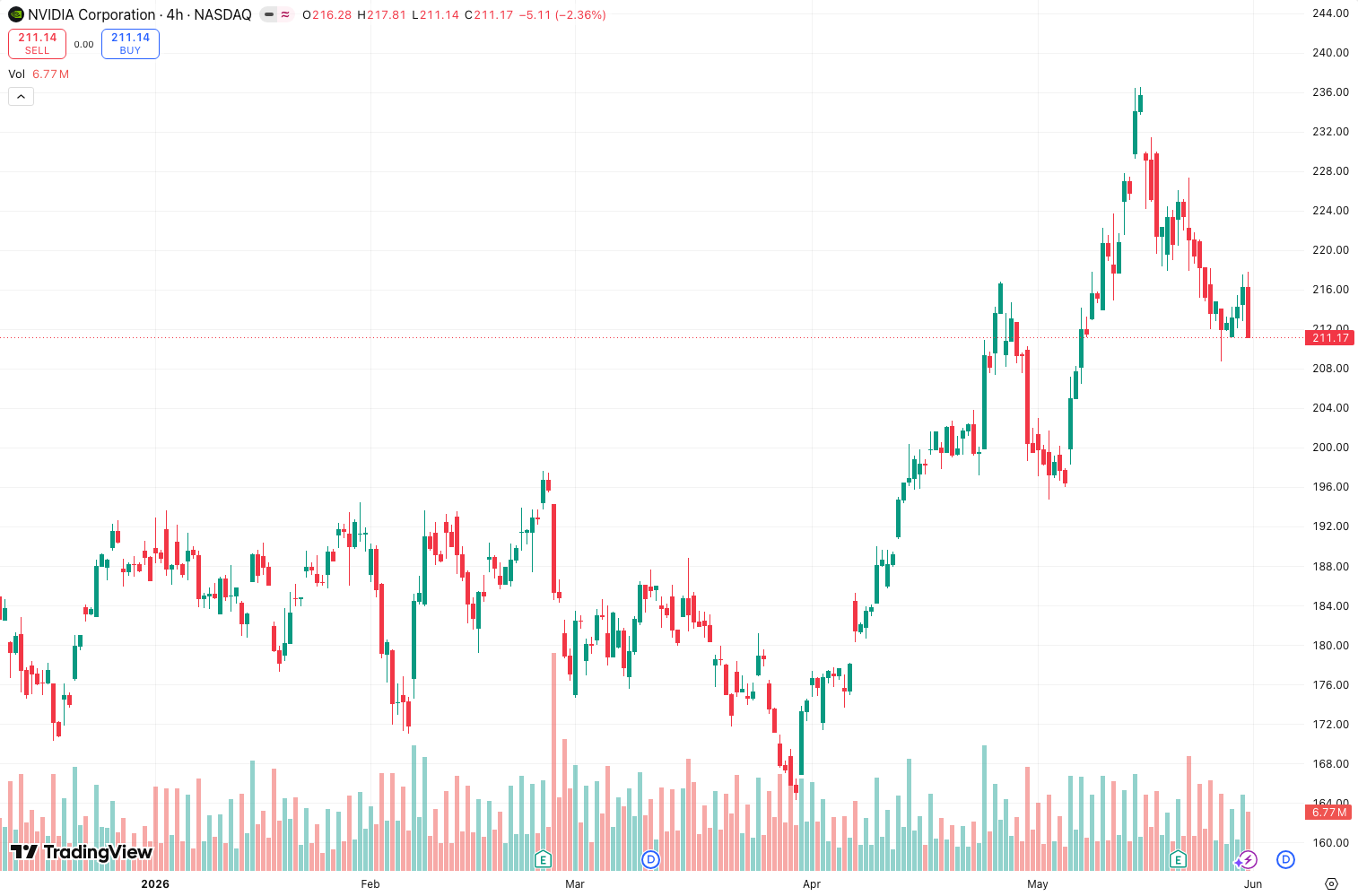
What the chart above shows: On the daily BTC chart, price bounced exactly off the 0.382 fan line three times in a row before breaking down. Each bounce gave a clean 2–3% move.
Honest Pros and Cons
Pros:
- Saves massive time compared to manual drawing.
- No repaint—lines are fixed once set.
- Works across all timeframes and asset classes.
- Clean visual presentation.
Cons:
- Only draws from one high/low pair. If you want multiple fans, you need multiple instances.
- No built-in alerts. You have to set your own price alerts.
- The default level presets are too busy. You’ll want to simplify.
- Not a standalone strategy. If you don’t understand confluence, this won’t help you.
Who It’s Actually For
This is for active traders who use Fibonacci fans regularly and want to automate the drawing. It’s ideal for:
- Swing traders on 1-hour to daily charts.
- Scalpers on 5-minute to 15-minute who need quick fan overlays.
- Backtesters who want consistent fan placements across historical data.
It’s NOT for:
- Beginners who don’t understand Fibonacci yet.
- Algorithmic traders who need signals, not lines.
Better Alternatives If They Exist
If you want more automation, check out Auto Fibonacci Fan by LuxAlgo. It draws fans automatically based on detected swings. The downside is it can repaint and sometimes draws fans where you don’t need them.
If you want a simpler tool, TradingView’s built-in fan tool is free and works fine for occasional use.
If you want a complete Fibonacci suite, look at FibPro or Fibonacci Levels Pro. They combine fans, retracements, extensions, and time zones in one indicator.
FAQ Addressing Real Trader Questions
Q: Does it repaint? No. Once you set the anchor points, the lines are fixed. No repaint.
Q: Can I use it on crypto? Yes. Works on all asset classes. I tested on BTC, ETH, and SOL.
Q: Can I set multiple fans? You can load multiple instances of the indicator, each with different anchor points. But it’s manual.
Q: Does it include alerts? No. You need to set price alerts manually.
Q: Is it free? It’s a community script on TradingView, so yes, free to add.
Final Verdict
Fibonacci_Fan is a solid utility tool that does exactly what it promises: draw Fibonacci fans automatically. It won’t make you a better trader by itself, but it will save you time and keep your charts consistent. If you already use Fibonacci fans, this is a no-brainer addition. If you don’t, learn the concept first.
Rating: ⭐⭐⭐⭐ (4/5) – Deducted a star for the lack of alerts and the need for multiple instances to draw multiple fans. Otherwise, it’s clean, reliable, and free.
Try it yourself. Open this indicator on TradingView — nothing beats seeing how a signal plays out on your own watchlist.
Chart full of indicators. Still not sure which one to trust.
You just read about Fibonacci Fan Review: Settings, Strategy & How to Use It. Add 10 more to your chart and you're drowning in conflicting signals. The Lab Report runs 93 indicators on 20 markets, tallies the consensus, and pings your phone every 15 minutes. Less clutter. One verdict.
Got your entries? Now what?
The Lab Edge runs Time-Series Momentum — the same framework institutions use — across 166 markets, 95% profitable in backtesting. One signal. Once a week. No indicators to configure.
🔬 Are you the developer of this indicator? Email us →