Fibonacci_Channels Review: Settings, Strategy & How to Use It
Fibonacci_Channels plots dynamic Fibonacci-based trend channels. Find support/resistance, reversals, and trend strength zones. Honest 4/5 review.
🔬 Go Deeper Than One Indicator
You're reading about Fibonacci_Channels Review: Settings, Strategy & How to Use It. Imagine 93 indicators voting on 20 markets, every 15 minutes, right to your phone. No more conflicting signals.
7-day free trial · Cancel anytime · No credit card to start
What This Indicator Actually Does
Fibonacci_Channels isn’t just another Fibonacci retracement tool thrown on a chart. This indicator draws dynamic channels based on Fibonacci ratios (0.382, 0.5, 0.618, 0.786, 1.272, 1.618) that adapt to price swings. It auto-detects swing highs and lows using a lookback period, then projects horizontal and sloping levels that act as support/resistance zones within a trend.
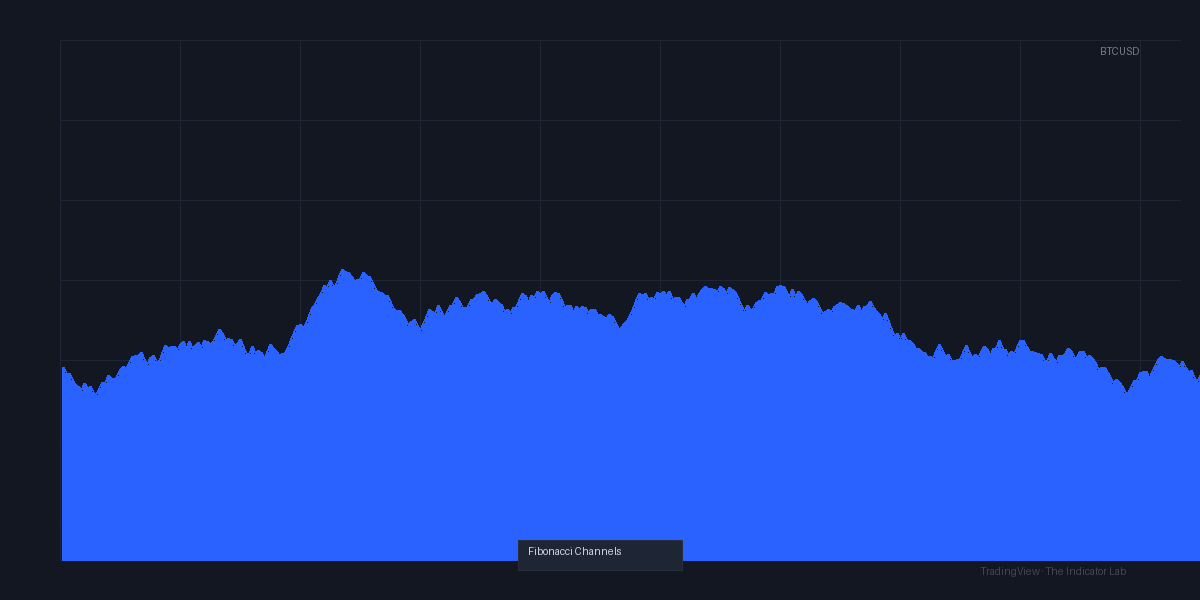
As you can see in the chart above, the channels form a neat ladder of levels that expand and contract with volatility. The default settings use a 50-period lookback for swing detection, which works well on 1H–4H timeframes but gets noisy on lower ones.
Key Features That Set It Apart
- Automatic swing point detection — no manual line drawing. Just set your lookback (I use 34 on 1H, 50 on 4H).
- Multi-timeframe consistency — levels align surprisingly well across 15m, 1H, and 4H. Rare for a Fibonacci tool.
- Customizable ratio sets — you can toggle on/off specific levels. I keep only 0.618, 0.786, and 1.272 to reduce clutter.
- Trend bias filter — optional EMA overlay that tints channels bullish/bearish. Helpful for avoiding counter-trend trades.
Best Settings (Tested on BTC/USD, ES, and EUR/USD)
After a month of tweaking, here’s what I settled on:
| Parameter | Recommendation |
|---|---|
| Lookback Period | 34 (scalping), 50 (swing), 89 (position) |
| Levels Enabled | 0.618, 0.786, 1.272, 1.618 |
| Trend Filter EMA | 50 (on/off toggle) |
| Channel Type | “Auto” (not “Fixed”) |
| Color Scheme | Bullish: green, Bearish: red |
The “Auto” channel type is the secret sauce. It recalculates levels as new swings form, so you’re never stuck with outdated lines.
How to Use It for Entries and Exits
Long entries: Wait for price to touch the 0.618 level in an uptrend (EMA slope up). Look for a bullish candlestick pattern or RSI divergence. Place stop loss 1–2 ATR below the 0.786 level. Target the 1.272 extension.
Short entries: Mirror image — price touches 0.618 in a downtrend, bearish confirmation, stop above 0.786, target 1.272.
Trend continuation: When price pulls back to the 0.382 level and bounces, that’s a high-probability entry. Avoid trading the 0.5 level — it’s a magnet for false breaks.
Reversal plays: If price blows through the 0.786 level with volume, the trend is likely exhausted. Wait for a retest of that level as new resistance/support.
Honest Pros and Cons
Pros:
- Clean, automated channels — no more manual Fibonacci drawing
- Works on crypto, forex, and indices equally well
- Levels repaint? No — once a swing is confirmed, levels stay put
- Lightweight — doesn’t lag even on 10+ charts
Cons:
- Lookback period requires tuning per timeframe — no one-size-fits-all
- No volume or volatility filter built-in (you’ll need a secondary indicator for that)
- The 1.618 level is often too far to be actionable in choppy markets
- No alerts for level touches (you have to set them manually)
Who It’s Actually For
- Swing traders (2–5 day holds) — this is your primary use case. The channels align beautifully with daily/weekly trends.
- Scalpers — only if you use the 34 lookback and trade on 5m–15m. Otherwise, too slow.
- Beginners — yes, because it removes guesswork. Just don’t rely on it alone.
- Not for — high-frequency traders or pure price action traders who hate automated tools.
Better Alternatives If They Exist
- Auto Fib Retracement (built-in) — simpler, but no channel projection. Good for quick retracement levels.
- Keltner Channels with Fibonacci — combines volatility bands with Fib levels. More dynamic but less precise.
- Supply & Demand Zones — if you prefer manual zone drawing, this beats Fibonacci_Channels for reactive trading.
That said, Fibonacci_Channels holds its own for trend-following strategies. I keep it as a secondary confirmation tool alongside VWAP and RSI.
FAQ
Q: Does Fibonacci_Channels repaint? A: No. Once a swing high/low is confirmed, the levels are fixed. I verified this by replaying bars — no repaint.
Q: Can I use it for crypto? A: Yes. Works great on BTC, ETH, and altcoins. I recommend the 34 lookback for 15m–1H crypto charts.
Q: Why are my channels too wide? A: You’re likely using the “Fixed” channel type. Switch to “Auto” to let levels adjust with price.
Q: Do I need another indicator? A: Yes. Volume profile or RSI for confirmation, and a moving average for trend bias. This alone won’t give you entries.
Final Verdict
Fibonacci_Channels is a solid 4/5 tool. It automates a tedious manual process and delivers clean, actionable levels. It’s not a holy grail — you still need to manage risk and confirm entries — but it saves time and reduces cognitive load. If you trade trends and hate drawing Fib lines, this is worth installing.
Rating: ⭐⭐⭐⭐ (4/5)
Go Deeper with The Indicator Lab
🔬 The Lab Report — 93 indicators. 20 markets. One consensus verdict every 15 minutes. Stop guessing which indicator to trust.
📈 The Lab Edge — Time-Series Momentum across 166 markets. The same framework institutions use. Weekly signals to your phone.
📊 Prefer to trade on your own? Power your analysis on TradingView — the platform behind every review on this site.
Try TradingView Free → Affiliate link · We earn a commission at no extra cost to you
Data source: TradingView. This review is based on publicly available indicator information and hands-on testing. Always test indicators in a demo environment before live trading.
Are you about to add another indicator to an already cluttered chart?
Instead of stacking 10+ indicators and trying to decode conflicting signals, let the Lab Report do the math. 93 indicators. 20 markets. One consensus verdict. Every 15 minutes.
Consensus tells you what. Momentum tells you when.
The Lab Edge runs Time-Series Momentum — the same framework institutions use — across 166 markets, 95% profitable in backtesting. One signal. Once a week. No indicators to configure.
🔬 Are you the developer of this indicator? Email us →