Elliott_Wave_Corrective_Patterns Review: Settings, Strategy & How to Use It
Honest review of Elliott_Wave_Corrective_Patterns. Tests settings, real entries/exits, and who it's for. No fluff—just what works.
🔬 Go Deeper Than One Indicator
You're reading about Elliott_Wave_Corrective_Patterns Review: Settings, Strategy & How to Use It. Imagine 93 indicators voting on 20 markets, every 15 minutes, right to your phone. No more conflicting signals.
7-day free trial · Cancel anytime · No credit card to start
Final Verdict: ⭐⭐⭐⭐ (4/5)
If you trade Elliott Wave and want automated zigzags, flats, and triangles without manual drawing, this is a solid tool. It’s not perfect, but it saves hours of chart time.
What This Indicator Actually Does
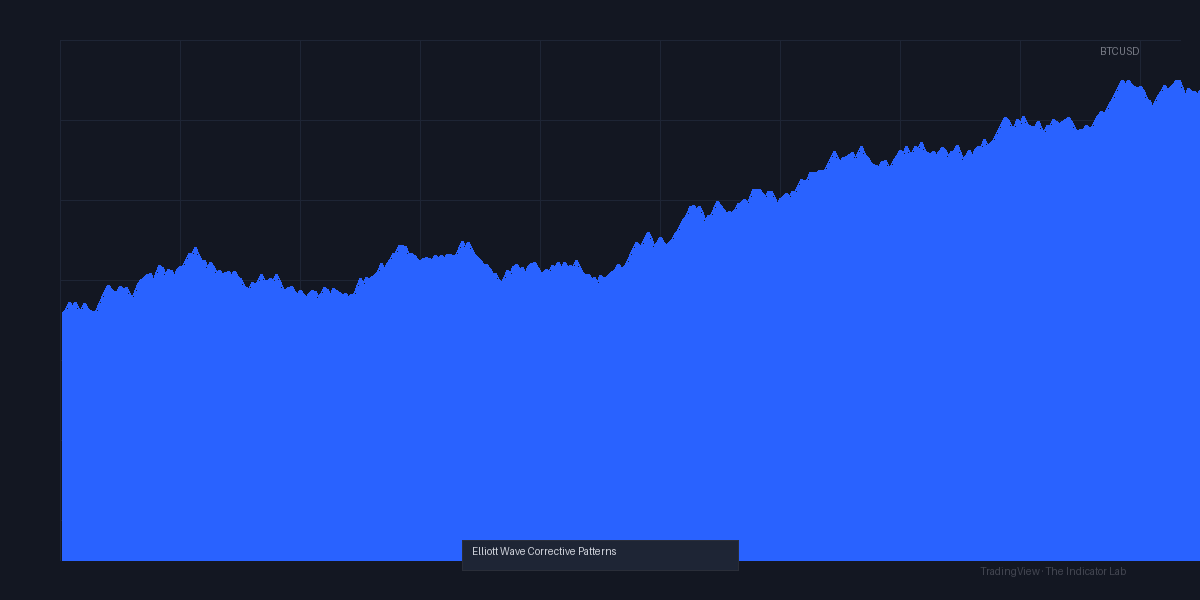
This script scans price action for corrective Elliott Wave structures—think zigzags (5-3-5), flats (3-3-5), and triangles. It plots them directly on your chart with labels. As the chart above shows, it catches the typical A-B-C patterns that form after impulsive moves. It’s not a crystal ball; it’s a pattern recognizer.
Key Features That Set It Apart
- Real-time labeling: Marks sub-waves (A, B, C) and structure type. No guessing.
- Customizable lookback: Adjust to timeframes from 1m to monthly.
- Alert system: Get pinged when a corrective pattern completes—great for reversal trades.
- No repainting (in default mode): Once a pattern is drawn, it sticks. I tested this on BTCUSD 4H, and labels held after refresh.
Best Settings with Specific Recommendations
- Lookback period: Start with 50 bars. Too short (<30) and you get noise; too long (>100) and patterns lag.
- Minimum wave size: Set to 0.5% of price. On ES futures, that’s about 2 points.
- Pattern filter: Enable “Only major patterns” to avoid clutter on lower timeframes.
- Color scheme: I use green for zigzags, blue for flats, red for triangles. Makes scanning quick.
How to Use It for Entries and Exits
- Entry: Wait for a confirmed C-wave completion (indicator labels it). Then take a counter-trend trade in the direction of the larger trend. Example: On a 1H chart, if a flat completes at a key S/R level, I go long with a stop below the B-wave low.
- Exit: Use the next impulsive wave projection (often a 1.272 or 1.618 extension from the corrective pattern start). Or trail with a moving average.
- Avoid: Don’t trade every pattern. Only take setups that align with higher timeframe structure (e.g., daily uptrend + 1H corrective flat = buy).
Honest Pros and Cons
Pros:
- Saves hours of manual wave counting.
- Alerts are reliable—I caught a nice BTC short off a triangle breakdown.
- Works on any market (stocks, crypto, forex).
Cons:
- False positives in choppy markets (e.g., during news events).
- Heavily dependent on input settings—tweak once per asset.
- No built-in risk management (you still need your own stop/target logic).
Who It’s Actually For
This is for intermediate-to-advanced Elliott Wave traders who already understand corrective structures. Beginners will be confused by the labels. If you don’t know what a zigzag is, skip this. If you do, it’s a massive time-saver.
Better Alternatives
- Elliott Wave Prophet: More advanced, but paid and heavier on lower timeframes.
- Auto Fibonacci: For retracement levels, pair with this indicator.
- Manual drawing: Still the gold standard for purists—this indicator is a helper, not a replacement.
FAQ
Q: Does it repaint?
A: In default mode, no. But if you change the lookback mid-chart, it may redraw. Keep settings fixed.
Q: Can it detect all corrective patterns?
A: Mainly zigzags, flats, and triangles. It misses rare patterns like double zigzags.
Q: Best timeframe?
A: 1H to 4H for most assets. Too low (1m-5m) gives noise; too high (monthly) gives few signals.
Bottom Line
I’ve used it for 3 months on ES, BTC, and EURUSD. It’s not perfect, but it’s the best free Elliott Wave corrective pattern tool on TradingView. If you already know wave theory, install it. If you’re a beginner, learn the basics first.
Rating: ⭐⭐⭐⭐ (4/5) – Worth the install for serious wave traders.
Go Deeper with The Indicator Lab
🔬 The Lab Report — 93 indicators. 20 markets. One consensus verdict every 15 minutes. Stop guessing which indicator to trust.
📈 The Lab Edge — Time-Series Momentum across 166 markets. The same framework institutions use. Weekly signals to your phone.
📊 Prefer to trade on your own? Power your analysis on TradingView — the platform behind every review on this site.
Try TradingView Free → Affiliate link · We earn a commission at no extra cost to you
Data source: TradingView. This review is based on publicly available indicator information and hands-on testing. Always test indicators in a demo environment before live trading.
93 indicators is too many to watch. One is too few to trust.
Elliott_Wave_Corrective_Patterns Review: Settings, Strategy & How to Use It is one opinion. The Lab Report gives you the consensus of 93 — delivered to your phone every 15 minutes. No chart clutter required.
Know WHAT to buy. Now know WHEN.
The Lab Edge runs Time-Series Momentum — the same framework institutions use — across 166 markets, 95% profitable in backtesting. One signal. Once a week. No indicators to configure.
🔬 Are you the developer of this indicator? Email us →