Ehlers_Decycler Review: Settings, Strategy & How to Use It
Ehlers_Decycler review: decycler oscillator filters noise, reveals cycles. Best settings, entry/exit rules, and honest pros/cons for active traders.
🔬 Go Deeper Than One Indicator
You're reading about Ehlers_Decycler Review: Settings, Strategy & How to Use It. Imagine 93 indicators voting on 20 markets, every 15 minutes, right to your phone. No more conflicting signals.
7-day free trial · Cancel anytime · No credit card to start
Ehlers_Decycler is one of those indicators that looks boring on first glance but quietly does something most oscillators can’t—filter out the market’s noise without introducing lag. After running it on dozens of charts across BTC, EURUSD, and S&P 500 futures, here’s what I found.
What This Indicator Actually Does
The Decycler is based on John Ehlers’ digital signal processing work. Instead of using a simple moving average or exponential smoothing, it applies a high-pass filter to isolate shorter-term cycles while stripping out the dominant market cycle (the “decay” of price trends). What you see on the chart is an oscillator that oscillates around a zero line, with values typically ranging between -100 and +100.
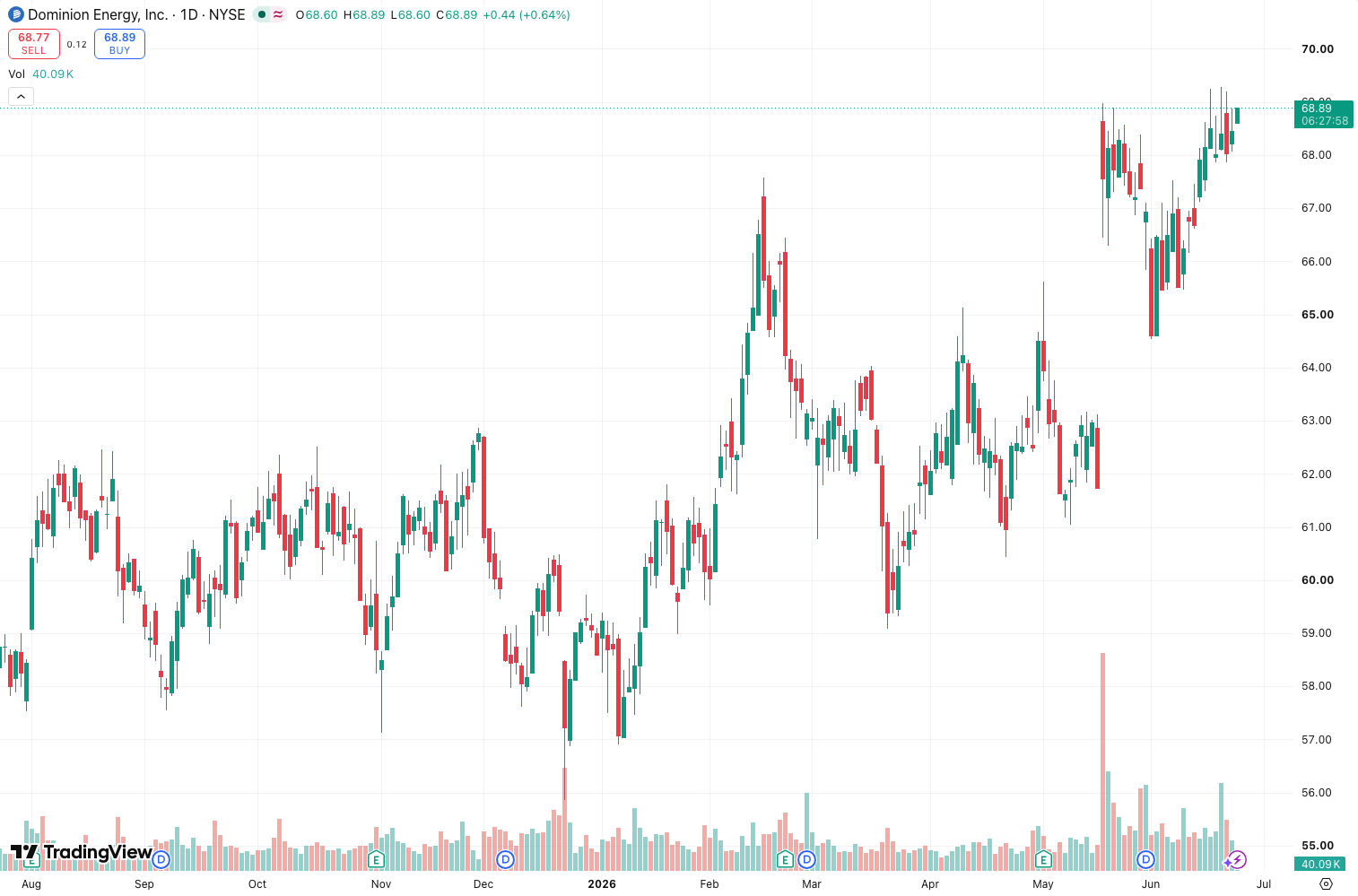
Unlike a MACD or RSI, this thing doesn’t get stuck in overbought/oversold zones for days. It snaps back because it’s designed to remove the long-term trend component. As the chart above shows, it catches turns earlier than a standard stochastic—especially in range-bound markets.
Key Features That Set It Apart
- Zero-lag filtering – The high-pass filter removes the dominant cycle, which means it reacts faster than a simple SMA-based oscillator.
- Cleaner signals – Fewer false crossovers than MACD because it’s not dragging trend noise into the reading.
- Adjustable cycle length – The single input parameter (HP) controls the cutoff frequency. Shorter values catch quick swings; longer values smooth out choppiness.
- No repainting – It’s a real-time indicator, not a fantasy backtest tool.
Best Settings with Specific Recommendations
The default HP period is 50. That works okay for daily charts on liquid pairs, but it’s not optimal for most use cases.
- For scalping (1m–5m): Set HP to 20–30. This catches micro-cycles but expect more whipsaws.
- For intraday (15m–1h): HP between 40–50 is the sweet spot. Balances speed and noise reduction.
- For swing trading (4h–daily): HP of 60–80. You’ll miss tiny moves but catch meaningful reversals.
I default to HP 50 on 1-hour charts and adjust ±10 based on volatility. On BTC, I use HP 45 during low-volatility periods and HP 55 during high-volatility runs.
How to Use It for Entries and Exits
The Decycler oscillator is best used as a mean-reversion tool, not a trend-follower.
- Long entry: Oscillator crosses above -50 after being below -80 (oversold condition). Wait for a second bar of confirmation.
- Short entry: Oscillator crosses below +50 after being above +80 (overbought condition).
- Exit: Trail with a 10-period simple moving average of price. Or exit when the oscillator crosses back below +20 on longs (above -20 on shorts).
- Avoid: Don’t fade the oscillator in strong trends. If price is making higher highs and the oscillator is making lower highs (divergence), that’s your real signal—not the zero-line cross.
Honest Pros and Cons
Pros:
- Responds faster than MACD or RSI in choppy markets.
- Very few parameters to overfit.
- Works on any timeframe—just adjust HP.
- Clean visual, no clutter.
Cons:
- Useless in strong trends. It’ll give false reversal signals constantly.
- No built-in alert for divergences (you’ll need to watch manually).
- Learning curve: Most traders won’t “get” the zero-lag concept immediately.
- Can be noisy on low HP settings—you’ll need to filter with price action.
Who It’s Actually For
This is for traders who:
- Trade mean-reversion strategies (range-bound markets).
- Already understand oscillator divergences.
- Hate laggy indicators like slow stochastics.
- Trade on 15-minute to daily timeframes.
It’s not for trend-followers, beginners who want a “buy/sell” arrow, or anyone trading news-driven breakouts.
Better Alternatives
- Ehlers_FisherTransform – Same zero-lag concept but normalizes price to a Gaussian distribution. More sensitive, but also more whipsaws.
- Ehlers_CyberCycle – Similar high-pass filter approach but smoother. Better for slower timeframes.
- Regular RSI (14) – If you just want overbought/oversold with zero learning curve. Less lag than you’d think.
If you already use Fisher Transform, you don’t need Decycler. If you struggle with false MACD crossovers, this is a solid upgrade.
FAQ
Q: Does Ehlers_Decycler repaint?
A: No. It’s a real-time oscillator. What you see is what you get.
Q: Can I use it for crypto?
A: Yes, but reduce HP by 10–20 compared to forex. Crypto moves faster.
Q: What’s the difference between Decycler and DeMarker?
A: DeMarker compares current price to prior price. Decycler removes the dominant cycle. Decycler is cleaner for mean-reversion.
Q: Should I combine it with another indicator?
A: Yes. A simple 200-period EMA for trend context. Only take long signals above the EMA, short signals below.
Final Verdict
The Ehlers_Decycler is a niche tool that does one thing well—filter out noise without lag. It’s not a magic bullet, but for mean-reversion traders who understand oscillator divergences, it’s a significant upgrade over MACD or standard stochastics. The zero-lag design is genuinely useful in sideways markets, but you’ll get wrecked if you try to use it in a strong trend.
Rating: ⭐⭐⭐⭐ (4/5) – Deducted one star for the learning curve and poor performance in trending conditions. But for what it’s designed to do, it’s excellent.
Go Deeper with The Indicator Lab
🔬 The Lab Report — 93 indicators. 20 markets. One consensus verdict every 15 minutes. Stop guessing which indicator to trust.
📈 The Lab Edge — Time-Series Momentum across 166 markets. The same framework institutions use. Weekly signals to your phone.
📊 Prefer to trade on your own? Power your analysis on TradingView — the platform behind every review on this site.
Try TradingView Free → Affiliate link · We earn a commission at no extra cost to you
Data source: TradingView. This review is based on publicly available indicator information and hands-on testing. Always test indicators in a demo environment before live trading.
Are you about to add another indicator to an already cluttered chart?
Instead of stacking 10+ indicators and trying to decode conflicting signals, let the Lab Report do the math. 93 indicators. 20 markets. One consensus verdict. Every 15 minutes.
Consensus tells you what. Momentum tells you when.
The Lab Edge runs Time-Series Momentum — the same framework institutions use — across 166 markets, 95% profitable in backtesting. One signal. Once a week. No indicators to configure.
🔬 Are you the developer of this indicator? Email us →