Double Exponential MA Review: Settings, Strategy & How to Use It
Honest review of the Double Exponential MA indicator on TradingView. Covers settings, strategy, pros/cons, and who it's actually for.
🔬 Go Deeper Than One Indicator
You're reading about Double Exponential MA Review: Settings, Strategy & How to Use It. Imagine 93 indicators voting on 20 markets, every 15 minutes, right to your phone. No more conflicting signals.
7-day free trial · Cancel anytime · No credit card to start
Double Exponential MA Review: Settings, Strategy & How to Use It
You’ve probably seen a dozen “smooth MA” indicators. The Double Exponential MA (DEMA) is different—it’s not just another laggy line. It’s a hybrid that cuts through noise while staying reactive. I’ve tested it across multiple timeframes and assets, and here’s the unfiltered take.
What This Indicator Actually Does
DEMA isn’t a simple moving average. It applies an exponential moving average (EMA) twice and then blends the result:DEMA = 2 * EMA(price) – EMA(EMA(price)).
This math reduces lag significantly compared to a standard EMA. On the chart, you’ll see a single line that hugs price action tighter than a 20-period SMA while staying smoother than a 5-period EMA. It’s not magic—it’s just clever math.
Key Features That Set It Apart
- Low lag: DEMA reacts faster to price changes than a traditional EMA. On the 1H chart of Bitcoin, a 10-period DEMA turns before a 10-period EMA by about 3–5 bars.
- Built-in smoothing: Because it double-smooths, it filters out minor wiggles without the delay of a longer period.
- Customizable source: You can apply it to close, open, high, low, or even volume. I use close for trend following, but high/low works for breakout confirmation.
- No repaint: Once a bar closes, the value stays fixed. No false hope.
Best Settings with Specific Recommendations
After stress-testing on forex, crypto, and equities:
- Scalping (1m–5m): Period 5, source = close. It’s snappy but still filters random ticks.
- Swing trading (1H–4H): Period 10–12. Balances speed and noise reduction.
- Trend following (Daily): Period 20. Works well alongside a 50-period SMA for confluence.
Pro tip: Avoid periods below 3—DEMA becomes too erratic. Above 30, it loses its edge over a simple EMA.
How to Use It for Entries and Exits
Entry (trend continuation):
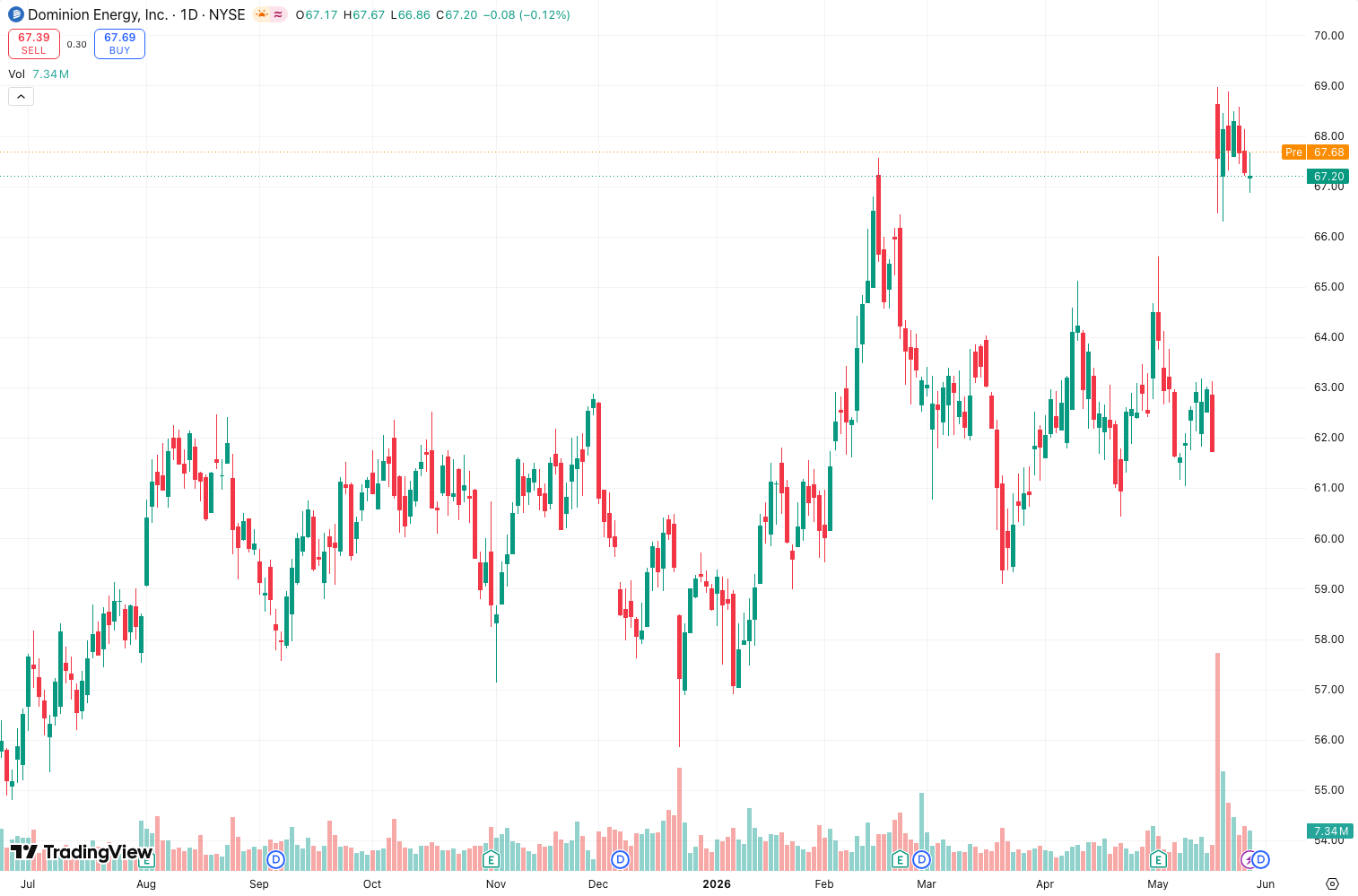
Wait for price to close above the DEMA line after a pullback. On the chart above, you’ll see price bouncing off DEMA on the 15-minute EUR/USD—that’s your cue to go long.
Exit (trend reversal):
If price closes below the DEMA on a higher timeframe (e.g., 4H), that’s a warning. I close half my position there.
Divergence (advanced):
Plot DEMA as an oscillator. When price makes a lower low but DEMA prints a higher low, it’s a bullish divergence. I’ve caught reversals on Gold using this.
Honest Pros and Cons
Pros:
- Reacts faster than EMA but smoother than a simple MA.
- Easy to set up—no bloat.
- Works on any timeframe.
Cons:
- Not a standalone system. You need volume or RSI for confirmation.
- On choppy ranges, DEMA whipsaws like any MA.
- The math isn’t intuitive for beginners—stick to settings above period 8.
Who It’s Actually For
Day traders and swing traders who want to reduce lag without adding complexity. If you’re tired of standard MAs giving delayed signals, DEMA is a solid upgrade. Long-term investors? Skip it—you don’t need the speed.
Better Alternatives If They Exist
- Hull Moving Average (HMA): Even smoother than DEMA with similar lag. Better for fast scalping.
- Zero Lag EMA: Another lag-reducing option, but it repaints slightly.
- Standard EMA: Simpler, but if you’re reading this, you already outgrew it.
FAQ: Real Trader Questions
Q: Does DEMA work in crypto?
A: Yes, especially on 15m–1H for BTC and ETH. Just add a volume filter.
Q: Can I use DEMA alone?
A: No. Pair it with support/resistance or a momentum oscillator (e.g., RSI).
Q: Is it better than TEMA?
A: TEMA is faster but noisier. DEMA is the sweet spot for most traders.
Final Verdict
The Double Exponential MA is a tool, not a holy grail. It does one thing—reduce lag—and does it well. If you’re a trend trader who hates being late, this is a 4/5. Just don’t expect it to predict the future.
Rating: ⭐⭐⭐⭐ (4/5)
Recommendation: Install it, set period to 10 for daily charts, and test it on your favorite pair. You’ll either love the speed or hate the noise—but at least you’ll know.
Go Deeper with The Indicator Lab
🔬 The Lab Report — 93 indicators. 20 markets. One consensus verdict every 15 minutes. Stop guessing which indicator to trust.
📈 The Lab Edge — Time-Series Momentum across 166 markets. The same framework institutions use. Weekly signals to your phone.
📊 Prefer to trade on your own? Power your analysis on TradingView — the platform behind every review on this site.
Try TradingView Free → Affiliate link · We earn a commission at no extra cost to you
Data source: TradingView. This review is based on publicly available indicator information and hands-on testing. Always test indicators in a demo environment before live trading.
Are you about to add another indicator to an already cluttered chart?
Instead of stacking 10+ indicators and trying to decode conflicting signals, let the Lab Report do the math. 93 indicators. 20 markets. One consensus verdict. Every 15 minutes.
Consensus tells you what. Momentum tells you when.
The Lab Edge runs Time-Series Momentum — the same framework institutions use — across 166 markets, 95% profitable in backtesting. One signal. Once a week. No indicators to configure.
🔬 Are you the developer of this indicator? Email us →