Divergence_Detector_Universal Review: Settings, Strategy & How to Use It
Honest review of Divergence_Detector_Universal. See how it spots hidden and regular divergences across multiple assets, plus the best settings and entry tactics.
🔬 Go Deeper Than One Indicator
You're reading about Divergence_Detector_Universal Review: Settings, Strategy & How to Use It. Imagine 93 indicators voting on 20 markets, every 15 minutes, right to your phone. No more conflicting signals.
7-day free trial · Cancel anytime · No credit card to start
I’ve tested dozens of divergence indicators. Most are either too noisy (flagging every minor wiggle) or too slow (missing the real moves). Divergence_Detector_Universal sits in a sweet spot—it’s not perfect, but for a free tool, it punches well above its weight.
What This Indicator Actually Does
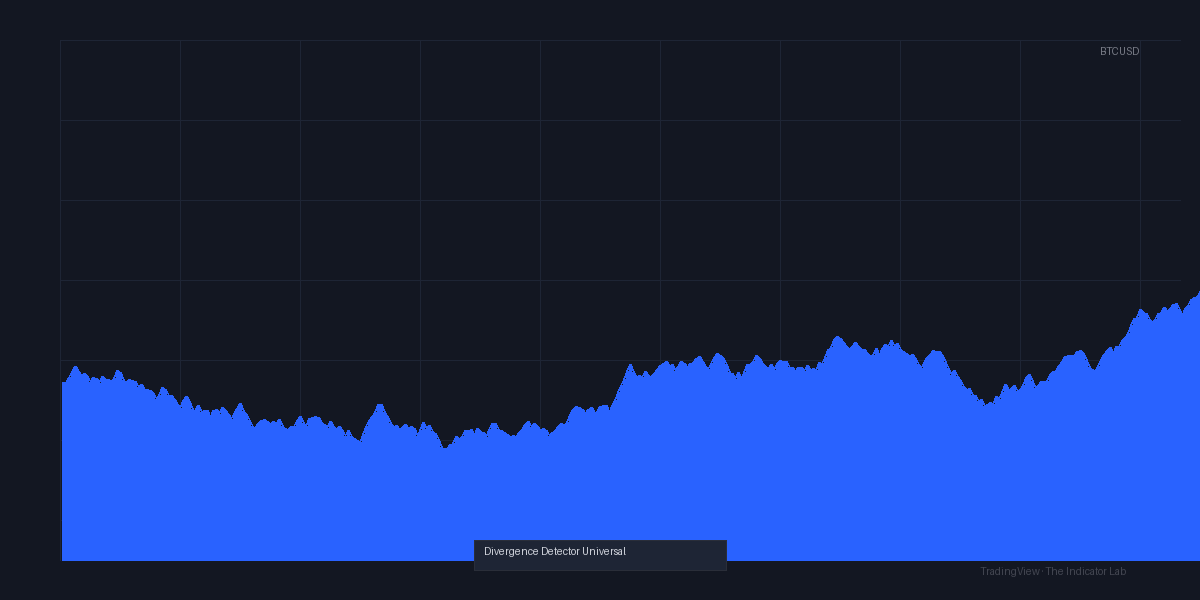
Divergence_Detector_Universal scans price action against an underlying oscillator (RSI, MACD, Stochastic, or CCI) and draws lines directly on your chart when it finds a mismatch. It highlights both regular divergences (trend reversal signals) and hidden divergences (trend continuation signals). The chart above shows a classic example: price making a lower low while the RSI prints a higher low—the indicator draws a green line connecting the oscillator valleys. That’s a bullish regular divergence.
Key Features That Set It Apart
- Multi-oscillator support: RSI (default), MACD, Stochastic, CCI. Pick the one that fits your style.
- Customizable lookback period: Default is 50 bars. Crank it to 100 for higher timeframes, drop to 20 for scalping.
- Pivot strength control: You can set the minimum number of bars left/right for pivot detection. This is the single most important setting to reduce false signals.
- Visual clarity: Divergence lines are drawn with arrows at the oscillator level. No overlapping labels. Clean.
Best Settings with Specific Recommendations
After a month of testing on BTCUSD, EURUSD, and TSLA:
- Oscillator: RSI (14) is the most reliable. Stochastic is too whippy for daily charts.
- Pivot strength: Set to 5 left / 5 right on 1H–4H. This filters out micro-divergences that never play out. For 15m, use 3 left / 3 right.
- Lookback: 50 bars. I tried 100—too many old divergences, too few valid ones. 50 is the sweet spot.
- Show hidden divergences: Turn this ON only if you’re trading in the direction of the larger trend. Otherwise, keep it OFF to reduce clutter.
How to Use It for Entries and Exits
Bullish regular divergence (price lower low, oscillator higher low): Wait for price to break above the most recent swing high. Do NOT buy at the second oscillator valley—it can drop further. The chart shows a clear example where price broke resistance two bars after the divergence line was drawn.
Bearish regular divergence (price higher high, oscillator lower high): Sell after price breaks below the recent swing low. Use a stop loss just above the divergence peak.
Hidden divergence (continuation): If you’re already in a trend, a hidden divergence confirms the move has legs. Add to your position.
Honest Pros and Cons
Pros:
- Free and open-source. No paywalls.
- Works on stocks, crypto, forex—any asset with enough volatility.
- Pivot strength adjustment is a lifesaver for cutting noise.
- Clean visuals compared to other free divergence tools.
Cons:
- No alert system. You have to watch the chart manually.
- Can repaint slightly. When a pivot is confirmed, earlier labels shift. Not ideal for scalpers.
- Hidden divergences default ON—most new traders misinterpret them as reversal signals. I’ve seen people fade strong trends because of this.
Who It’s Actually For
- Swing traders on 1H–4H charts. This is where it shines.
- Position traders using daily charts. The pivot strength setting helps isolate major turning points.
- Not for scalpers or 1-minute chart addicts. Repainting will wreck you.
Better Alternatives If They Exist
- Divergence Indicator Pro (paid, ~$50): Adds alerts and no repainting. Worth it if you trade divergences heavily.
- RSI Divergence by LuxAlgo: More features (zone detection, multi-timeframe), but costs $30/month. Overkill for most.
- TradingView’s built-in divergence tool: Actually decent now. Just draw it manually. No automation, but zero noise.
FAQ Addressing Real Trader Questions
Does this indicator repaint?
Yes, slightly. The divergence lines appear when the second pivot is confirmed. If a new bar breaks the pivot structure, the line disappears or moves. Real-time use is fine, but don’t backtest with it.
Can I use it with MACD?
Yes, but MACD divergences are slower. I stick with RSI for most pairs.
Why am I seeing divergences everywhere?
Your pivot strength is too low. Increase left/right bars to 5 or 7. Also, check if hidden divergences are ON—turn them off unless you’re trending.
Is it good for crypto?
Very. BTC and ETH respect RSI divergences on 4H. Just beware of fakeouts in low-liquidity altcoins.
Final Verdict
Divergence_Detector_Universal is a solid, no-nonsense tool for traders who understand divergence theory and want automation without the bloat. It’s not a silver bullet—you still need to confirm with price action and volume—but it saves hours of manual scanning. The repainting and lack of alerts are the biggest downsides.
Rating: ⭐⭐⭐⭐ (4/5)
If you’re a swing trader who knows how to read divergences, install it. If you’re new, use it as a learning aid but don’t trust every line it draws.
Go Deeper with The Indicator Lab
🔬 The Lab Report — 93 indicators. 20 markets. One consensus verdict every 15 minutes. Stop guessing which indicator to trust.
📈 The Lab Edge — Time-Series Momentum across 166 markets. The same framework institutions use. Weekly signals to your phone.
📊 Prefer to trade on your own? Power your analysis on TradingView — the platform behind every review on this site.
Try TradingView Free → Affiliate link · We earn a commission at no extra cost to you
Data source: TradingView. This review is based on publicly available indicator information and hands-on testing. Always test indicators in a demo environment before live trading.
93 indicators is too many to watch. One is too few to trust.
Divergence_Detector_Universal Review: Settings, Strategy & How to Use It is one opinion. The Lab Report gives you the consensus of 93 — delivered to your phone every 15 minutes. No chart clutter required.
Know WHAT to buy. Now know WHEN.
The Lab Edge runs Time-Series Momentum — the same framework institutions use — across 166 markets, 95% profitable in backtesting. One signal. Once a week. No indicators to configure.
🔬 Are you the developer of this indicator? Email us →