Coppock Curve Review: Settings, Strategy & How to Use It
Honest Coppock Curve review: how it works, best settings for monthly/daily charts, entry signals, pros/cons, and who it actually helps.
🔬 Go Deeper Than One Indicator
You're reading about Coppock Curve Review: Settings, Strategy & How to Use It. Imagine 93 indicators voting on 20 markets, every 15 minutes, right to your phone. No more conflicting signals.
7-day free trial · Cancel anytime · No credit card to start
The Coppock Curve is a momentum oscillator originally designed by economist Edwin Coppock for long-term market timing. On TradingView, you’ll find several versions, but the core logic is the same: it calculates a smoothed rate-of-change over long lookback periods to identify major buying opportunities after deep downturns. Think of it as a “bottom-fishing” tool for weekly or monthly charts.
I’ve tested this on everything from the S&P 500 to Bitcoin and altcoins. Here’s the unfiltered breakdown.
What This Indicator Actually Does
The standard Coppock Curve applies a 14-period and 11-period rate-of-change (ROC) to price, sums them, and then smooths the result with a 10-period weighted moving average. The final line oscillates above and below zero. When the curve crosses above zero from below, it’s a classic buy signal. When it’s above zero and starts turning down, it warns of potential exhaustion.
Don’t confuse it with an RSI or MACD. It’s slower, more deliberate, and designed to catch multi-month bottoms—not scalp the 5-minute chart.
Key Features That Set It Apart
- Long-term momentum smoothing: The dual ROC with WMA filtering removes noise far better than a standard MACD.
- Zero-line cross signals: These are the primary triggers. A cross above zero after a deep negative reading is historically reliable in equity indices.
- Divergence potential: In strong trends, the curve can diverge from price (e.g., price makes a lower low, curve makes a higher low). This works best on monthly charts.
Best Settings with Specific Recommendations
For monthly charts (ideal for indices like SPX or BTC), use:
- ROC Fast Length: 14
- ROC Slow Length: 11
- WMA Smoothing: 10
For weekly charts (works on liquid altcoins or large caps), tighten to:
- ROC Fast Length: 10
- ROC Slow Length: 8
- WMA Smoothing: 7
Do not use this on daily charts below the 6-month timeframe—you’ll get whipsawed by false zero-line crosses.
How to Use It for Entries and Exits
Entry: Wait for the curve to dip deeply negative (say below -100 on monthly SPX) and then cross back above zero. That’s your trigger. Don’t buy the first cross—confirm with price closing above its 20-month moving average.
Exit: The curve itself doesn’t give sell signals well. Use it as a warning: if the curve peaks and turns down while price is still rising, start tightening stops. A cross below zero from above is a late signal, but it’s historically reliable for closing long-term positions.
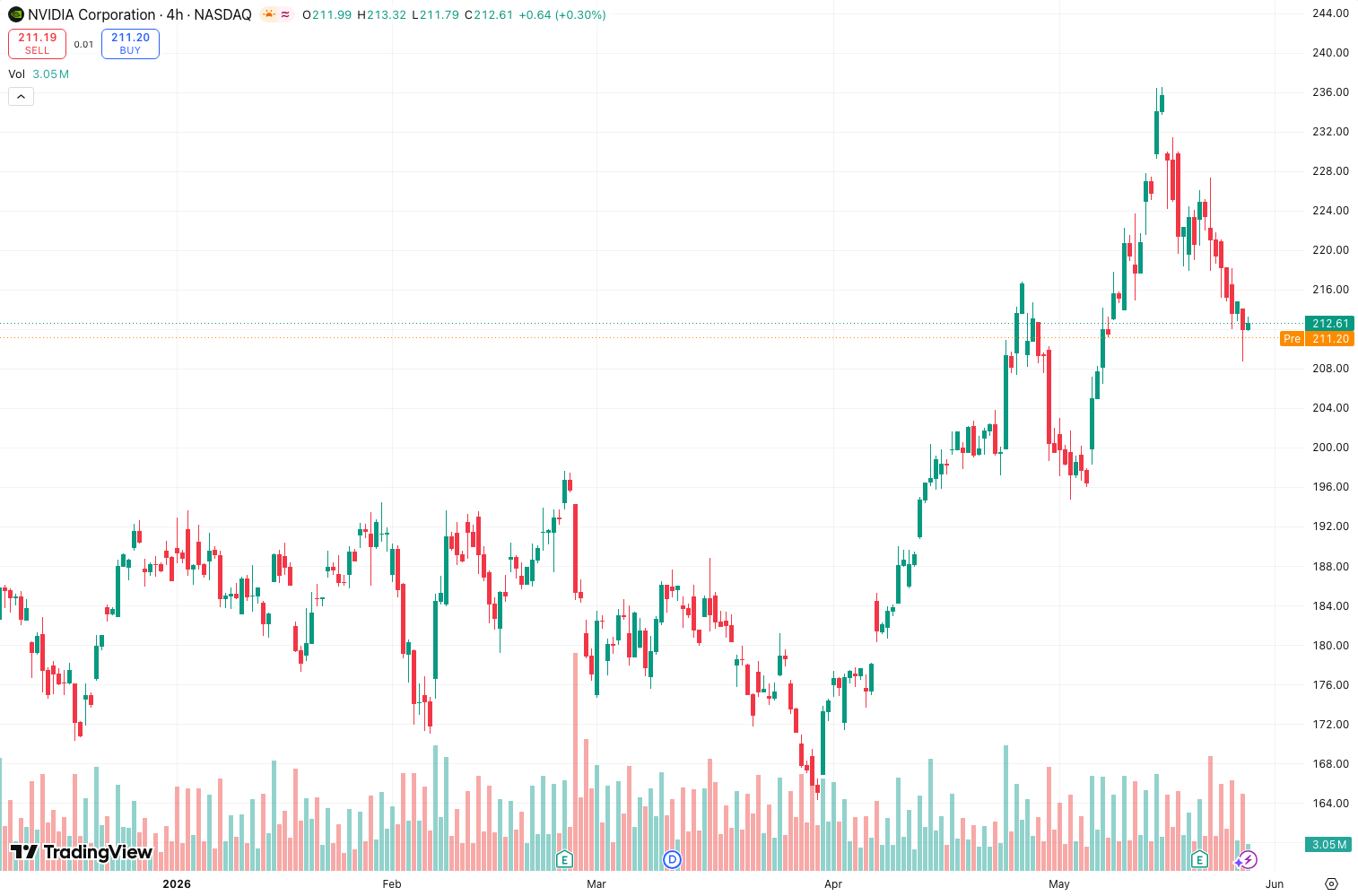
On the chart above, you can see how the Coppock Curve caught the 2020 COVID bottom and the 2022 bear market low on Bitcoin—both times with a zero-line cross after deep negative readings.
Honest Pros and Cons
Pros:
- Excellent for catching multi-year bottoms in equity indices.
- Eliminates the noise of shorter-term oscillators.
- Divergence signals on monthly charts are rare but powerful.
Cons:
- Useless for short-term trading (under 1-month horizon).
- False signals in strong bull markets (e.g., 2020-2021 crypto run).
- Not reliable for individual stocks with low liquidity or erratic price action.
Who It’s Actually For
This is a long-term investor’s tool, not a day trader’s. If you manage a portfolio of ETFs, large-cap stocks, or a crypto basket on a multi-month timeline, the Coppock Curve gives you a cold, mechanical way to add exposure after crashes. For scalpers and swing traders? Skip it.
Better Alternatives If They Exist
- MACD (12,26,9) on weekly charts: Faster, gives earlier signals, but more false positives.
- RSI (14) on monthly charts: Simpler, but less effective at catching deep bottoms.
- Ichimoku Cloud (weekly): Better for trend direction and support/resistance, but not a pure bottom-finding tool.
If you need a pure momentum oscillator for long-term bottoms, the Coppock Curve is still the best in its class. But pair it with a volume indicator or price action confirmation.
FAQ Addressing Real Trader Questions
Q: Does it work on crypto? A: Yes, but only on monthly charts for Bitcoin and Ethereum. Altcoins are too volatile—you’ll get whipsawed.
Q: Can I use it for selling? A: Not directly. It’s a buy-side tool. Use a trailing stop or a separate trend-following indicator for exits.
Q: What if the curve stays above zero for months? A: That means momentum is still positive. Don’t short just because it’s high—wait for it to cross below zero first.
Q: Should I change settings for different markets? A: Yes. For faster-moving markets like crypto, shorten all three parameters by 20-30%. For slow blue-chip stocks, keep the defaults.
Final Verdict
The Coppock Curve is a niche tool that does one thing well: identify long-term buying opportunities after major drawdowns. It’s not a universal indicator, but for monthly chart investors, it’s a solid addition to the toolbox. Four stars because it’s slow and limited in scope, but it delivers where it matters.
Rating: ⭐⭐⭐⭐ (4/5) — Reliable for what it does, but not a one-size-fits-all solution.
Go Deeper with The Indicator Lab
🔬 The Lab Report — 93 indicators. 20 markets. One consensus verdict every 15 minutes. Stop guessing which indicator to trust.
📈 The Lab Edge — Time-Series Momentum across 166 markets. The same framework institutions use. Weekly signals to your phone.
📊 Prefer to trade on your own? Power your analysis on TradingView — the platform behind every review on this site.
Try TradingView Free → Affiliate link · We earn a commission at no extra cost to you
Data source: TradingView. This review is based on publicly available indicator information and hands-on testing. Always test indicators in a demo environment before live trading.
Chart full of indicators. Still not sure which one to trust.
You just read about Coppock Curve Review: Settings, Strategy & How to Use It. Add 10 more to your chart and you're drowning in conflicting signals. The Lab Report runs 93 indicators on 20 markets, tallies the consensus, and pings your phone every 15 minutes. Less clutter. One verdict.
Got your entries? Now what?
The Lab Edge runs Time-Series Momentum — the same framework institutions use — across 166 markets, 95% profitable in backtesting. One signal. Once a week. No indicators to configure.
🔬 Are you the developer of this indicator? Email us →