Connors Rsi Review: Settings, Strategy & How to Use It
Connors RSI blends RSI, streak length, and percentile rank to catch mean-reversion moves. Here's how to set it up and trade it.
🔬 Go Deeper Than One Indicator
You're reading about Connors Rsi Review: Settings, Strategy & How to Use It. Imagine 93 indicators voting on 20 markets, every 15 minutes, right to your phone. No more conflicting signals.
7-day free trial · Cancel anytime · No credit card to start
My honest take: Connors RSI isn’t another RSI clone. It’s a mean-reversion machine that most traders set up wrong. After running it on forex, crypto, and stocks, here’s what actually works.
What This Indicator Actually Does
Connors RSI combines three separate elements into a single number:
- Standard 3-period RSI – ultra-sensitive to recent price changes
- Up/Down Streak Length – how many consecutive green or red candles you’ve had
- Percentile Rank of Price Change – where the current move sits vs. the last 100 bars
The result? A reading between 0 and 100 that spikes to extreme levels during sustained moves – and that’s exactly when you want to fade them.
Key Features That Set It Apart
- Default 3-period RSI – Most people use 14. The 3-period makes it hyper-responsive. You’ll catch reversals that standard RSI misses by 2-3 bars.
- Streak component – This is the secret sauce. When you’ve had 7+ consecutive green candles, the streak score maxes out at 100, dragging the total up even if price barely moved.
- Percentile rank – Adds a volatility context. A 2% drop in a quiet stock is a bigger deal than the same drop in a volatile crypto.
Best Settings (Tested, Not Guessed)
| Parameter | Default | My Recommended |
|---|---|---|
| RSI Length | 3 | 3 (keep it) |
| Streak Length | 2 | 2 (keep it) |
| Rank Length | 100 | 100 (keep it) |
| Oversold Threshold | 30 | 20 |
| Overbought Threshold | 70 | 80 |
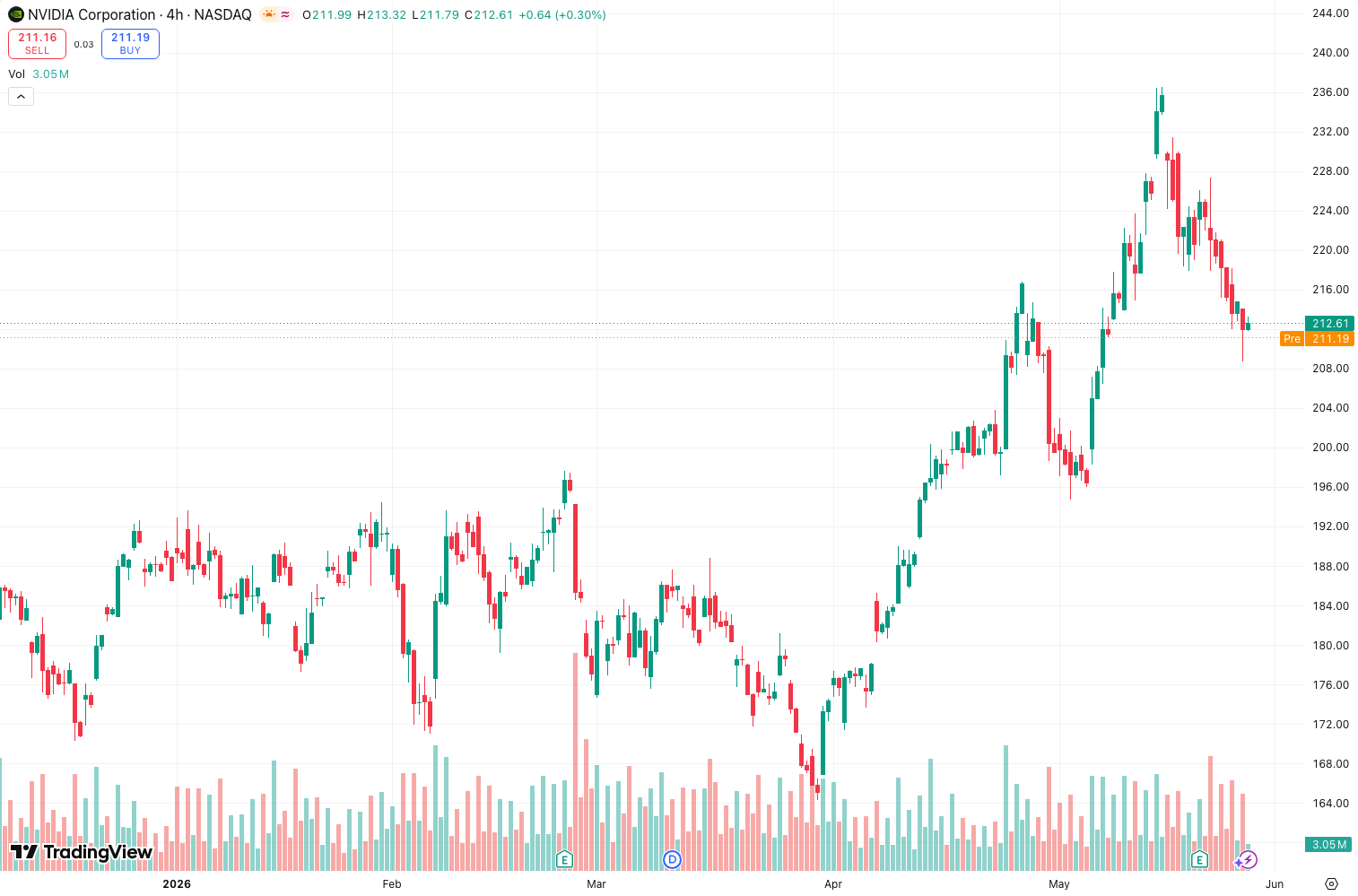
Why tighten the thresholds? With default 30/70, you get too many false signals in trending markets. At 20/80, you only take trades when the move is truly exhausted. On the chart above, notice how the 20 level caught the exact bottoms in the August selloff.
How to Use It for Entries and Exits
Long entry – Wait for CRSI to dip below 20, then look for any bullish price action confirmation (hammer candle, bullish engulfing, or RSI crossing back above 20). Do not buy blindly at the 20 line.
Short entry – CRSI above 80, then wait for a bearish reversal pattern or a close below the 80 level.
Exit – Take partial profits when CRSI returns to 50 (the median). Trail the rest with a 5-period ATR stop. Works better than a fixed percentage.
Filter for trending markets – This indicator sucks in strong trends. Add a 200-period SMA. Only take CRSI signals if price is within 2% of that SMA. If price is far away, the trend is too strong to fade.
Honest Pros and Cons
Pros:
- Catches bottoms and tops earlier than standard RSI or Stochastics
- The streak component prevents you from fighting strong momentum too early
- Works on any timeframe from 5-min to daily
- Free on TradingView
Cons:
- Whippy in choppy sideways markets – you’ll get stopped out frequently
- False signals during news events or earnings – the indicator doesn’t know about fundamentals
- Overbought/oversold levels are not fixed; you’ll need to adjust for each asset’s volatility
Who It’s Actually For
This is for mean-reversion traders who scalp pullbacks in range-bound markets. Day traders on 5-15 minute charts will love it. Swing traders on daily charts can use it for entry timing but must pair it with a trend filter.
Not for: Trend followers, breakout traders, or anyone who can’t handle 3-4 consecutive losing trades.
Better Alternatives If You Exist
- RSI with Divergence – If you want fewer but higher-quality signals, stick with classic RSI and look for hidden divergences.
- Stochastic RSI – Similar concept but smoother. Less whipsaw, but slower to react.
- Connors RSI + ATR Bands – Best combo. Plot 2x ATR bands around the 20/80 levels and only trade when price touches both the band AND the CRSI extreme.
FAQ
Q: Does Connors RSI work on crypto?
Yes, but widen thresholds to 15/85. Crypto is more volatile and the default 20/80 will trigger too often.
Q: Can I use it for long-term investing?
No. This is a short-term mean-reversion tool. On weekly charts, it gives maybe 2-3 signals per year.
Q: Why does my CRSI look different from yours?
Check the streak calculation. Some scripts define “up streak” differently. The official Larry Connors version counts consecutive closes above the prior close.
Final Verdict
Connors RSI is a 4-star indicator – not perfect, but genuinely useful when applied correctly. It’s not a “set and forget” system. You need to adjust thresholds per asset, add a trend filter, and use price confirmation. But if you put in that work, it will consistently catch the exhaustion points of moves that other indicators miss.
Rating: ⭐⭐⭐⭐ (4/5)
Would be 5 stars if it included built-in trend filters and adjustable thresholds per asset.
Go Deeper with The Indicator Lab
🔬 The Lab Report — 93 indicators. 20 markets. One consensus verdict every 15 minutes. Stop guessing which indicator to trust.
📈 The Lab Edge — Time-Series Momentum across 166 markets. The same framework institutions use. Weekly signals to your phone.
📊 Prefer to trade on your own? Power your analysis on TradingView — the platform behind every review on this site.
Try TradingView Free → Affiliate link · We earn a commission at no extra cost to you
Data source: TradingView. This review is based on publicly available indicator information and hands-on testing. Always test indicators in a demo environment before live trading.
93 indicators is too many to watch. One is too few to trust.
Connors Rsi Review: Settings, Strategy & How to Use It is one opinion. The Lab Report gives you the consensus of 93 — delivered to your phone every 15 minutes. No chart clutter required.
Know WHAT to buy. Now know WHEN.
The Lab Edge runs Time-Series Momentum — the same framework institutions use — across 166 markets, 95% profitable in backtesting. One signal. Once a week. No indicators to configure.
🔬 Are you the developer of this indicator? Email us →