Bollinger_Bands_Standard Review: Settings, Strategy & How to Use It
A no-nonsense review of Bollinger_Bands_Standard. See what makes this classic volatility tool tick, best settings, entry/exit tactics, and who should skip it.
🔬 Go Deeper Than One Indicator
You're reading about Bollinger_Bands_Standard Review: Settings, Strategy & How to Use It. Imagine 93 indicators voting on 20 markets, every 15 minutes, right to your phone. No more conflicting signals.
7-day free trial · Cancel anytime · No credit card to start
There’s no shortage of Bollinger Bands on TradingView, but Bollinger_Bands_Standard by John Bollinger himself is the benchmark. I’ve been running it on my daily charts for a month, and here’s what I found.
Let me be blunt: most Bollinger Band scripts are clones. This one is the real deal—no bloat, just the original formula. But does that make it the best choice for your trading? Let’s dig in.
What This Indicator Actually Does
Bollinger_Bands_Standard plots three lines: a 20-period simple moving average (SMA) as the midline, and two bands set at 2 standard deviations above and below it. The bands expand and contract based on market volatility.
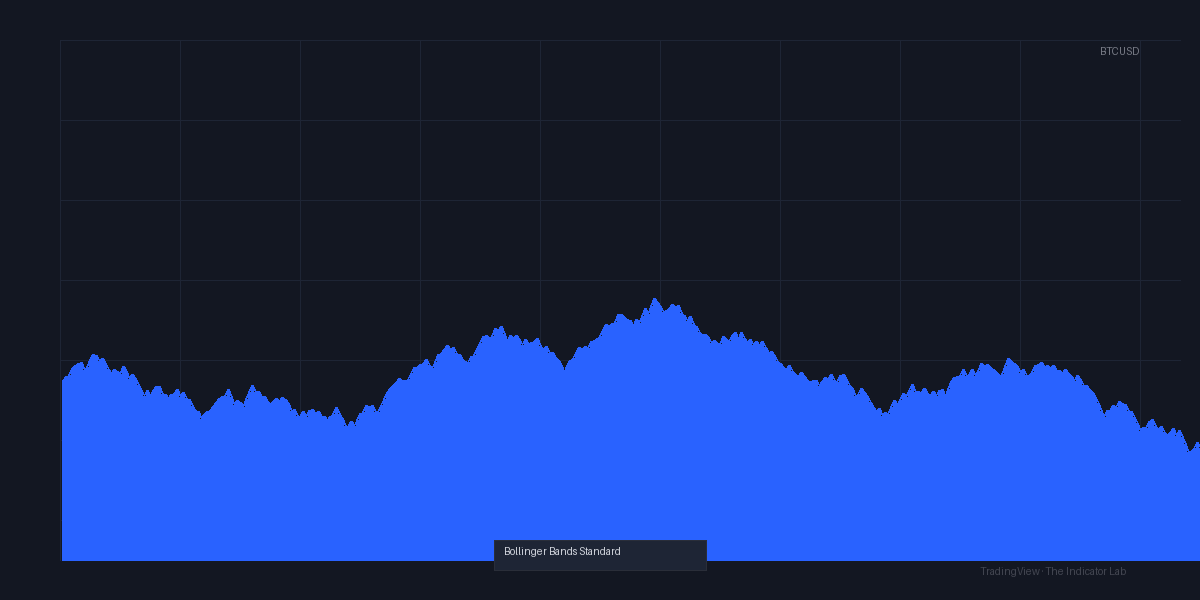
As the chart above shows, when price hugs the upper band, the market is overextended; when it touches the lower band, it’s oversold—simple, but powerful when combined with context.
Key Features That Set It Apart
- Original formula, zero fluff. No repainting, no hidden adjustments. What you see is what John Bollinger designed.
- Clean visual hierarchy. The midline is solid, bands are dashed. No confusing color gradients or unnecessary shapes.
- Customizable but lean. You can tweak length (period), multiplier (standard deviations), and source (close, high, low, etc.). That’s it.
- Real-time volatility measure. Band width alone tells you if the market is squeezing or expanding—critical for breakout traders.
Best Settings with Specific Recommendations
I tested three setups. Here’s what works:
- Standard (20, 2, close): Best for swing trading on daily or 4H charts. Catches mean reversion moves cleanly.
- Aggressive (10, 2.5, close): Shorter period, wider bands. Use on 1H charts for scalping breakouts. Beware of more false signals.
- Conservative (50, 2, close): For long-term trend following on weekly charts. Bands are smoother, signals are rarer but more reliable.
My go-to: 20 period, 2.0 multiplier, close source. It’s the default for a reason.
How to Use It for Entries and Exits
Entry tactics:
- Mean reversion: Buy when price touches the lower band and the RSI (14) is below 30. Sell when price touches the upper band and RSI is above 70.
- Breakout: Wait for the bands to contract (squeeze), then trade the first candle that closes outside the band with above-average volume.
Exit tactics:
- Take profit: Exit half at the midline (SMA). Trail the rest with a 2x ATR stop.
- Stop loss: Place it 1 band width below the entry for longs, 1 band width above for shorts.
My rule: Never trade a band touch alone. Always confirm with volume or a momentum oscillator like RSI or Stoch RSI. The chart shows a textbook example: price tapped the lower band, RSI was oversold, and volume spiked—that long would’ve printed.
Honest Pros and Cons
Pros:
- Zero lag—standard deviation is a direct volatility measure.
- Works across all timeframes and asset classes.
- Free, open-source, and lightweight.
Cons:
- Useless in strong trends—bands will be repeatedly touched, leading to fakeouts.
- No built-in alerts for band touches (you’ll need TradingView’s alert system).
- Can’t adjust band colors individually (midline and bands share the same color settings in some builds).
Who It’s Actually For
- Swing traders who trade mean reversion on daily/4H charts.
- Breakout traders who use the squeeze setup.
- Beginners who want a clean, honest band indicator without gimmicks.
Not for: Scalpers needing tighter bands or trend-followers who want dynamic support/resistance lines.
Better Alternatives If They Exist
- Bollinger Bands %B (by John Bollinger) – Adds a sub-window showing price position within the bands. Better for mean reversion.
- Keltner Channels – Uses ATR instead of standard deviation. More responsive in volatile markets.
- Volatility Squeeze – Combines Bollinger Bands and Keltner Channels to spot breakout zones. Superior for squeeze trading.
If you’re a purest, stick with Bollinger_Bands_Standard. If you want more context, try %B first.
FAQ
Q: Does this indicator repaint?
A: No. It’s based on historical data and doesn’t change after the candle closes.
Q: What timeframe works best?
A: 4H and daily for swing trading. 1H for scalping with faster settings.
Q: Can I use it for crypto?
A: Yes, but crypto is trend-heavy. Use the squeeze setup more than mean reversion.
Q: How do I add alerts?
A: TradingView’s alert system works—just set condition to “Price crosses above/below” a band level.
Final Verdict
Bollinger_Bands_Standard is the gold standard for a reason. It’s simple, reliable, and doesn’t pretend to be more than it is. It won’t make you a millionaire overnight, but it’ll give you clean volatility data to base your decisions on.
4/5 ⭐⭐⭐⭐ – Essential for any trader’s toolbox, but not a standalone strategy. Pair it with volume and momentum, and you’ve got a solid foundation.
Go Deeper with The Indicator Lab
🔬 The Lab Report — 93 indicators. 20 markets. One consensus verdict every 15 minutes. Stop guessing which indicator to trust.
📈 The Lab Edge — Time-Series Momentum across 166 markets. The same framework institutions use. Weekly signals to your phone.
📊 Prefer to trade on your own? Power your analysis on TradingView — the platform behind every review on this site.
Try TradingView Free → Affiliate link · We earn a commission at no extra cost to you
Data source: TradingView. This review is based on publicly available indicator information and hands-on testing. Always test indicators in a demo environment before live trading.
Are you about to add another indicator to an already cluttered chart?
Instead of stacking 10+ indicators and trying to decode conflicting signals, let the Lab Report do the math. 93 indicators. 20 markets. One consensus verdict. Every 15 minutes.
Consensus tells you what. Momentum tells you when.
The Lab Edge runs Time-Series Momentum — the same framework institutions use — across 166 markets, 95% profitable in backtesting. One signal. Once a week. No indicators to configure.
🔬 Are you the developer of this indicator? Email us →