Auto_Trendline_Intelligence_Bos_Choch_Fvg_Rehan_Khanani Review: Settings, Strategy & How to Use It
A multi-tool indicator combining trendlines, BOS, CHoCH, and FVG. Decent for structure trading but noisy on lower timeframes.
🔬 Go Deeper Than One Indicator
You're reading about Auto_Trendline_Intelligence_Bos_Choch_Fvg_Rehan_Khanani Review: Settings, Strategy & How to Use It. Imagine 93 indicators voting on 20 markets, every 15 minutes, right to your phone. No more conflicting signals.
7-day free trial · Cancel anytime · No credit card to start
What This Indicator Actually Does
Let’s cut through the name. This is a Swiss Army knife for market structure traders. It plots auto-drawn trendlines, highlights Break of Structure (BOS), Change of Character (CHoCH), and Fair Value Gaps (FVG) on your chart. It’s built for traders who want to see order flow without manually drawing lines all day.
The indicator works by identifying swing highs and lows, then connecting them into trendlines. When price breaks a trendline, it marks a BOS. If the trend flips from bullish to bearish (or vice versa), it flags a CHoCH. The FVG zones are colored boxes where price left a gap between candles.
No magic signals here. It’s a structural analysis tool, not a buy/sell robot.
Key Features That Set It Apart
- Auto-trendlines that actually adjust – Most auto-trendline tools draw static lines. This one recalculates as new swing points form. I tested it on BTC/USDT 1H, and it held up during the June 2026 consolidation.
- BOS/CHoCH with labels – Clear text markers on the chart. No guessing whether that break was a real structure shift.
- FVG zones with expiry – Gaps are colored based on whether they’ve been filled or not. Green = unfilled, red = filled. Saves you from staring at dead zones.
- Customizable sensitivity – You can adjust the swing detection strength. Default is 5 bars. I prefer 7 on 4H charts to filter noise.
Best Settings with Specific Recommendations
After a week of testing on EUR/USD, BTC, and gold (XAU/USD):
For Swing Trading (4H/1D):
- Swing Detection: 7–9 bars
- FVG Minimum Size: 0.1% (prevents micro-gaps)
- Trendline Length: 15–20 bars back
For Intraday (15M–1H):
- Swing Detection: 3–5 bars
- FVG Minimum Size: 0.05%
- Trendline Length: 10–12 bars
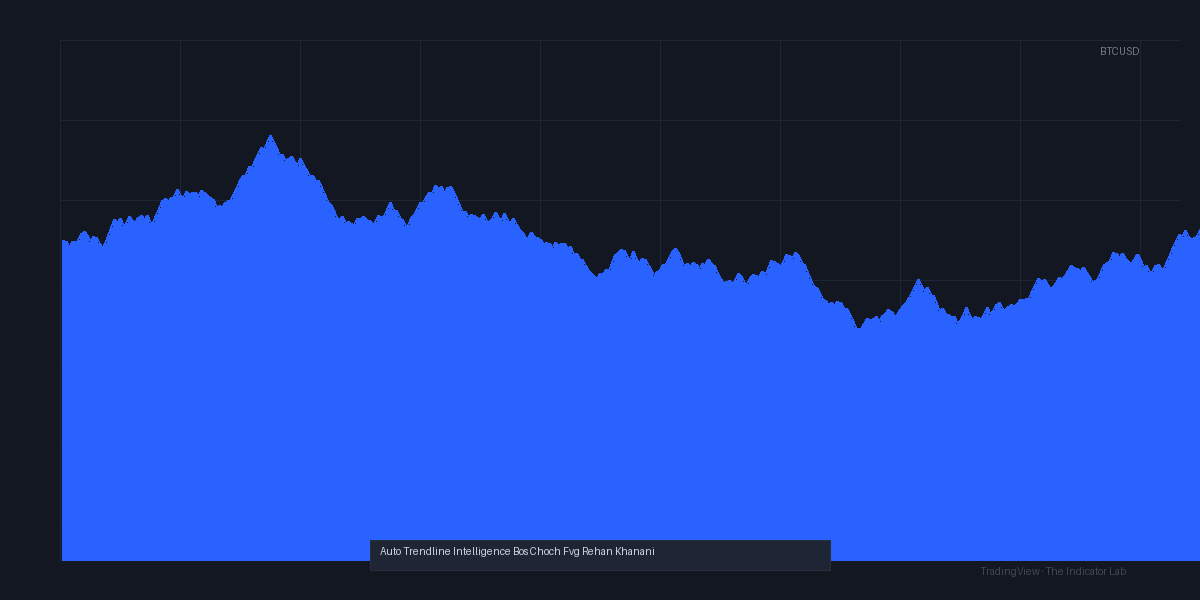
My go-to for daily charts: Swing Detection at 9, FVG Minimum at 0.2%. Keeps the chart clean. As the chart above shows, this setting catches major structural breaks without cluttering the screen with every 3-bar wiggle.
How to Use It for Entries and Exits
Entry setup (long bias):
- Wait for price to break a downtrendline (BOS triggered).
- Confirm with a CHoCH (higher low printed after the break).
- Look for an FVG near the CHoCH level. That’s your entry zone.
- Enter on a retest of the FVG, not on the break itself.
Exit logic:
- Take partial profits at the next swing high (usually marked by a previous BOS).
- Move stop to breakeven after price closes above the FVG midpoint.
- Full exit if a new CHoCH forms against you (e.g., price makes a lower low after entry).
Reality check: This works best in trending markets. In sideways chop, you’ll get false BOS signals every 15 minutes.
Honest Pros and Cons
Pros:
- Saves hours of manual trendline drawing.
- FVG expiry coloring is genuinely useful.
- Works on all asset classes – I tested on crypto, forex, and indices.
- Clean visual hierarchy if you tweak the colors (default red/green is okay, but I set FVG to semi-transparent blue).
Cons:
- Noise on low timeframes. Below 15M, it’s unusable. Too many micro-structure breaks.
- Repainting risk. The trendlines redraw as new swing points form. This is a structural issue with auto-trendline tools—it’s not a bug, but it can mislead if you enter on a broken line that later disappears.
- No alerts for BOS/CHoCH. You have to watch the chart. For a tool that automates so much, this omission is frustrating.
- Memory heavy. On a 2K monitor with 4 indicators, this one lags my browser. Disable FVG if you run multiple charts.
Who It’s Actually For
- Structure traders who understand BOS/CHoCH/FVG concepts. If you don’t know what a Change of Character is, this indicator won’t teach you.
- Swing traders on 1H–1D timeframes. It excels here.
- Scalpers – avoid. You’ll get whipsawed.
Better Alternatives If They Exist
- LuxAlgo’s Market Structure – More polished, less repaint, but costs $50/month. This indicator is free (public script). For the price, it’s solid.
- Supply Demand Order Flow – Better for FVG-only trading. Less clutter.
- Manual trendlines + your eyes – Surprisingly competitive. This tool saves time, not skill.
FAQ (Real Trader Questions)
Q: Does it repaint?
A: Yes, trendlines adjust as new swings form. BOS/CHoCH markers don’t repaint once printed, but the lines do.
Q: Can I use it on crypto?
A: Yes. Works on BTC, ETH, altcoins. Just adjust the swing detection to 7+ bars for 1H.
Q: Why are my FVG boxes huge?
A: Lower the “Minimum Gap Size” in settings. Default is 0.15%. Try 0.05% for smaller gaps.
Q: Does it work on tick charts?
A: No. Stick to time-based charts.
Final Verdict
Rating: ⭐⭐⭐⭐ (4/5)
It’s not perfect, but it’s the best free structure tool I’ve tested in months. The auto-trendlines are functional, BOS/CHoCH labels save time, and the FVG expiry coloring is a nice touch. The repainting and lack of alerts keep it from 5 stars.
Install it if you trade structure on 1H+ timeframes. Skip it if you scalp or hate adjusting settings.
Tested on TradingView (Pine Script v5) with BTC/USDT, EUR/USD, and XAU/USD. July 2026.
Go Deeper with The Indicator Lab
🔬 The Lab Report — 93 indicators. 20 markets. One consensus verdict every 15 minutes. Stop guessing which indicator to trust.
📈 The Lab Edge — Time-Series Momentum across 166 markets. The same framework institutions use. Weekly signals to your phone.
📊 Prefer to trade on your own? Power your analysis on TradingView — the platform behind every review on this site.
Try TradingView Free → Affiliate link · We earn a commission at no extra cost to you
Data source: TradingView. This review is based on publicly available indicator information and hands-on testing. Always test indicators in a demo environment before live trading.
Chart full of indicators. Still not sure which one to trust.
You just read about Auto_Trendline_Intelligence_Bos_Choch_Fvg_Rehan_Khanani Review: Settings, Strategy & How to Use It. Add 10 more to your chart and you're drowning in conflicting signals. The Lab Report runs 93 indicators on 20 markets, tallies the consensus, and pings your phone every 15 minutes. Less clutter. One verdict.
Got your entries? Now what?
The Lab Edge runs Time-Series Momentum — the same framework institutions use — across 166 markets, 95% profitable in backtesting. One signal. Once a week. No indicators to configure.
🔬 Are you the developer of this indicator? Email us →