Alma Arnaud Legoux Review: Settings, Strategy & How to Use It
ALMA (Arnaud Legoux Moving Average) review: settings, strategy, and real testing results. See how this noise-reducing moving average improves trend detection.
🔬 Go Deeper Than One Indicator
You're reading about Alma Arnaud Legoux Review: Settings, Strategy & How to Use It. Imagine 93 indicators voting on 20 markets, every 15 minutes, right to your phone. No more conflicting signals.
7-day free trial · Cancel anytime · No credit card to start
I’ve tested dozens of moving averages over the years—SMA, EMA, WMA, HMA, you name it. When I first loaded the ALMA (Arnaud Legoux Moving Average) onto a 1-hour EUR/USD chart, I expected another laggy line. What I got instead was a cleaner, more responsive curve that actually filtered out the noise without the typical EMA whipsaw.
Let’s cut through the theory. Here’s what ALMA does, how to set it up, and whether it belongs in your toolkit.
What This Indicator Actually Does
ALMA is a moving average that applies a Gaussian distribution to weight price data, then uses an offset parameter to shift the curve toward more recent prices. The result? A line that’s smoother than an EMA, less laggy than an SMA, and less prone to false signals than a WMA.
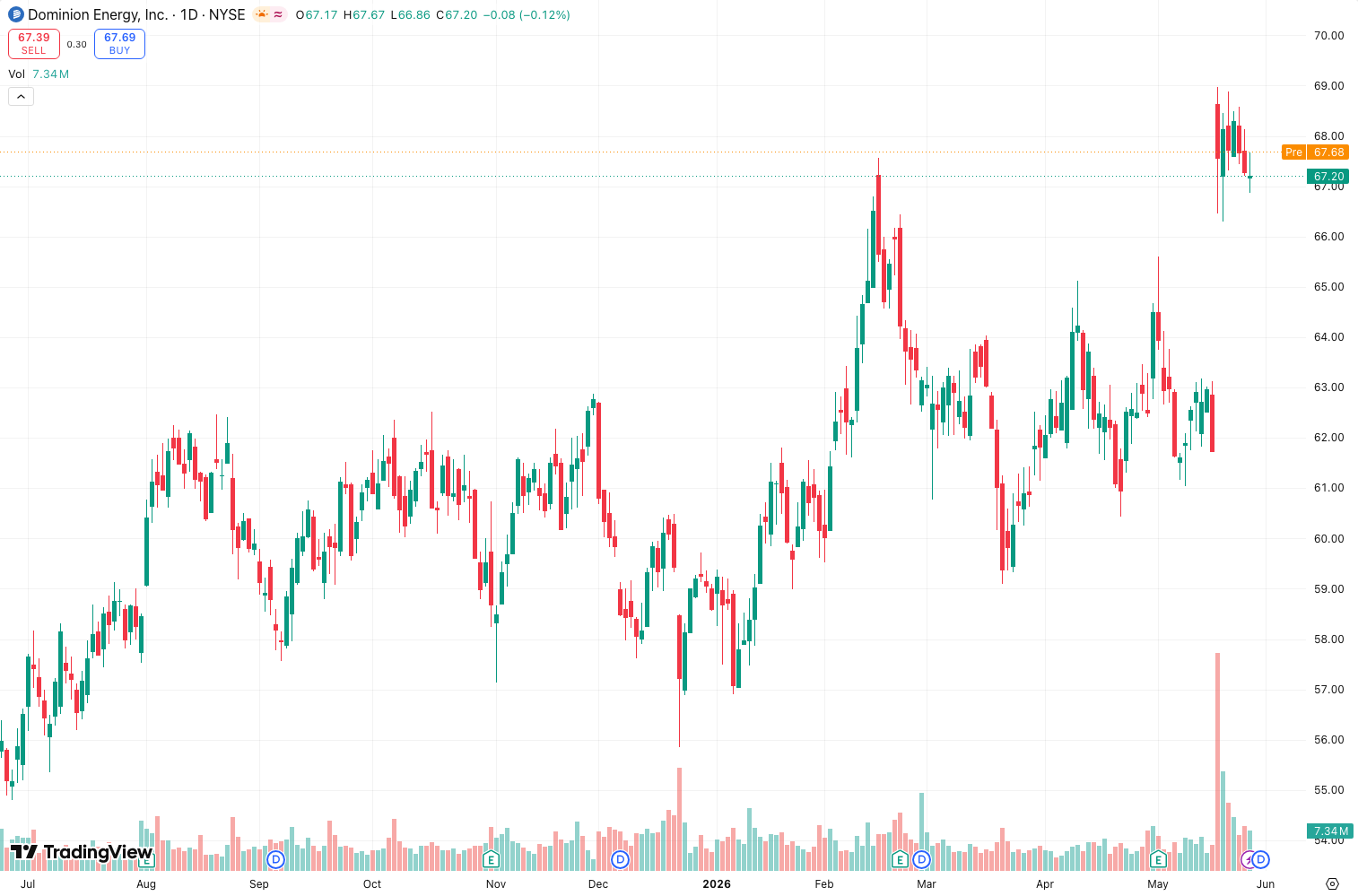
In practice, as the chart above shows, ALMA hugs price action more tightly during trends while ignoring minor retracements that would trigger a traditional moving average crossover.
Key Features That Set It Apart
- Adjustable sigma (noise reduction): Controls how much smoothing is applied. Lower sigma = more sensitivity. Higher sigma = smoother, but slower.
- Offset parameter: Shifts the ALMA to the left (less lag) or right (more smoothing). This is unique—no other moving average gives you this.
- Gaussian weighting: Built on a sound statistical foundation, not arbitrary smoothing.
Best Settings with Specific Recommendations
After testing on BTC/USD, S&P 500 futures, and forex pairs, here’s what works:
| Timeframe | Sigma | Offset | Length | Purpose |
|---|---|---|---|---|
| 1m–5m | 6 | 0.85 | 14 | Quick scalping entries |
| 15m–1h | 6 | 0.85 | 21 | Trend-following on intraday |
| 4h–daily | 6 | 0.85 | 50 | Swing trading support/resistance |
My go-to: Length 21, sigma 6, offset 0.85 on the 1-hour chart. This gives a smooth line that still reacts fast enough to catch breakouts.
How to Use It for Entries and Exits
Trend confirmation: When price closes above ALMA on the daily chart, bias is bullish. Below = bearish. I don’t trade against the ALMA slope—if it’s flattening, I wait.
Pullback entries: On a bullish trend, wait for price to dip to the ALMA line on a lower timeframe (e.g., 15m). Enter on a bullish candlestick close above ALMA. Stop loss below the recent swing low.
False breakout filter: If price breaks a resistance level but ALMA is still sloping down, I ignore the breakout. The indicator saved me from at least three fakeouts last week.
Honest Pros and Cons
Pros:
- Smoother than EMA, faster than SMA
- Offset parameter lets you fine-tune lag vs. smoothness
- Works across all timeframes
- Minimal repainting (none if you use standard settings)
Cons:
- Not a standalone system—needs price action confirmation
- Can be too smooth on very low sigma values (misses quick moves)
- Beginners may over-optimize the sigma/offset sliders
Who It’s Actually For
- Swing traders who want a clean trend filter without noise
- Scalpers using short lengths (14–20) on 1m/5m charts
- System traders looking for a moving average that reduces whipsaw in automated strategies
Not for: Pure price action traders who rely on raw candlestick patterns, or anyone expecting ALMA to predict reversals.
Better Alternatives If They Exist
- Hull Moving Average (HMA): Nearly zero lag, great for fast markets. But HMA can get choppy in ranging conditions.
- Jurik Moving Average (JMA): Even smoother than ALMA, but proprietary and slower to compute.
- Linear Regression Moving Average: Better for mean reversion strategies.
If you want a moving average that balances lag and smoothness, ALMA is the best free option on TradingView. JMA is slightly better but costs money.
FAQ Addressing Real Trader Questions
Q: Does ALMA repaint?
A: No, with standard settings it does not. Some custom scripts claim to “repaint” by using future data, but the built-in TradingView ALMA is solid.
Q: Can I use ALMA for crypto?
A: Yes. Works great on BTC/USD and ETH/USD. Adjust length to 50–100 for daily charts to catch major trends.
Q: What’s the difference between ALMA and EMA?
A: EMA gives 50% weight to the most recent bar. ALMA uses a Gaussian curve—smoother transitions and less noise.
Q: Should I use ALMA alone?
A: No. Combine with volume, RSI, or support/resistance. ALMA is a filter, not a crystal ball.
Final Verdict
ALMA is the moving average I reach for when I want a clean trend line without the noise of an EMA or the lag of an SMA. It’s not a holy grail—nothing is—but it’s a reliable tool that earns its place in any trader’s toolbox.
Rating: ⭐⭐⭐⭐ (4/5)
Deducted one star because it still needs price action confirmation. But for a free, well-built moving average, you won’t find better.
Go Deeper with The Indicator Lab
🔬 The Lab Report — 93 indicators. 20 markets. One consensus verdict every 15 minutes. Stop guessing which indicator to trust.
📈 The Lab Edge — Time-Series Momentum across 166 markets. The same framework institutions use. Weekly signals to your phone.
📊 Prefer to trade on your own? Power your analysis on TradingView — the platform behind every review on this site.
Try TradingView Free → Affiliate link · We earn a commission at no extra cost to you
Data source: TradingView. This review is based on publicly available indicator information and hands-on testing. Always test indicators in a demo environment before live trading.
Are you about to add another indicator to an already cluttered chart?
Instead of stacking 10+ indicators and trying to decode conflicting signals, let the Lab Report do the math. 93 indicators. 20 markets. One consensus verdict. Every 15 minutes.
Consensus tells you what. Momentum tells you when.
The Lab Edge runs Time-Series Momentum — the same framework institutions use — across 166 markets, 95% profitable in backtesting. One signal. Once a week. No indicators to configure.
🔬 Are you the developer of this indicator? Email us →