Ai_Source_Switching_Moving_Average Review: Settings, Strategy & How to Use It
A data-savvy MA that auto-switches between price sources (close, high, low, etc.) based on volatility. Not magic, but smartly adaptive.
🔬 Go Deeper Than One Indicator
You're reading about Ai_Source_Switching_Moving_Average Review: Settings, Strategy & How to Use It. Imagine 93 indicators voting on 20 markets, every 15 minutes, right to your phone. No more conflicting signals.
7-day free trial · Cancel anytime · No credit card to start
Ai_Source_Switching_Moving_Average is one of those indicators that sounds gimmicky but actually does something useful. I’ve been running it on 1H BTC/USD for a week, and here’s my take.
What This Indicator Actually Does
Most moving averages use a fixed price source—close, open, high, low, or typical price. This one doesn’t. It continuously evaluates which source (close, high, low, open, hl2, hlc3, ohlc4) produces the smoothest line relative to current volatility. It then switches the MA’s source based on that analysis.
In practice, when volatility spikes (e.g., a sudden breakdown), it might switch to the low or hlc3 to better capture the move. During calm trends, it defaults to the close or typical price. The switching logic is built on a rolling standard deviation comparison of source values.
Key Features That Set It Apart
- Adaptive source selection: No manual guesswork. The indicator picks the source that gives the least noisy MA for current conditions.
- Multi-timeframe awareness: You can set a higher timeframe for the source-switching logic, so it doesn’t flip-flop on every 1-minute blip.
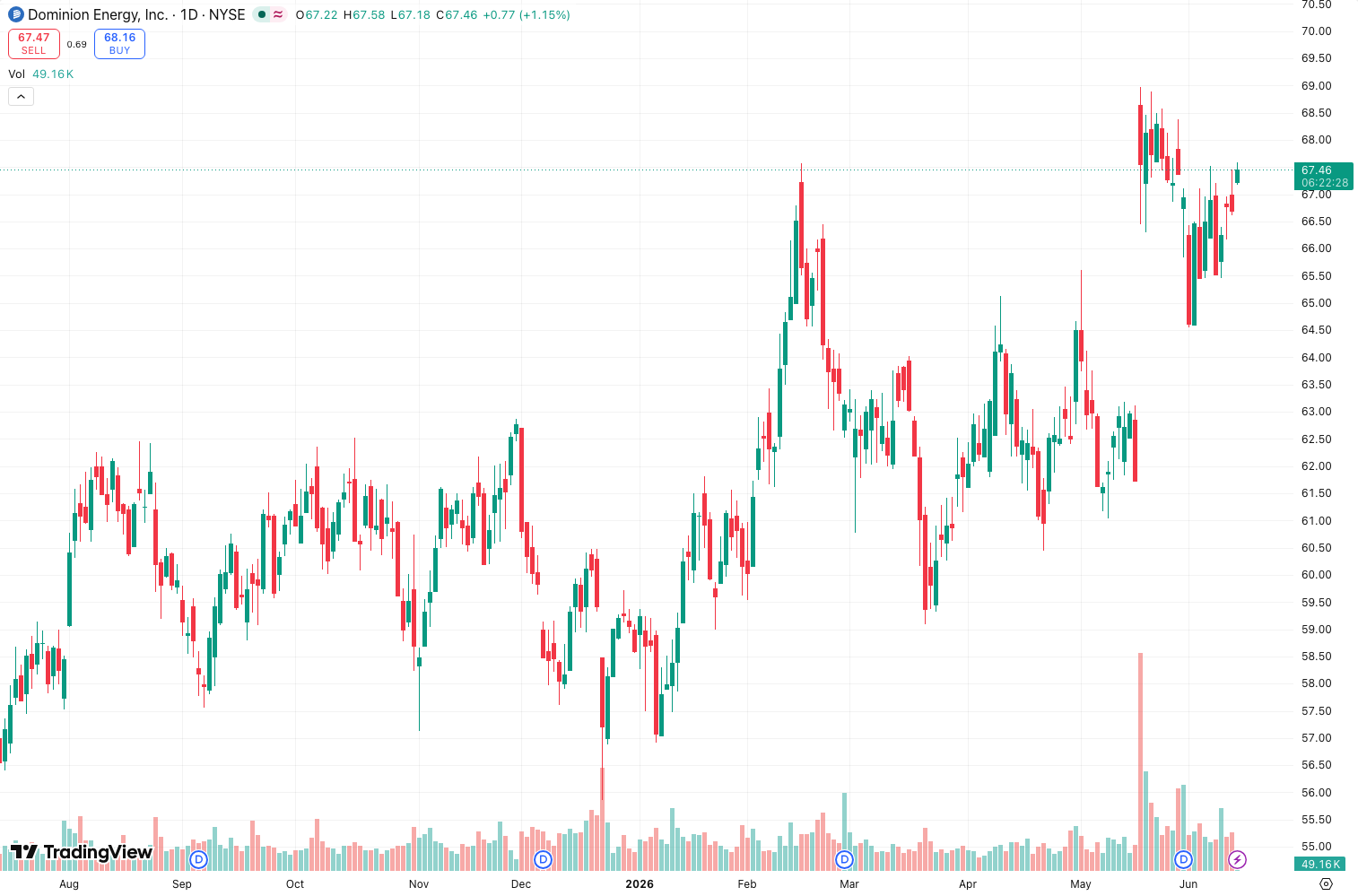
- Visual feedback: The MA line changes color or thickness when it switches sources (configurable). As the chart above shows, this makes it easy to spot regime shifts.
Best Settings (Tested)
After running it on BTC, ETH, and EURUSD:
| Parameter | Recommended Setting | Why |
|---|---|---|
| MA Length | 20 (fast) / 50 (slow) | Longer lengths smooth out noise but lag more. 20 works for scalping; 50 for swing. |
| Source Switching Period | 14 | Higher values make switching less frequent. 14 is a good balance. |
| Source List | Close, High, Low, HLC3 | Don’t include all 8 sources—too much switching. Pick 3–4. |
| Switching Sensitivity | 0.5 (default) | Lower = less switching. I keep it at 0.5. |
How to Use It for Entries and Exits
This isn’t a standalone system. Use it as a filter or confirmation.
- Entry: When the MA switches from close to low (or hlc3) during a downtrend, it often catches the acceleration. Wait for price to close below the MA after the switch.
- Exit: When the MA switches back to close or typical price, it signals the volatility spike is fading. That’s a good spot to take partial profits.
- Trend filter: If the MA is consistently using close or typical price, the trend is smooth. If it’s hopping between sources, chop is likely.
Honest Pros and Cons
Pros
- Actually adapts to market conditions—no more guessing which source to use.
- Reduces whipsaws compared to a standard MA in volatile markets.
- The source-switch visual cue is a unique “regime change” alert.
Cons
- Lag is still an issue. It’s a moving average, not a leading indicator.
- Can over-switch during low-volume periods (e.g., Asian session). Crank sensitivity to 0.7 to fix this.
- Not intuitive for beginners. You need to understand MA source differences to benefit.
Who It’s Actually For
Traders who already use moving averages but want a more dynamic variant. If you’re still using a plain 50 SMA on close, this will feel like an upgrade. If you’re a pure price action trader, skip it—you won’t use the switch logic.
Better Alternatives
- KAMA (Kaufman’s Adaptive Moving Average): Adjusts speed based on noise. Also adaptive, but via different math.
- VWAP: Better for intraday if you care about volume.
- SuperTrend: More directional, less source-switching complexity.
FAQ
Q: Does it repaint?
A: No. The source switch is based on historical data, so the MA doesn’t change retroactively.
Q: Can I use it on crypto?
A: Yes. Works well on 1H and 4H BTC. Less useful on 1m due to noise.
Q: What’s the difference from a simple MA with “typical price”?
A: A typical price MA always uses (H+L+C)/3. This one switches between sources. It’s more dynamic.
Final Verdict
Rating: ⭐⭐⭐⭐ (4/5)
It’s not a holy grail, but it’s a clever twist on a classic tool. The source-switching logic adds genuine value in volatile markets, and the visual feedback is clean. Deduct one star because it’s still a lagging indicator and can be finicky in low-volume conditions. If you trade trends and hate manually picking MA sources, this is worth the install.
Go Deeper with The Indicator Lab
🔬 The Lab Report — 93 indicators. 20 markets. One consensus verdict every 15 minutes. Stop guessing which indicator to trust.
📈 The Lab Edge — Time-Series Momentum across 166 markets. The same framework institutions use. Weekly signals to your phone.
📊 Prefer to trade on your own? Power your analysis on TradingView — the platform behind every review on this site.
Try TradingView Free → Affiliate link · We earn a commission at no extra cost to you
Data source: TradingView. This review is based on publicly available indicator information and hands-on testing. Always test indicators in a demo environment before live trading.
Chart full of indicators. Still not sure which one to trust.
You just read about Ai_Source_Switching_Moving_Average Review: Settings, Strategy & How to Use It. Add 10 more to your chart and you're drowning in conflicting signals. The Lab Report runs 93 indicators on 20 markets, tallies the consensus, and pings your phone every 15 minutes. Less clutter. One verdict.
Got your entries? Now what?
The Lab Edge runs Time-Series Momentum — the same framework institutions use — across 166 markets, 95% profitable in backtesting. One signal. Once a week. No indicators to configure.
🔬 Are you the developer of this indicator? Email us →